Occasions
Virtual wedding dress try-on: see the gown on you before the boutique
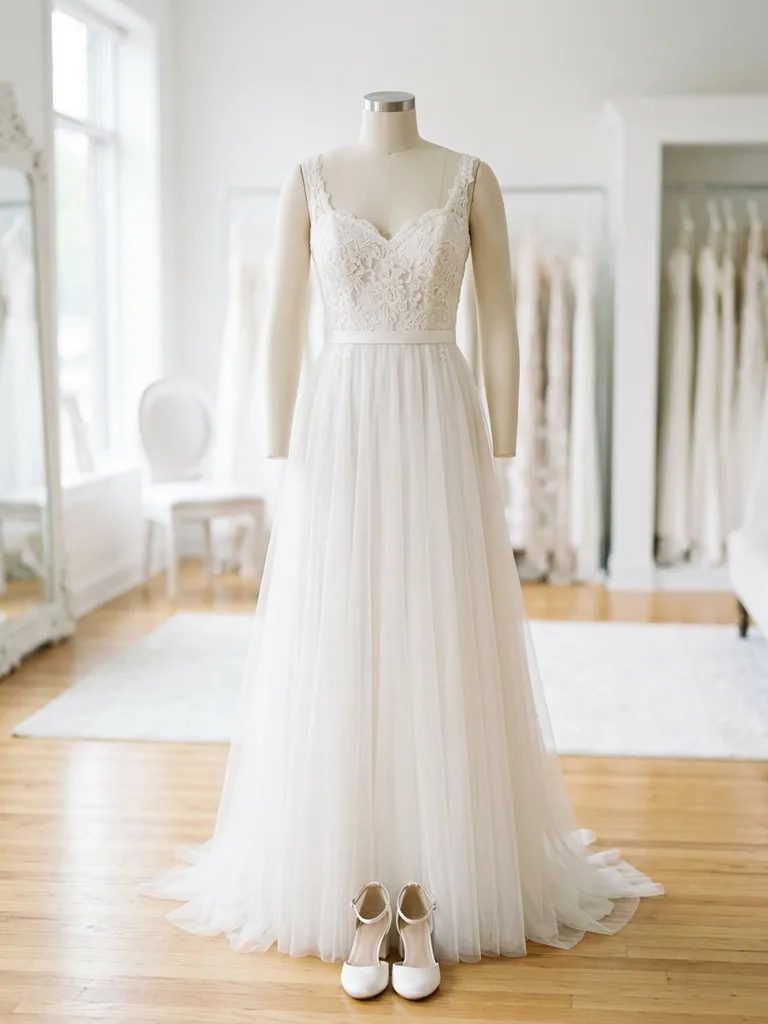
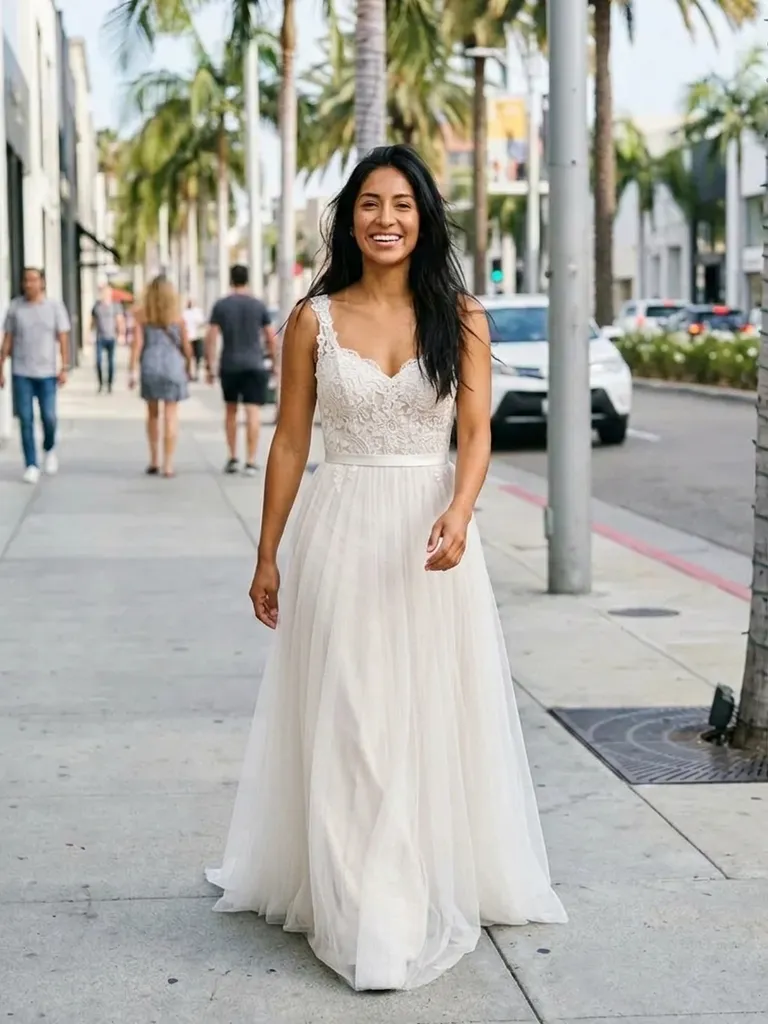
Virtual wedding dress try-on lets you see any bridal gown on your own photo in under a minute. Save dresses from designers, boutiques or Pinterest, upload a full-length picture of yourself and compare styles from your sofa.
How it works
1
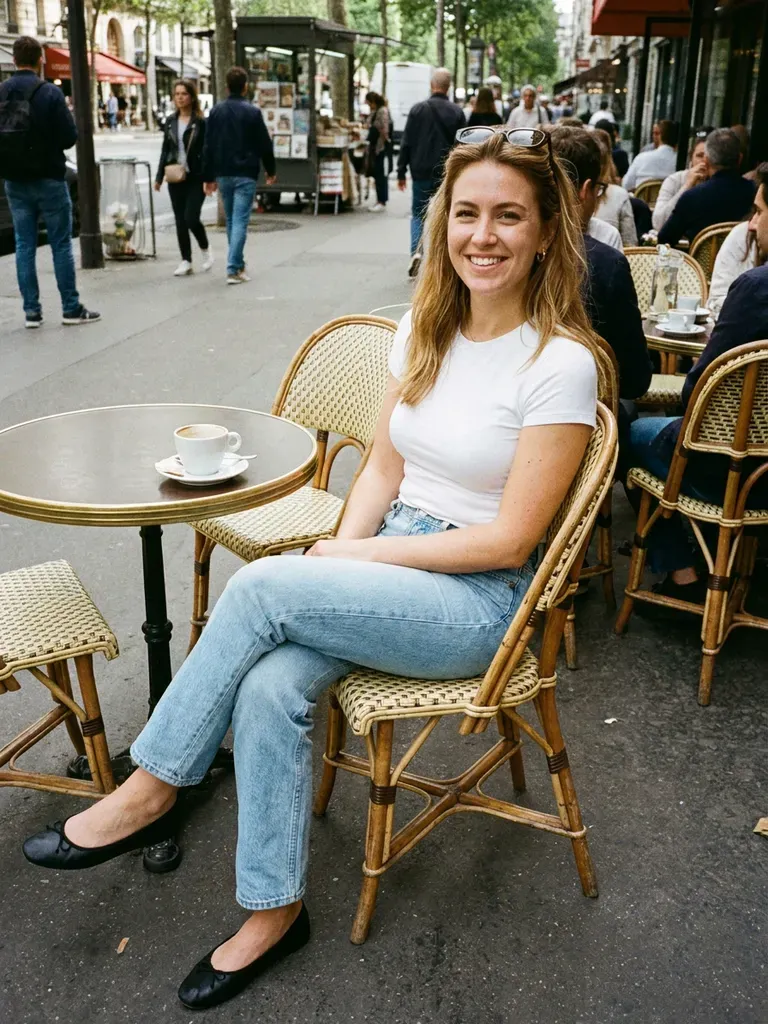
Upload a full-length photo
Stand straight, face the camera and use good light – a simple background helps the AI focus on you.
2
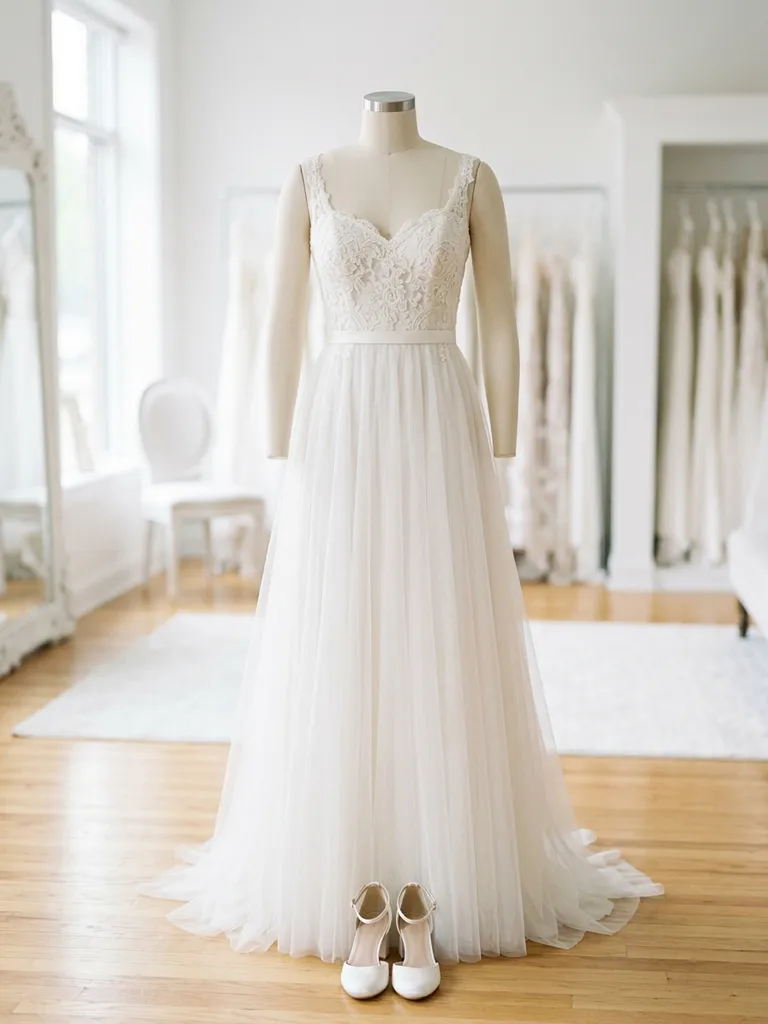
Save dresses from anywhere
Screenshot gowns from boutique websites, designer lookbooks, Instagram or Pinterest boards.
3
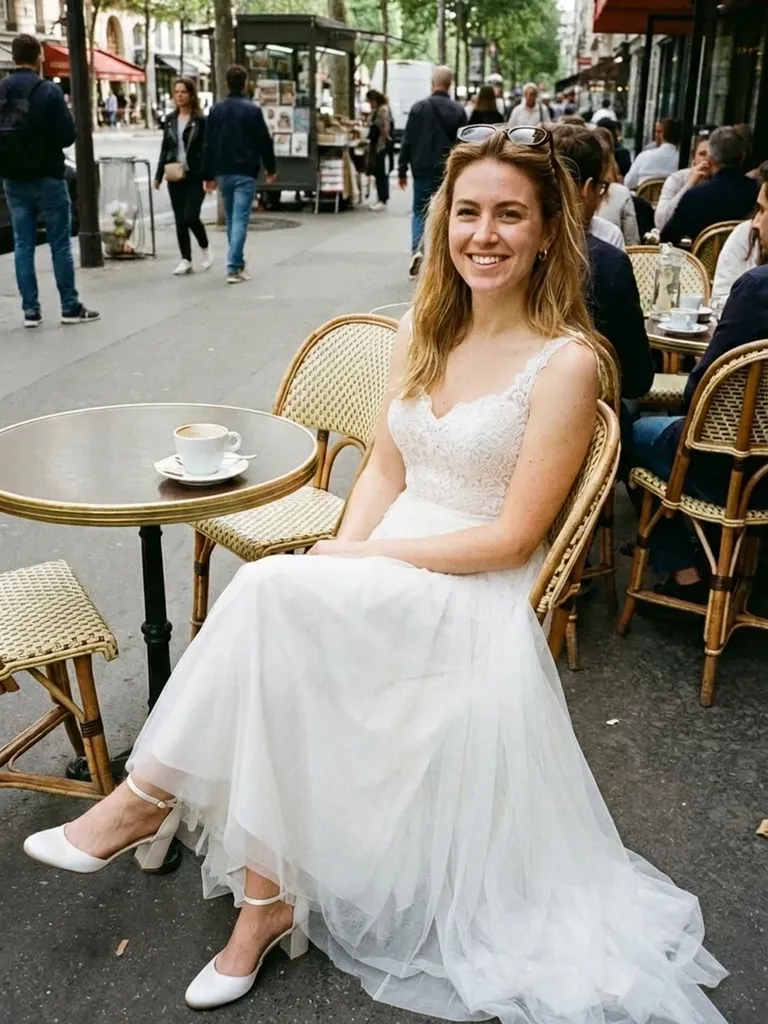
See yourself in the dress
In about 30–60 seconds you get a realistic preview of you wearing that gown. Repeat for every dress on your list.
Why try it on with Outfitap
Compare silhouettes side by side
A-line, ball gown, mermaid or sheath – see which shape flatters you before you book fittings.
Check the shade against your skin
Ivory, champagne, blush and stark white all read differently on camera. Find your best white.
Shortlist before appointments
Arrive at the boutique knowing which three styles you actually want to try in person.
Share with your bridal party
Download your previews and send them to your mum, maid of honour or bridesmaids for honest votes.
Try designers you can’t reach locally
Preview gowns from labels that have no stockist near you, or that are sold out in your size.
Private by design
Your photos are processed in memory and never stored, so your dress stays a secret until the big day.
Why try on wedding dresses virtually first
Bridal appointments are short, often booked weeks ahead and usually limited to the stock a single boutique carries. Trying gowns virtually first means you walk in already knowing whether a plunging neckline, long sleeves or a full skirt suits you. It also widens your search: you can test a designer gown you saw on Instagram next to a high-street option and a vintage find, all on the same photo of you. Think of it as a filter, not a replacement – you’ll still want a fitting for the final decision.
What works best for wedding dress photos
For your own photo, choose a full-length shot taken straight on, arms relaxed, wearing fitted clothes so the AI can read your shape. For the dress, a product image on a model or mannequin works best; a flat-lay is fine for simpler slip dresses. Avoid collages, mirror selfies with flash glare and images where a veil or bouquet hides most of the bodice. If a gown has a long train, pick a photo that shows the full length.
Wedding dress styles to try
Start broad and narrow down. Try a classic A-line, a dramatic ball gown, a fitted mermaid or trumpet dress, a minimalist crepe sheath and a boho lace gown with sleeves. Then play with details: off-the-shoulder versus halter necklines, a square neck, a corset bodice or a two-piece bridal set. Many brides end up loving a style they would never have pulled off the rack. Save each preview so you can compare them side by side, and bring your favourites to your first appointment so the consultant can pull similar gowns.
Frequently asked questions
Yes. You get 2 complimentary try-ons when you sign up with your email, no card needed. After that, credit packs start at €1.99 for 10 try-ons and credits never expire.
Yes. Mannequin and model photos from boutique websites work well. What matters most is that the whole dress is visible, in focus and not covered by other items or text.
No tool can promise that. The preview shows the silhouette, neckline, colour and overall style on you, but not how a specific size will fit or how heavy the fabric feels. Always do a fitting before ordering.
Yes. Keep the same photo of yourself and swap the dress image as often as you like. Each preview uses one credit, so ten dresses cost ten credits.
No. Photos are processed in memory and discarded after generation. Your result is kept for 24 hours on the web so you can download it, then it’s deleted.
Absolutely. Suits, tuxedos, bridesmaid dresses and guest outfits all work the same way – upload the person’s photo and the outfit image. Each person uses their own photo, and every result can be downloaded and shared with the others within 24 hours.
Yes. It works in any mobile browser, and the Outfitap app for iOS and Android makes saving dresses and comparing results even quicker. Your account, credits and results work the same in the browser and in the iOS and Android apps, in all 10 languages Outfitap supports.
More try-on ideas
Try it on free
Try on wedding dresses online with AI. Upload your photo and any gown to see how it looks on you before boutique visits. Free to start.