Occasions
Virtual bridesmaid dress try-on for the whole bridal party
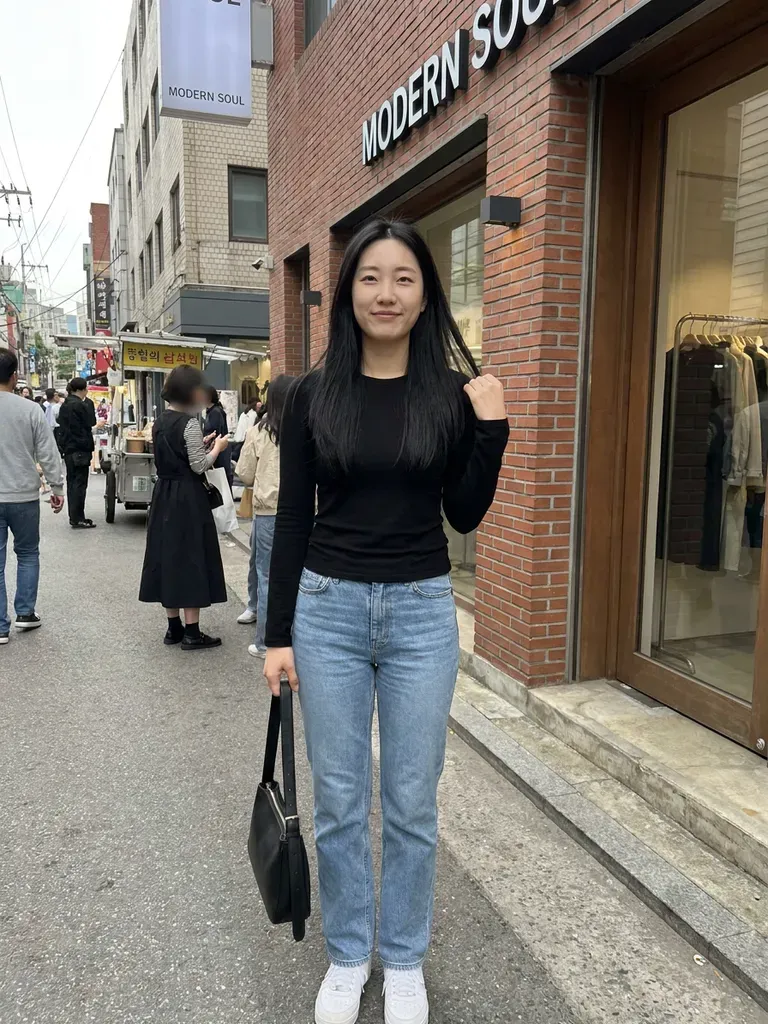
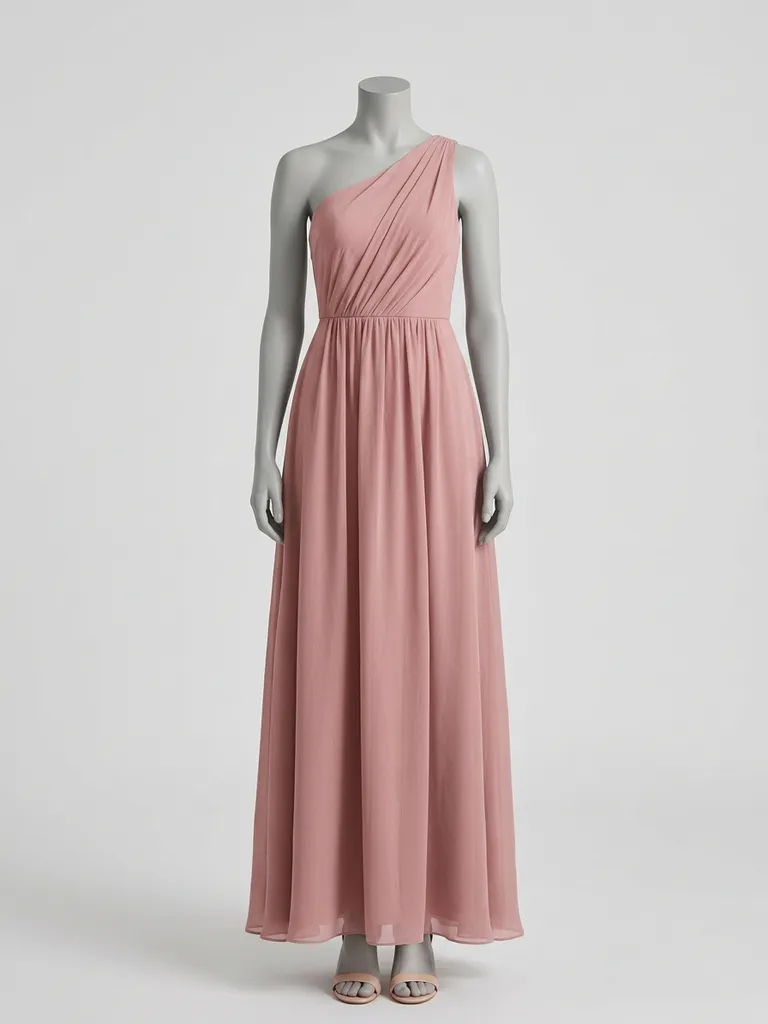
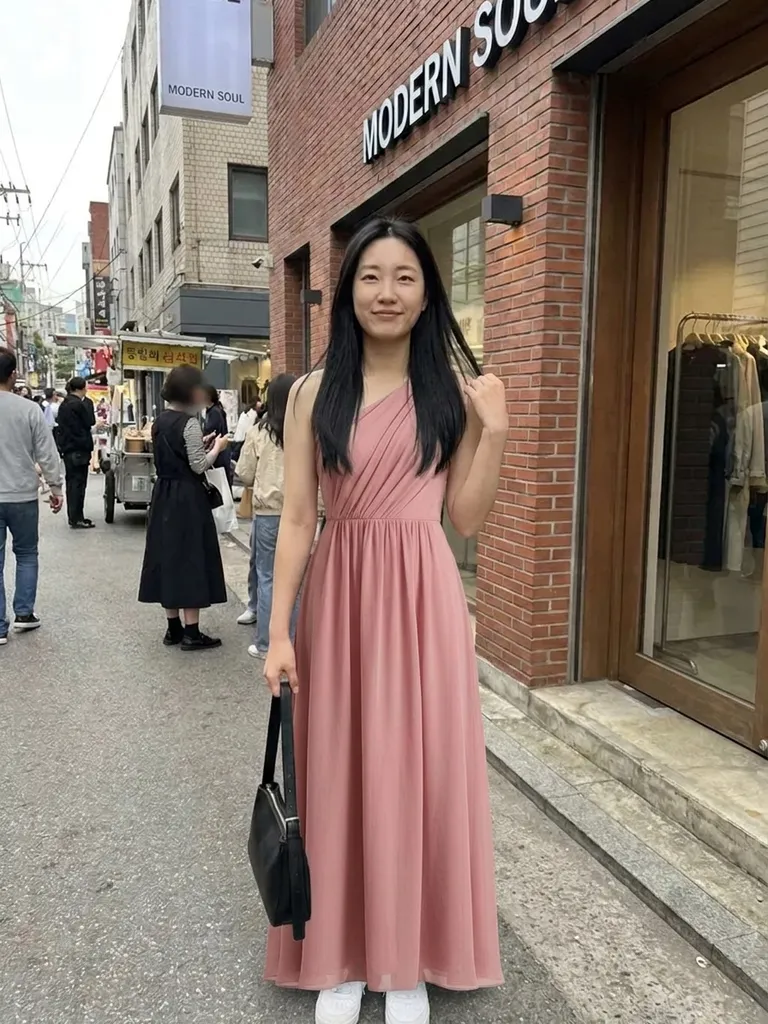
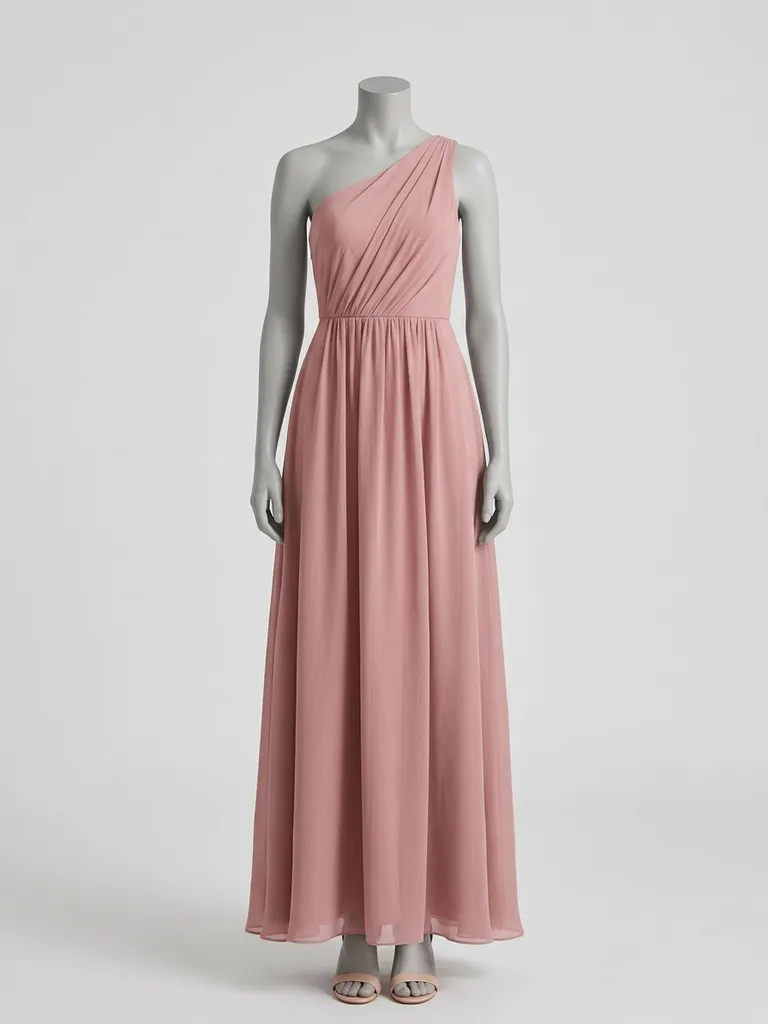
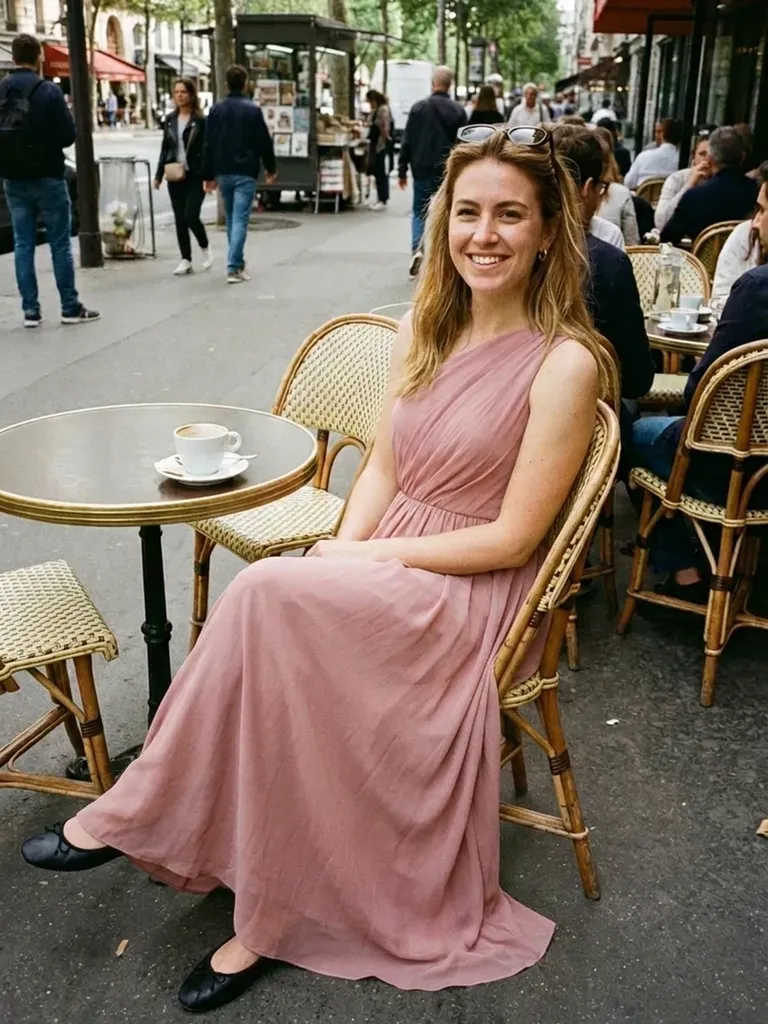
Virtual bridesmaid dress try-on lets every bridesmaid see the chosen dress on herself, wherever she lives. Upload one photo per bridesmaid, add the dress and compare colours and cuts before anyone orders.
How it works
1
Collect bridesmaid photos
Ask each bridesmaid for a full-length, front-facing photo in good light.
2
Choose dress options
Screenshot dresses from bridesmaid collections, high-street shops or Pinterest boards.
3
Preview the whole party
Run each bridesmaid with each option and compare the results together.
Why try it on with Outfitap
Test one colour on everyone
Sage, dusty blue or terracotta can look very different on different skin tones – check before you commit.
Plan mix-and-match looks
Try different necklines in the same colour so each bridesmaid wears what suits her.
Include long-distance bridesmaids
No need to meet at a shop – everyone can preview from home.
Fewer group orders gone wrong
Spot a colour that washes someone out before ten dresses arrive.
Share a lookbook
Download the previews and drop them into the group chat for a quick vote.
Privacy for everyone
Photos are processed in memory and not stored after the preview is made.
Why bridal parties try on dresses virtually
Getting four to eight people to the same boutique on the same day is hard, and bridesmaids often live in different cities. Virtual try-on lets the bride share a shortlist and every bridesmaid see herself in it. It’s especially helpful for mismatched bridal parties, where each person picks her own neckline within one colour palette. You’ll catch issues early, such as a shade that looks great on the bride’s sister but flat on her best friend.
Bridesmaid dress styles to try
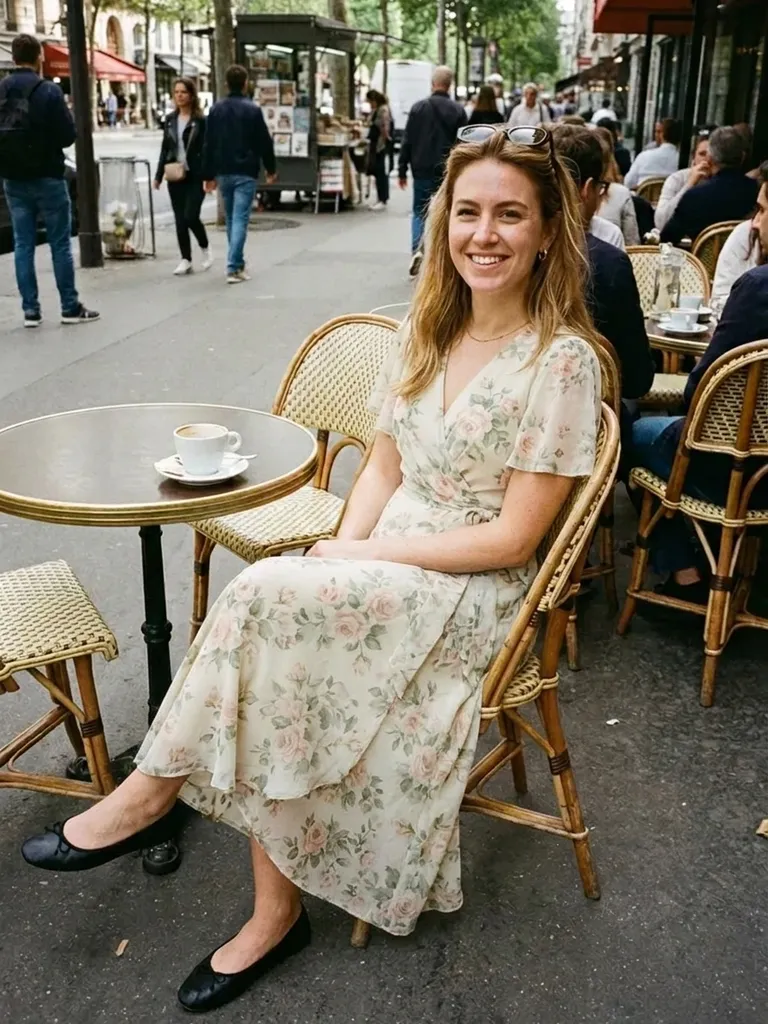
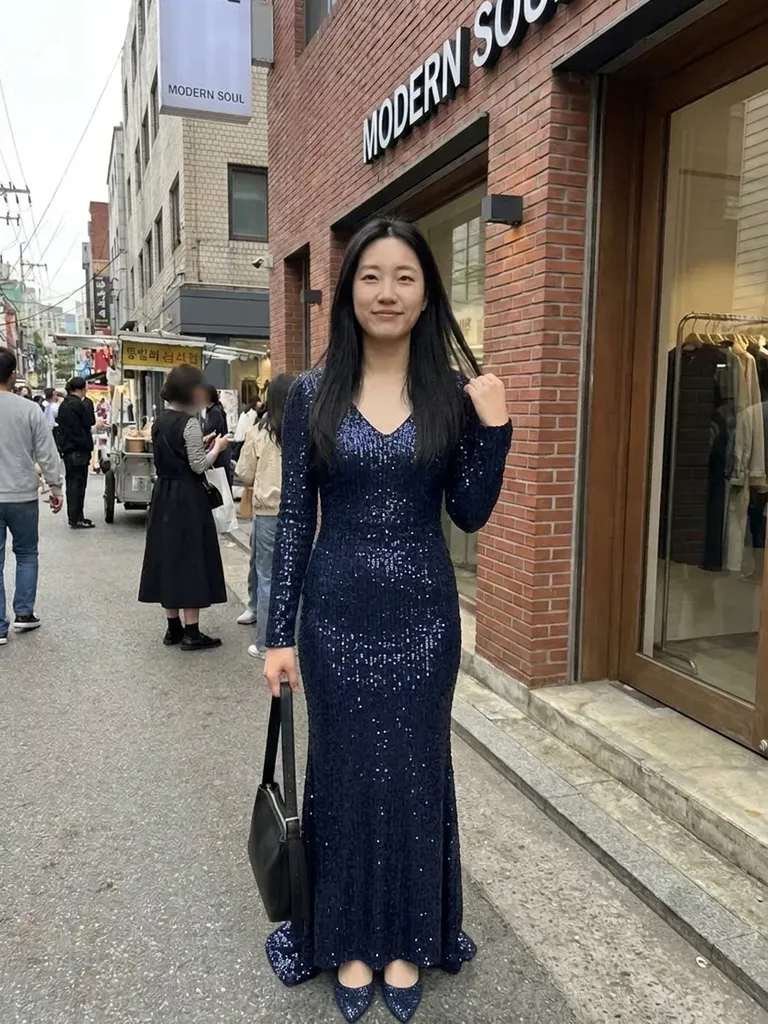
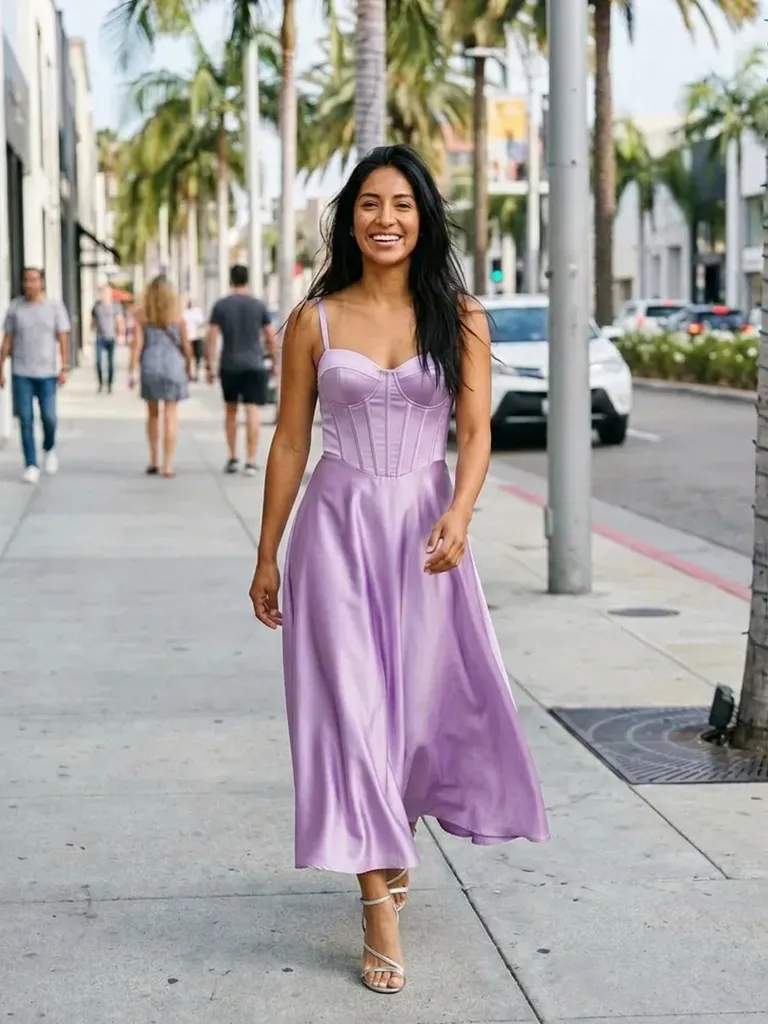
Popular styles include a satin cowl-neck slip, a chiffon wrap maxi, a one-shoulder gown, a halter neck dress, a pleated A-line with flutter sleeves and a convertible multiway dress. For colours, test sage green, dusty rose, champagne, navy, burgundy and lilac. Use photos showing one dress on a model for the best result, rather than group shots of several bridesmaids. Once you’ve agreed on a palette, have each bridesmaid try two or three necklines in that colour and share the results in your group chat for a quick decision.
Frequently asked questions
Each bridesmaid uploads a photo of herself and a screenshot of the dress. The AI shows her wearing it in about a minute, keeping her face, hair and pose unchanged.
Yes. Upload each bridesmaid’s photo with the same dress image – each preview uses one credit. Seeing the same dress on everyone side by side is the quickest way to check that the colour works for the whole bridal party.
Yes, it’s free to start. Sign in with a magic link sent to your email and you get 2 complimentary try-ons, no card needed. After that, packs start at €1.99 for 10 try-ons, and credits never expire.
It shows the style, colour and silhouette, not exact sizing. Each bridesmaid should still check the size chart or attend a fitting. Where the preview really helps is narrowing down which styles you love, so you only order – or queue for the fitting room with – the ones worth it.
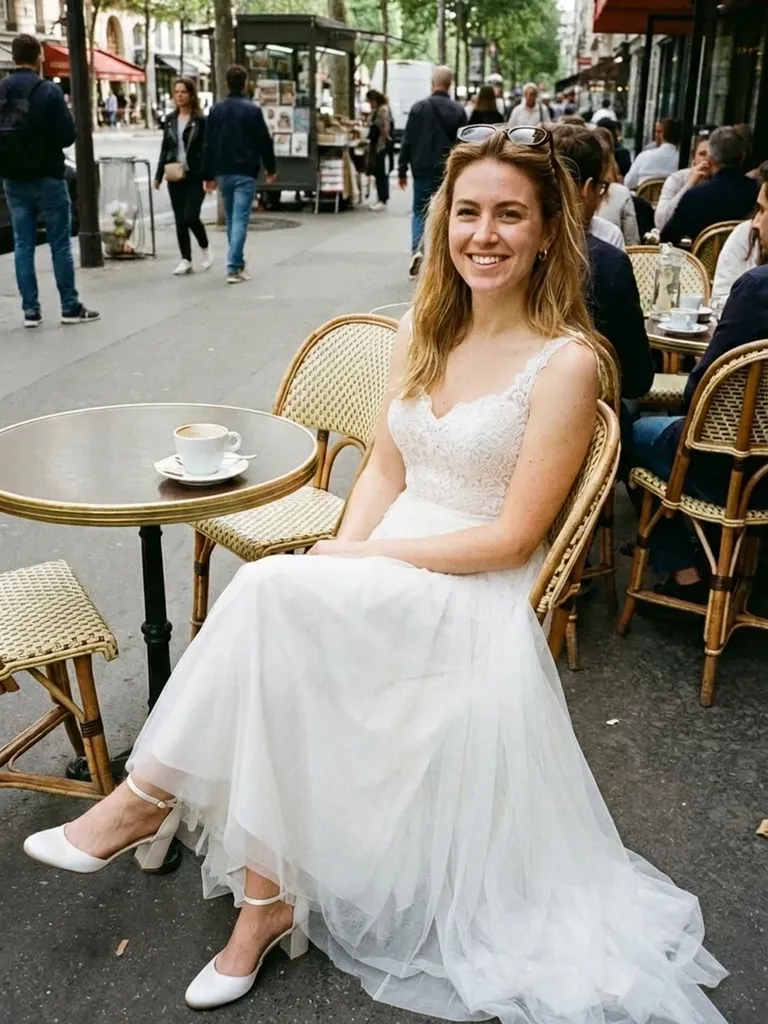
Of course. Wedding dresses, suits for groomsmen and outfits for the mother of the bride all work in the same way. Each person uses their own photo, and every result can be downloaded and shared with the others within 24 hours.
We don’t keep them. Photos are processed in real time, held in memory during generation and then discarded. They’re never shared or used for training, and web results are deleted after 24 hours.
More try-on ideas
Try it on free
Try on bridesmaid dresses online with AI. See each bridesmaid in the same colour or mix-and-match styles before ordering. Free to start, fast results.