Styles & costumes
Boho outfit try-on: see bohemian style on you
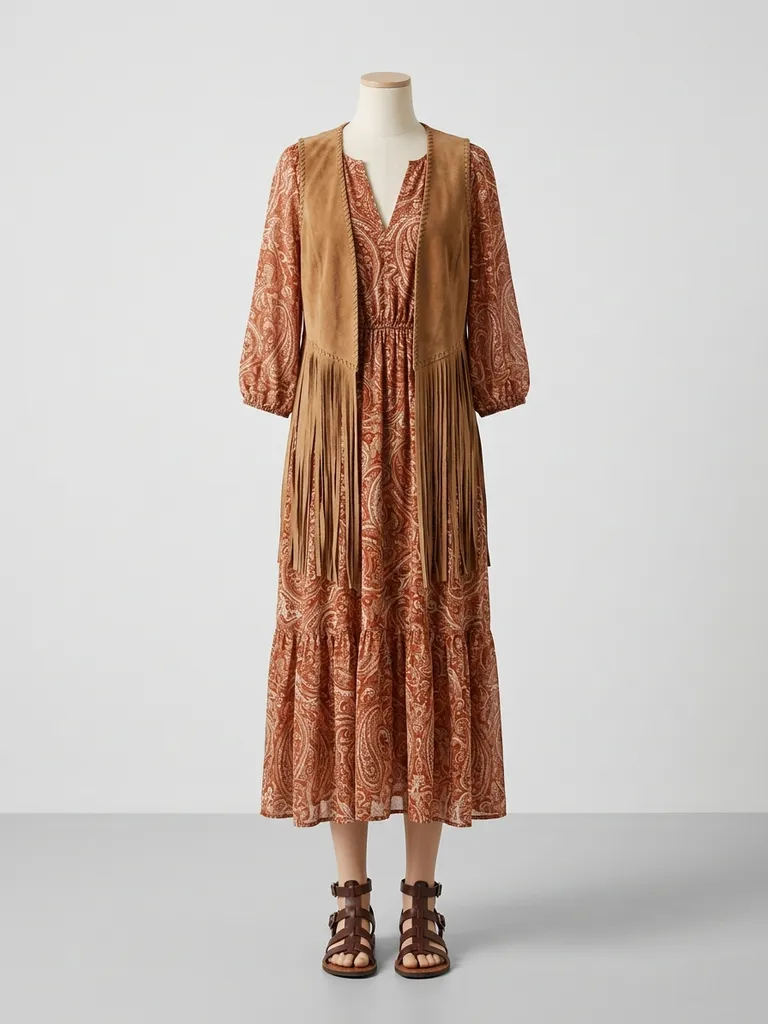
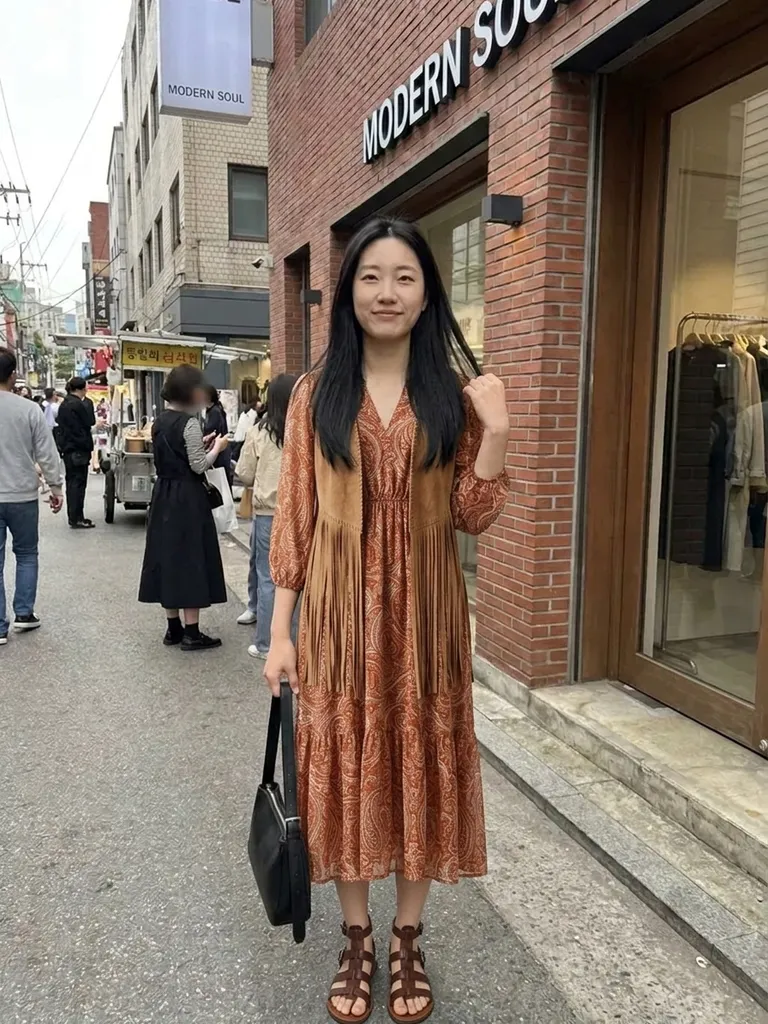
Boho outfit try-on shows you in a relaxed, free-spirited bohemian look in about a minute. Tap “Try this look” and we pre-load a boho outfit – you only add your photo.
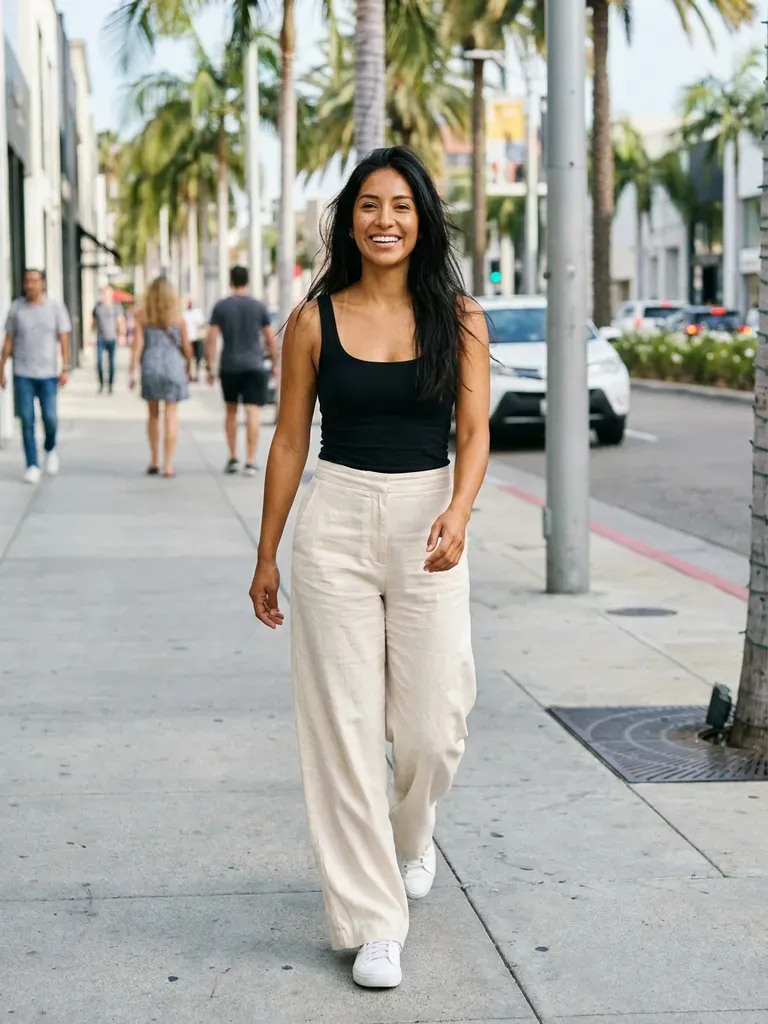
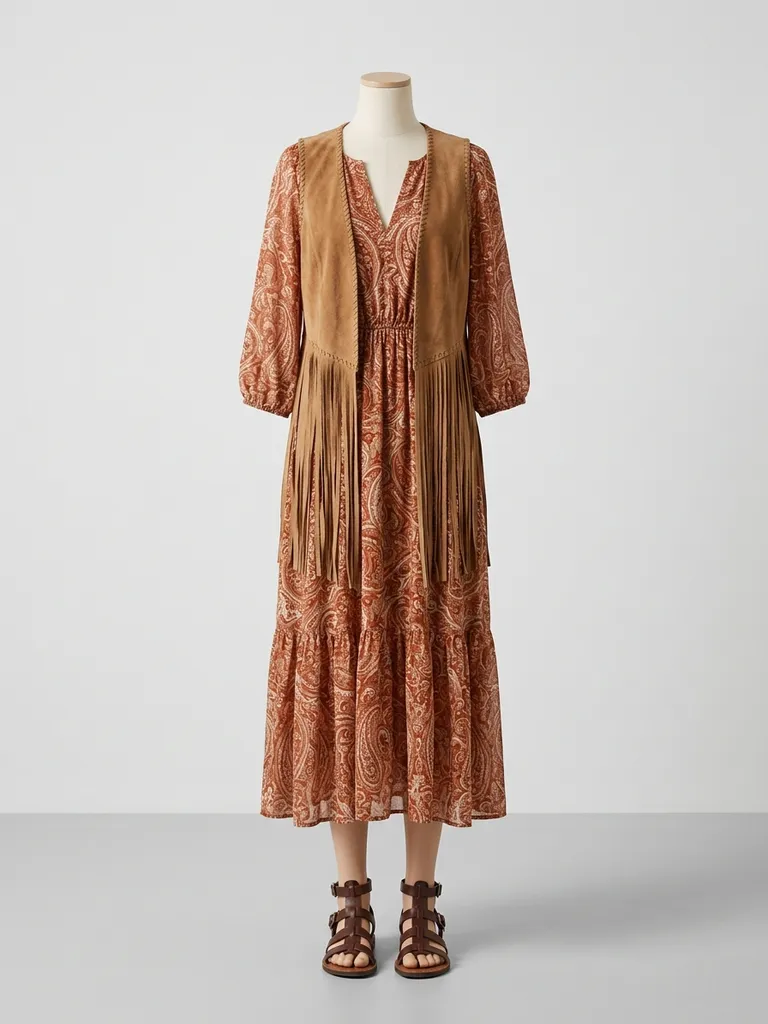
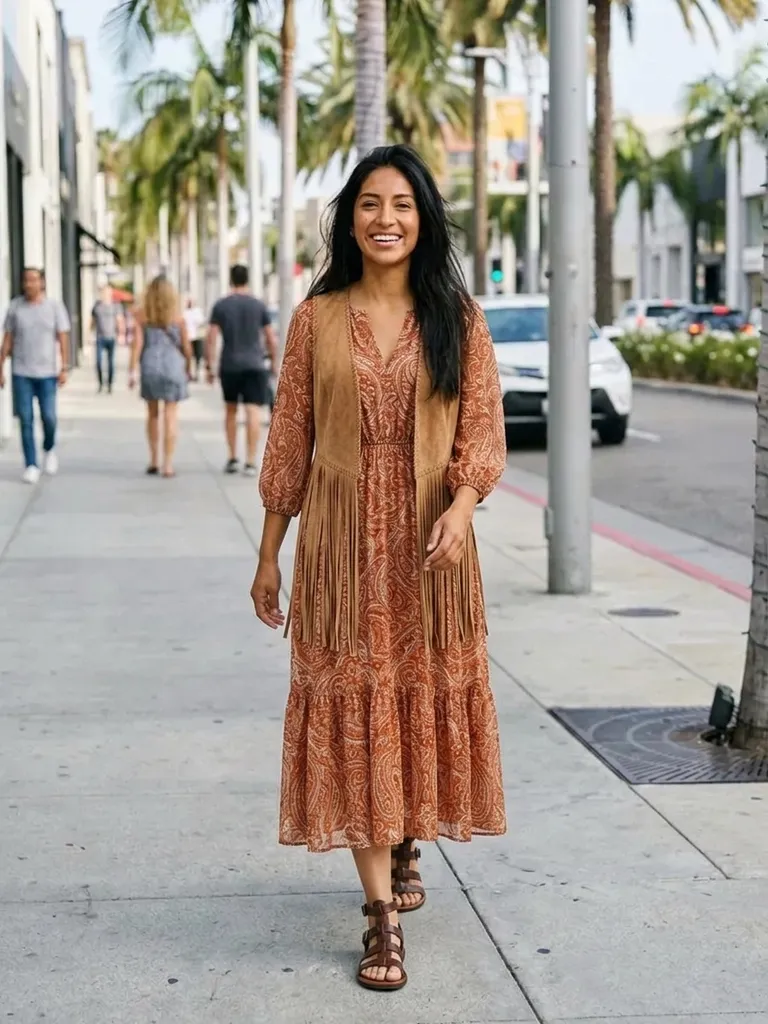
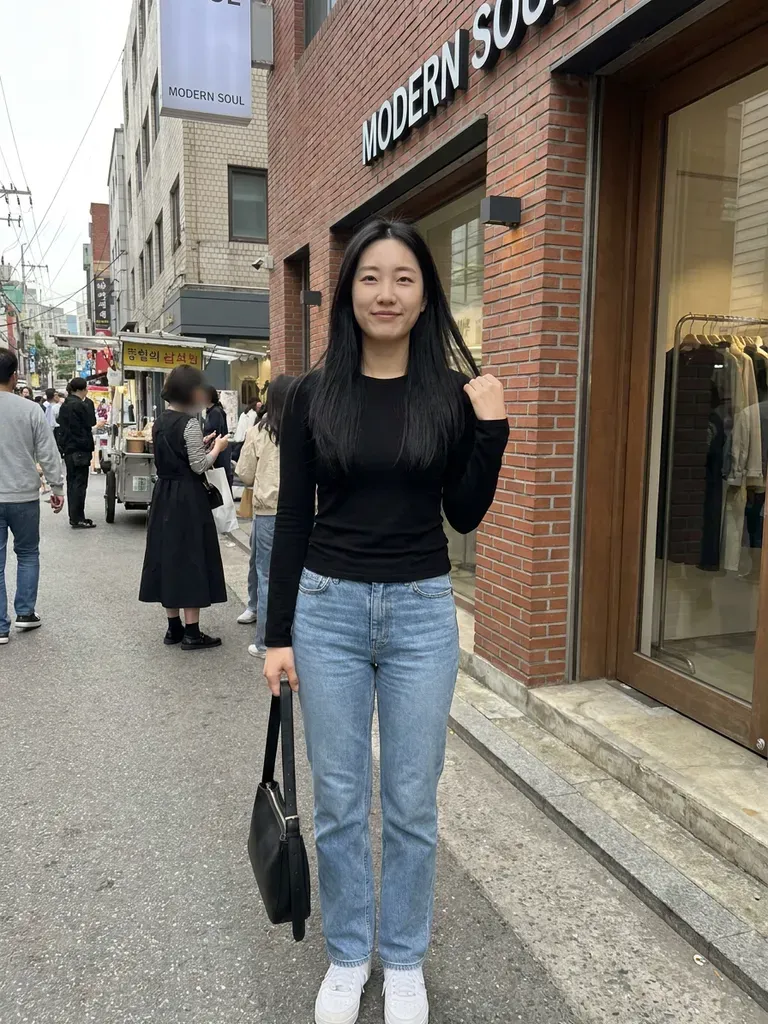
How it works
1
Tap “Try this look”
We pre-load a boho outfit for you – or swap in any boho piece you’ve screenshotted.
2
Add your photo
Full-length and front-facing, in natural light.
3
See the look on you
Your preview is ready in about 30–60 seconds.
Why try it on with Outfitap
One-tap preset
A boho outfit is pre-loaded for you.
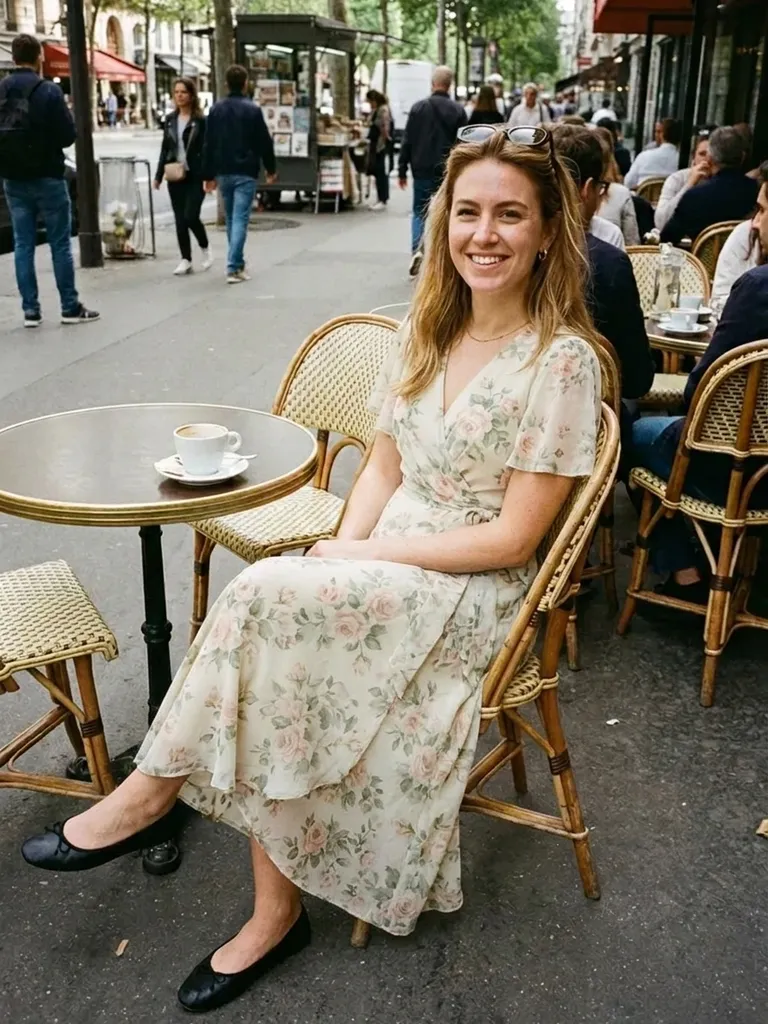
Maxi dresses and flares
See flowing silhouettes on your body.
Earthy prints and colours
Rust, mustard, terracotta and cream – compare them on you.
Festival planning
Preview festival outfits before you pack.
Swap in any boho piece
Use a screenshot of any outfit instead of the preset.
Private
Photos are processed in memory and not stored.
What is boho style?
Boho, short for bohemian, mixes 1970s hippie influences with folk and vintage details. Think flowing maxi dresses, peasant blouses, flared jeans, crochet, fringe, embroidered kaftans, suede and layered jewellery. The palette is earthy – rust, mustard, terracotta, olive and cream – with paisley and floral prints. It suits anyone who loves relaxed, romantic and comfortable clothing, especially for summer and festivals. It’s a natural fit for festivals, beach weddings and summer holidays, and it’s easy to mix vintage finds with new pieces.
Boho outfits to try
Try a tiered floral maxi dress, a peasant blouse with flared jeans, a crochet top with a suede skirt, an embroidered kaftan, a fringed suede jacket, a paisley wrap dress and a linen co-ord with a waistcoat. Swap the preset for any screenshot to try your own find. If you’re new to boho, start with one statement piece – a fringed jacket or a printed maxi – and pair it with simple basics.
Boho outfit try-on: tips for the best result
The preset is a starting point; the real fun is testing pieces from your own shopping tabs. Stand straight, face the camera and use even light, with your whole body in frame. For the outfit, one clear image of a single look beats a moodboard or a screenshot of several items. Flowing maxi dresses need head-to-toe framing, so make sure your own photo shows your feet. Your face, hair and background stay untouched, so if you want the full effect, do your hair to match before you take the photo.
Frequently asked questions
Tap “Try this look” to load the boho preset, then upload your photo. You’ll see yourself in the outfit in about a minute. You can also replace the preset with any outfit screenshot and keep the same photo to compare several looks in a row – each preview uses one credit.
Yes. Upload any clear outfit image in place of the preset. Ideally, choose an image that shows one complete look clearly – on a model, a mannequin or laid flat – without collages, watermarks or text banners covering the clothes.
Yes, it’s free to start: new accounts get 2 complimentary try-ons after signing in with an email link. After that, credit packs start at €1.99 for 10 try-ons, and credits never expire.
Yes. It’s a quick way to plan festival looks before you buy or pack – try a few outfits for each day and keep the ones you love. Swimwear isn’t supported, but kaftans, crochet sets and maxi dresses are.
It shows the silhouette in a still image, not how the fabric moves. Check the fabric details for that. The preview is ideal for comparing styles and colours quickly – then read the product details or visit a store for the feel of the fabric.
No. Photos are processed in memory and discarded once your image is generated, and they’re never used to train AI. On the web, the result is saved for 24 hours so you can download it.
More try-on ideas
Try this look
Try boho outfits on yourself with AI. One tap loads a relaxed bohemian look – add your photo and see it on you in a minute. Free to start.