Occasions
Virtual prom dress try-on: find your prom look before you order
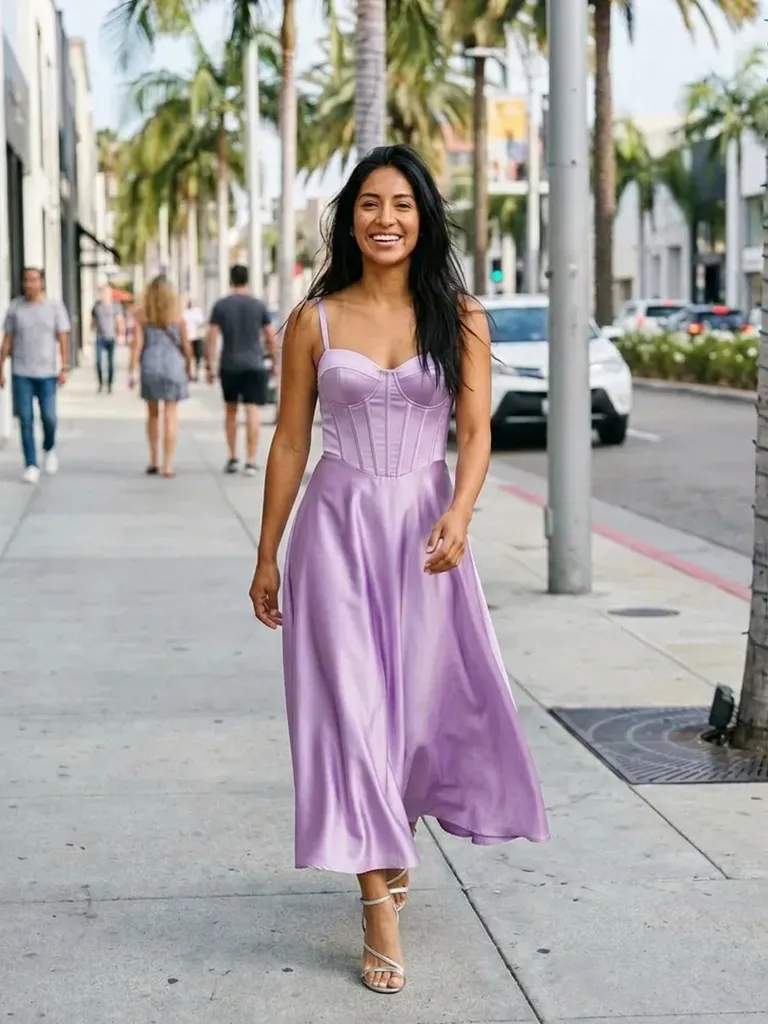
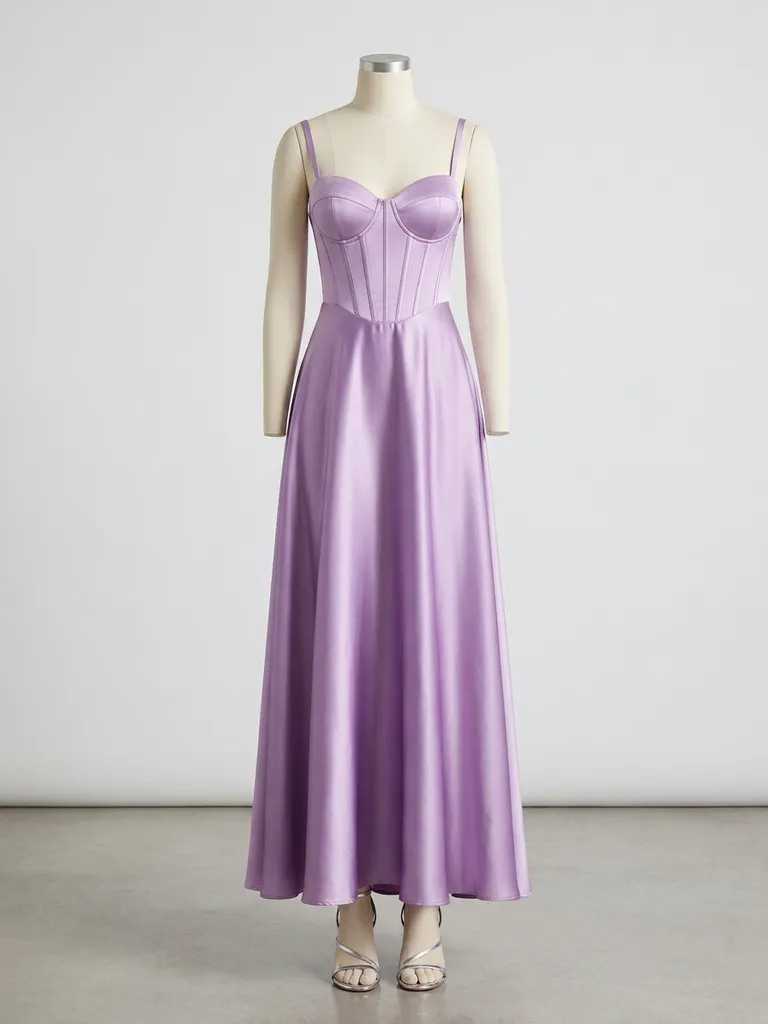
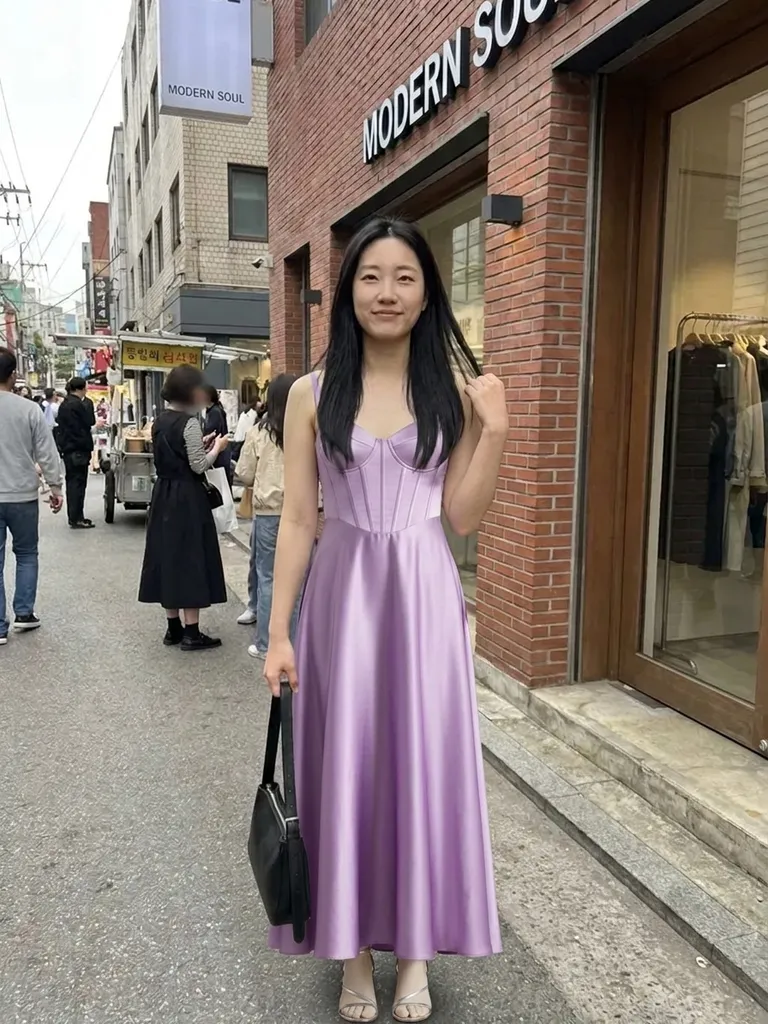
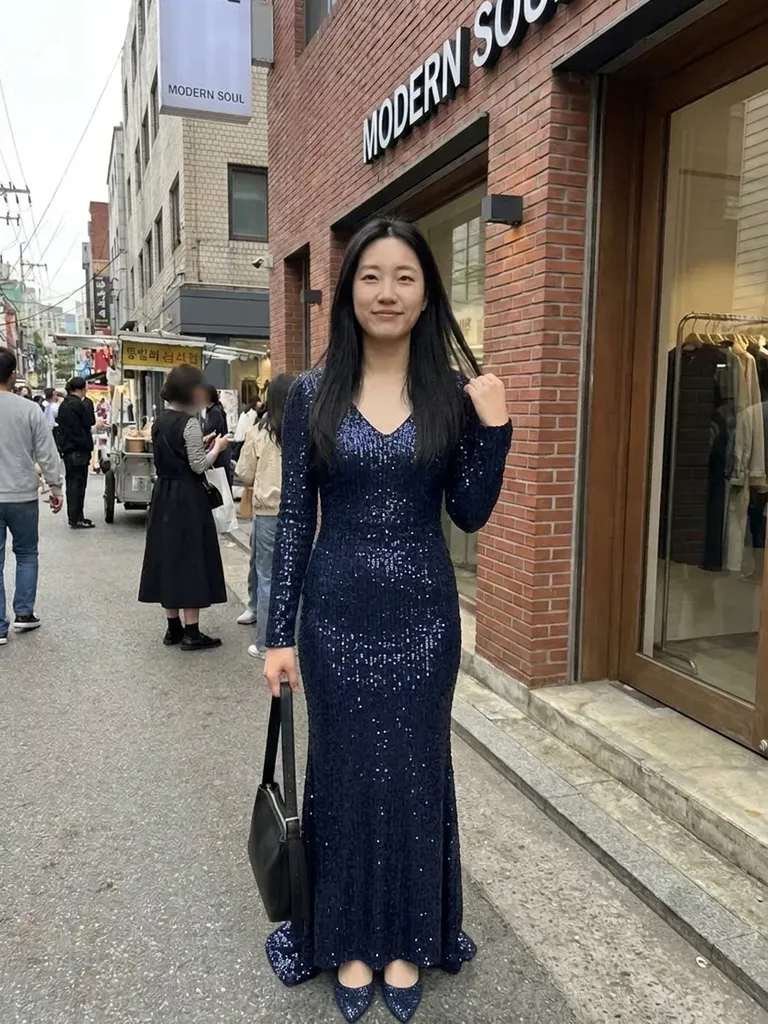
Virtual prom dress try-on shows you wearing any prom gown from any shop in under a minute. Ordering online is a gamble – preview the colour, length and neckline on yourself before you spend.
How it works
1
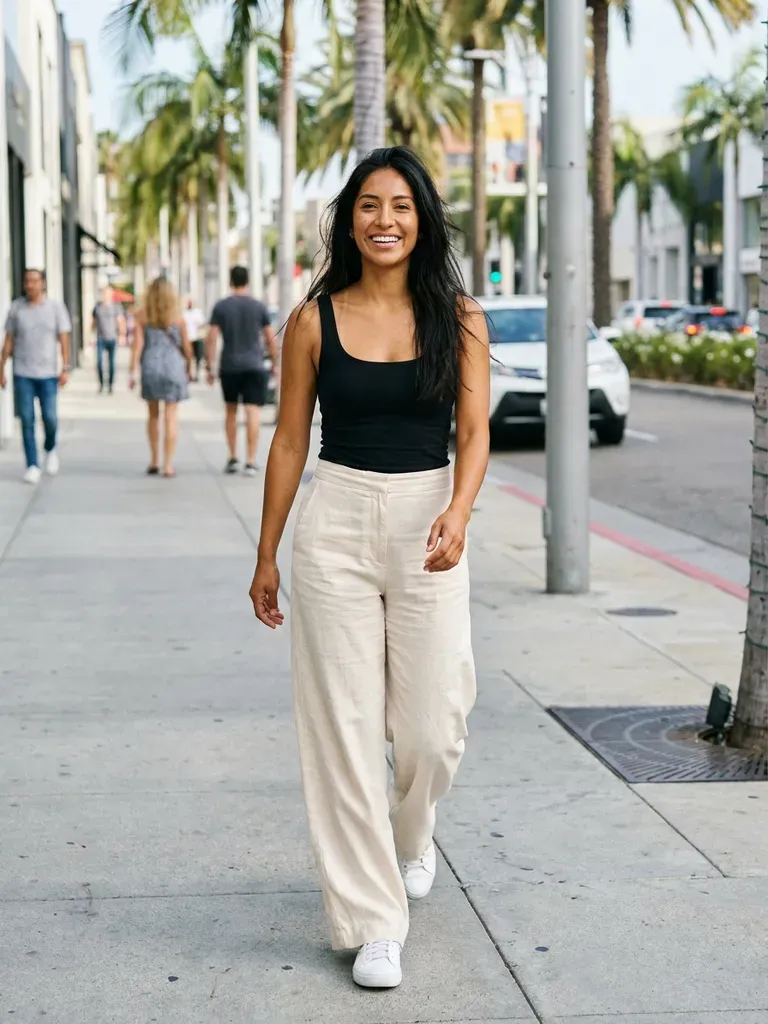
Upload a photo of you
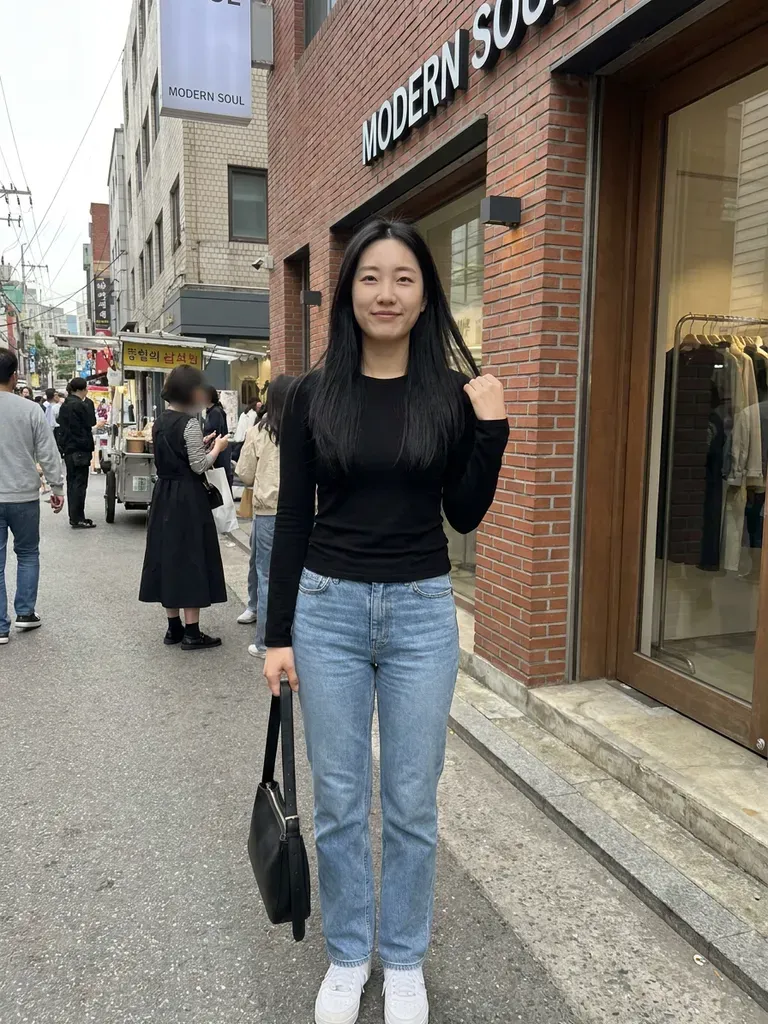
A full-body photo, standing straight, in good light. Fitted clothes help the AI read your shape.
2
Pick prom dresses anywhere
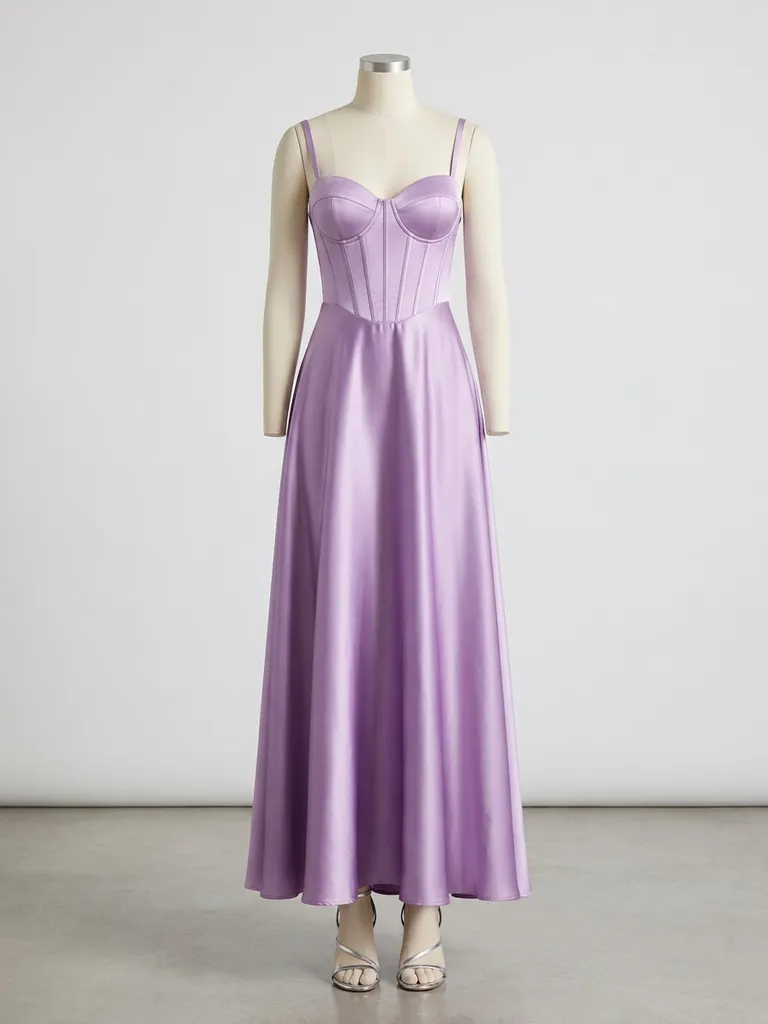
Screenshot dresses from online stores, TikTok, Instagram or a friend’s group chat.
3
Get your preview
In about 30–60 seconds you’ll see yourself in the dress. Try the next one with the same photo.
Why try it on with Outfitap
Find your colour
Emerald, champagne, red or baby blue – see which shade lights up your face before you commit.
Test lengths and cuts
Floor-length ball gown, sleek satin slip or short sparkly dress – compare them on you.
Avoid return headaches
Fewer surprise packages that look nothing like the photo, and fewer trips to the post office.
Get your friends’ votes
Download your previews and share them in the group chat to coordinate looks.
Mix budget and designer
Put a high-street find next to a dream designer gown and see which you really prefer.
No photo storage
Your photos are processed in memory and not kept – nobody sees your prom shortlist but you.
Why try on prom dresses online first
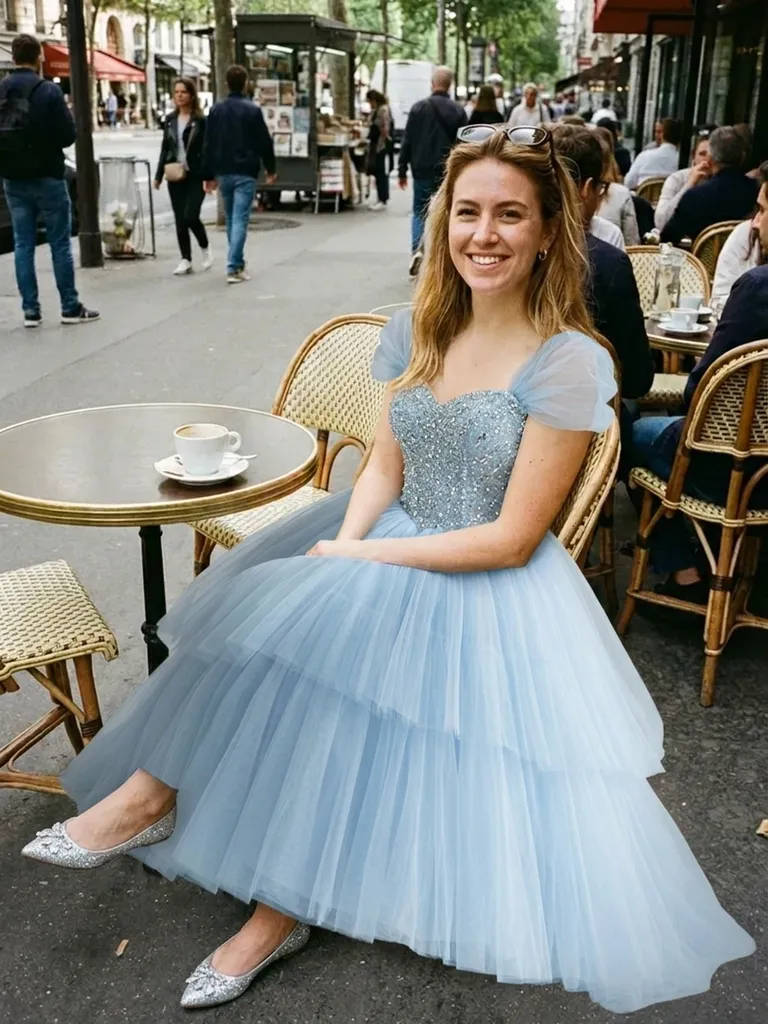
Prom season is in spring, and the best dresses sell out fast. Most shoppers buy online now, which means guessing how a sequinned bodice or a thigh-high slit will look on them. A virtual try-on takes the guesswork out of style: you see the dress on your own body and face, in your own skin tone, before ordering. Use it to narrow ten tabs down to two, then order those or try them in store.
Tips for the best prom dress preview
Use a full-length photo of yourself taken from the front, not from above. For the dress, model photos from the shop are ideal; mannequin shots and clear flat-lays work too. Skip images where the dress is partly cut off, covered by long hair or shown in a collage of several colours – pick one colourway per try-on. If you want to see both a front slit and a back detail, run two separate previews.
Prom dress styles to try
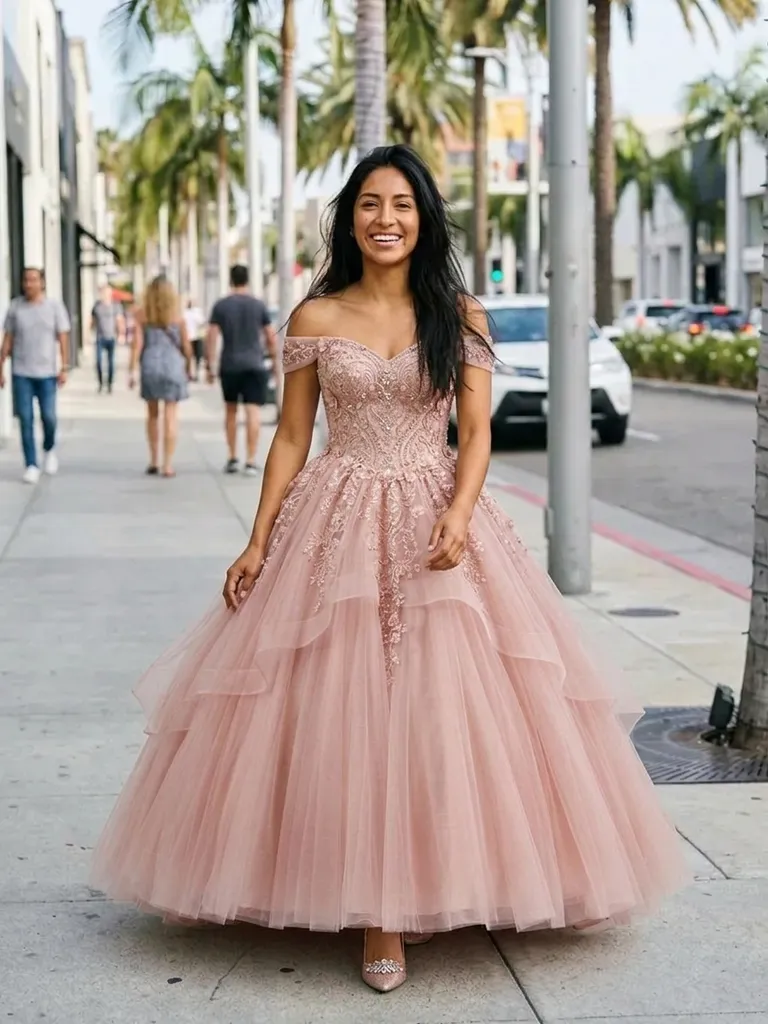
There’s no single prom look anymore. Try a satin corset gown, a sequin mermaid dress, a tulle princess ball gown, a sleek one-shoulder column, a short beaded cocktail dress or a two-piece crop-top set. Colour matters as much as cut, so test the same style in two shades before deciding. Mermaid and column dresses suit people who want a sleek look, while ball gowns and A-lines give drama and movement. Many people end up loving a cut they’d have skipped on the hanger, so try at least one wildcard.
Frequently asked questions
Upload a full-body photo of yourself and a screenshot of the prom dress. Outfitap’s AI swaps the clothing and keeps your face, hair, pose and background exactly as they were.
You get 2 free try-ons when you sign up with your email. After that, packs start at €1.99 for 10 try-ons, which is plenty for a prom shortlist.
It shows the style, colour and silhouette on you, not exact sizing. Check the shop’s size guide and measurements before ordering. Where the preview really helps is narrowing down which styles you love, so you only order – or queue for the fitting room with – the ones worth it.
One dress per try-on works best. Keep your photo uploaded and swap dresses as many times as you want. Using the same photo of yourself for every option makes the previews easy to compare side by side before you decide.
No. Your photos are processed in memory while the image is generated and then permanently discarded – they’re never stored or used for AI training. On the web, the finished result is kept for 24 hours so you can download it.
Yes. Tuxedos, suits and accessories like bow ties all work – just upload their photo and the outfit image. Each person uses their own photo, and every result can be downloaded and shared with the others within 24 hours.
More try-on ideas
Try it on free
Try on prom dresses online with AI. Upload a selfie and any prom gown to see how it looks on you before ordering. Free to start, results in a minute.