Styles & costumes
Y2K outfit try-on: bring back the 2000s on you
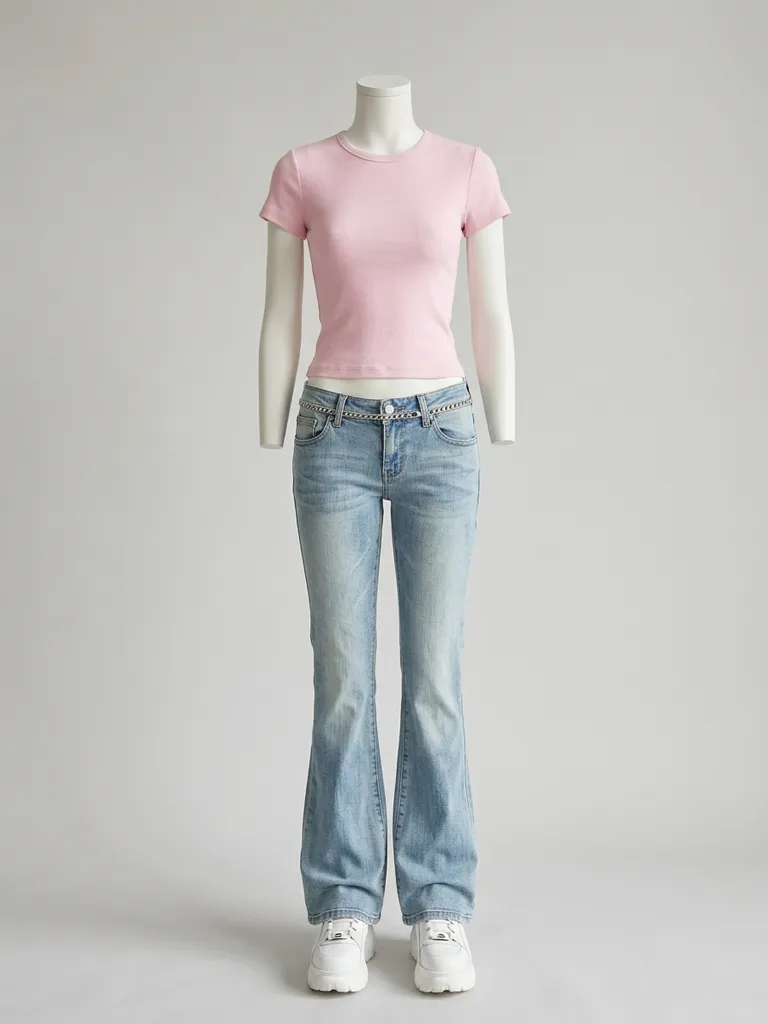
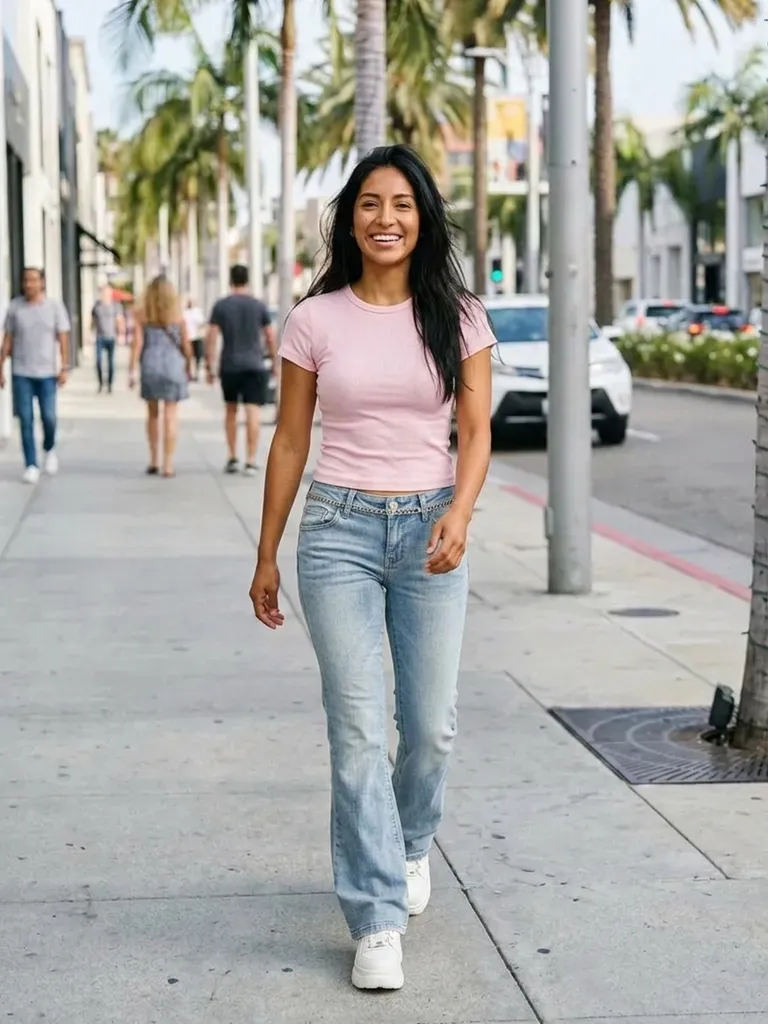
Y2K outfit try-on puts you in the playful, early-2000s look in about a minute. Tap “Try this look” and we pre-load a Y2K outfit – you only add your photo.
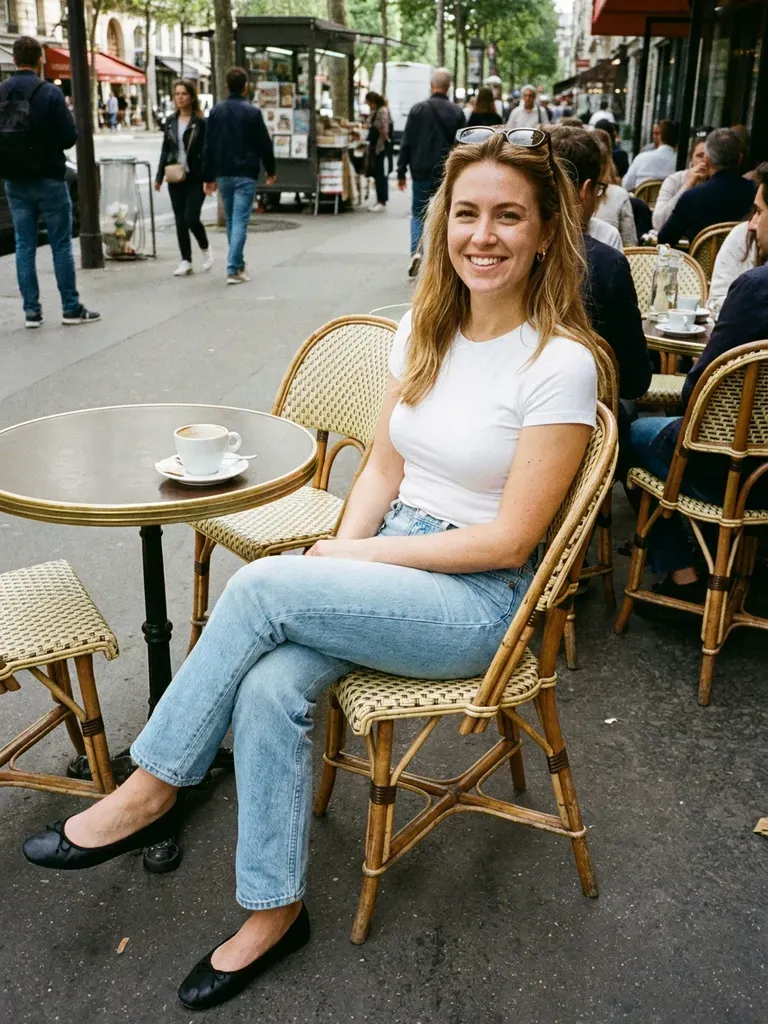
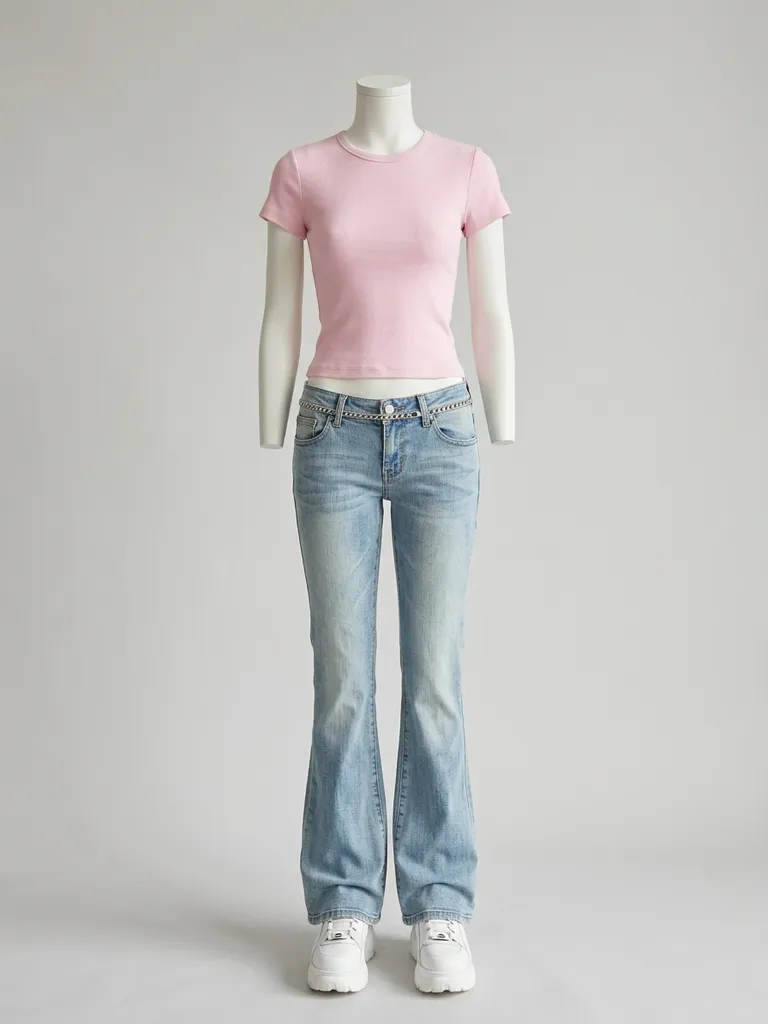
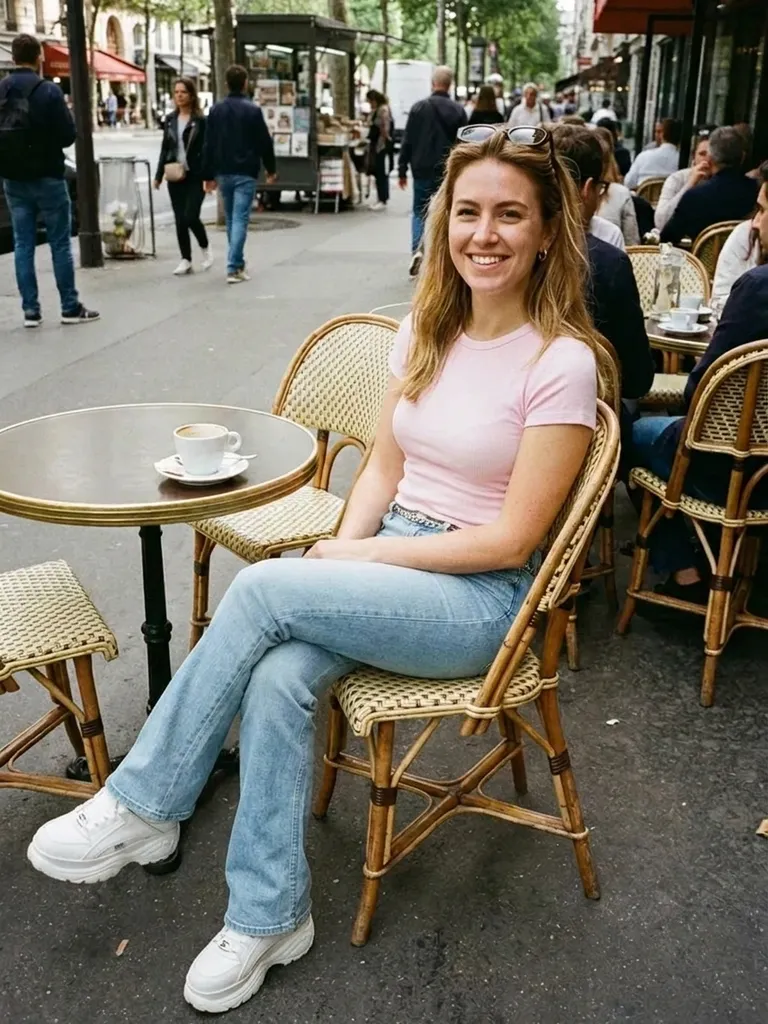
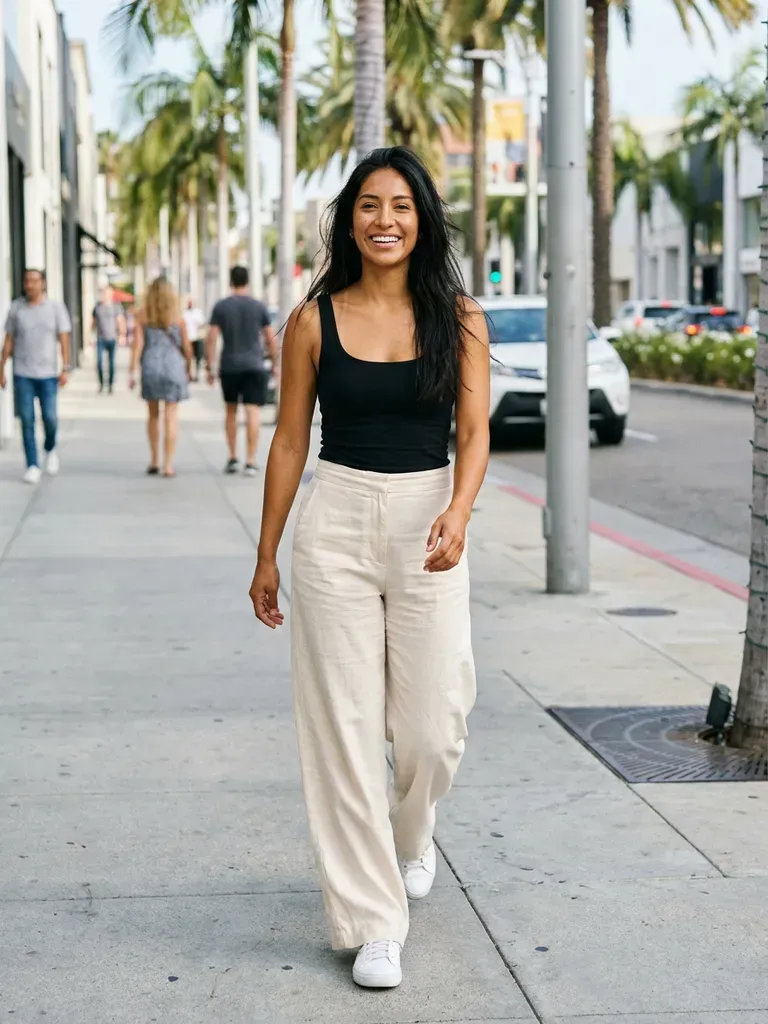
How it works
1
Tap “Try this look”
We pre-load a Y2K outfit for you – or swap in any Y2K piece you’ve screenshotted.
2
Add your photo
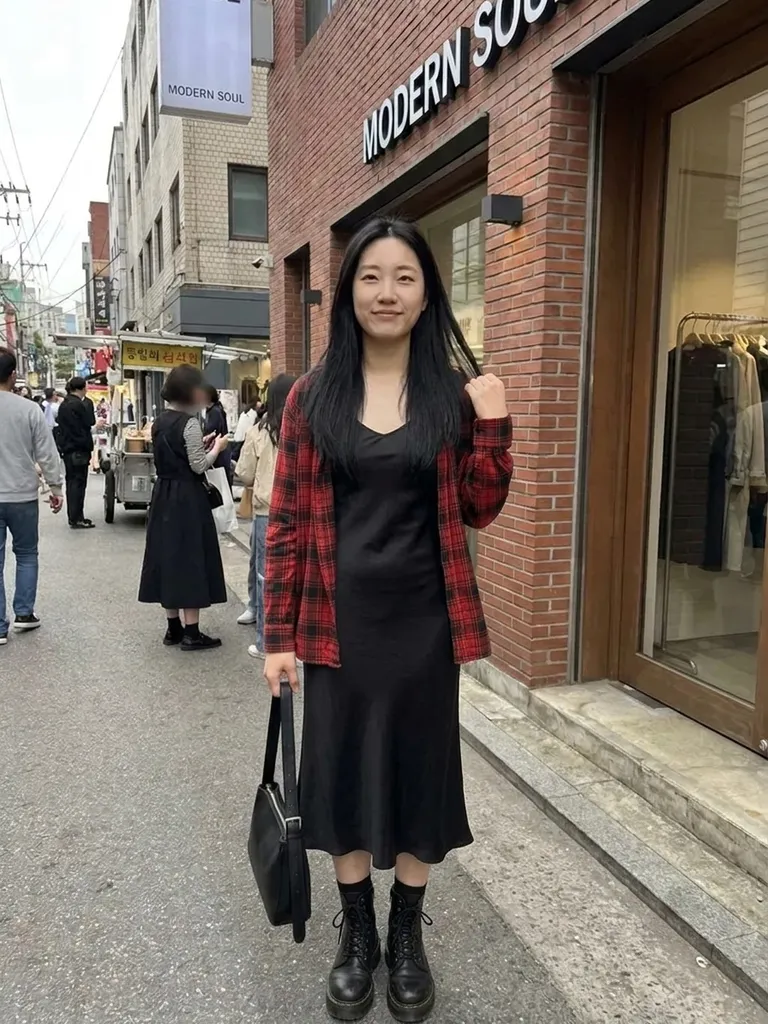
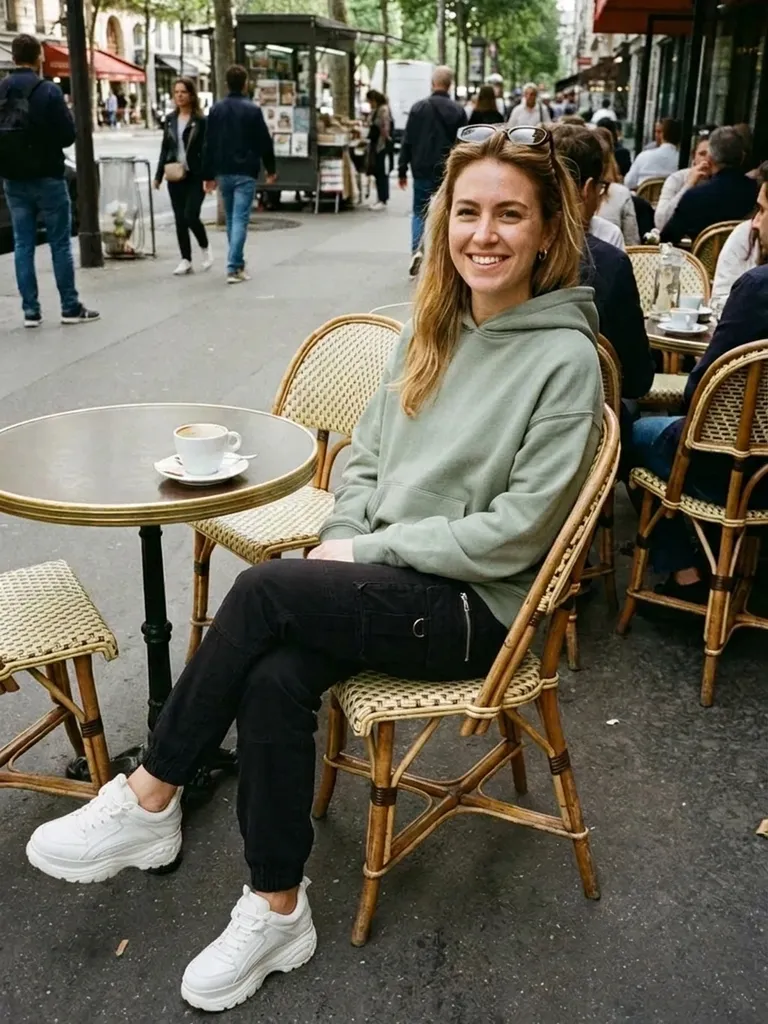
Full-length and front-facing for low-rise and baggy fits.
3
See your 2000s look
The AI dresses you in about 30–60 seconds.
Why try it on with Outfitap
One-tap Y2K preset
Skip the search – the outfit is ready to try.
Test low-rise and baby tees
See whether those 2000s proportions work for you.
Try bold colours
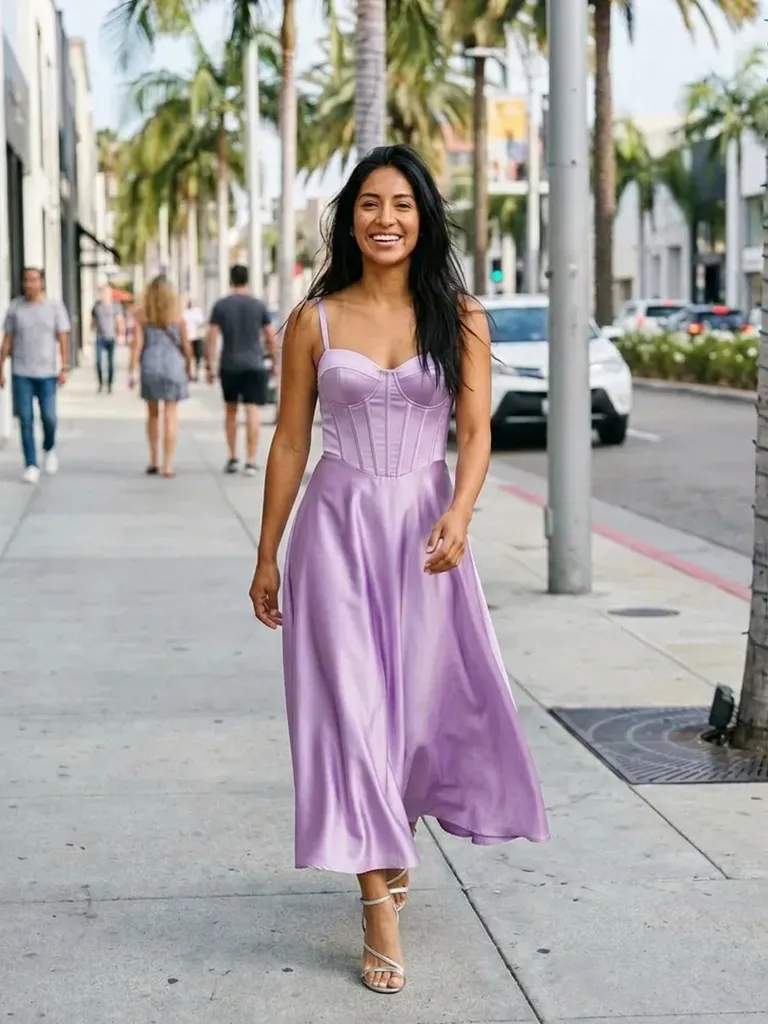
Baby pink, lilac, metallics and denim-on-denim.
Thrift with confidence
Preview vintage finds before you buy them.
Swap in any Y2K piece
Use screenshots from TikTok, Depop or any store.
Private
Your photos aren’t stored after the preview.
What is the Y2K aesthetic?
Y2K is fashion from roughly 1999 to the mid-2000s: think pop stars, flip phones and glossy magazines. Key pieces include low-rise flared or baggy jeans, baby tees, velour tracksuits, butterfly tops, mini skirts, metallic fabrics, cargo pants and tinted sunglasses. Colours run from baby pink and lilac to silver and denim blue. It suits anyone who likes fun, nostalgic and slightly cheeky outfits. The trend is everywhere on social media again, and much of it is found second-hand, so previewing before you buy makes thrifting far less risky.
Y2K looks to try
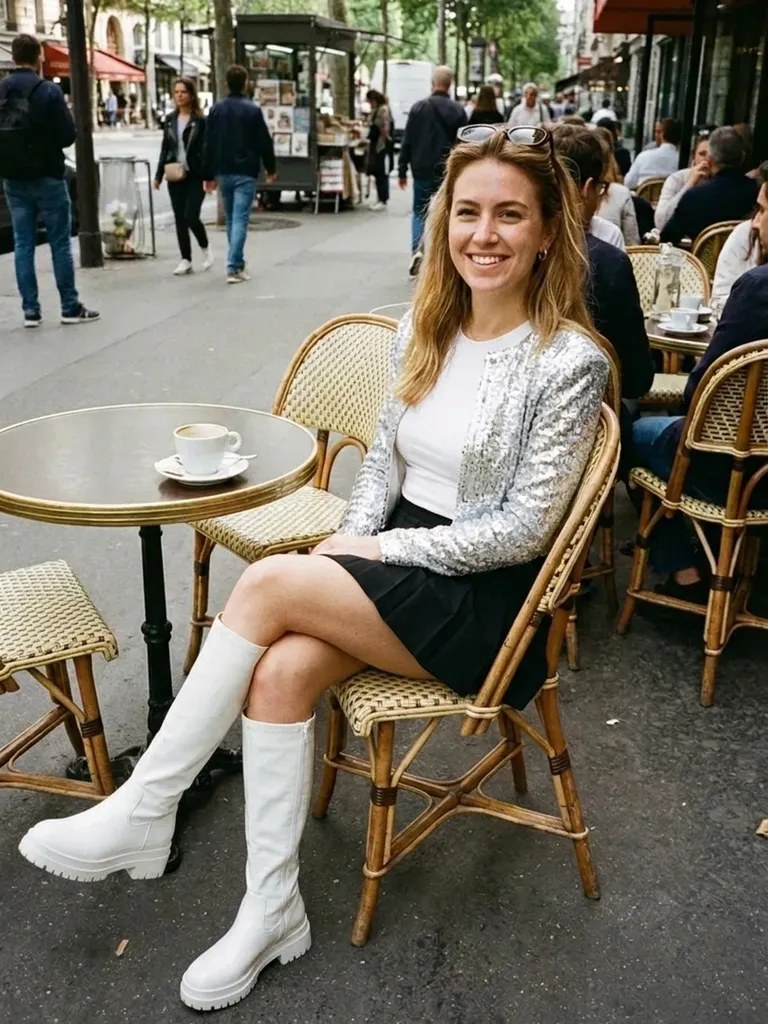
Try a baby tee with low-rise flared jeans, a velour tracksuit, a satin slip skirt with a cropped cardigan, a halter top with cargo pants, a denim mini skirt with a graphic tee, a metallic going-out top and a denim-on-denim set. Swap the preset for any screenshot to try your own find. Y2K is all about playful proportions, so it’s worth comparing a low-rise version with a mid-rise update of the same idea to see which feels more like you.
Y2K outfit try-on: tips for the best result
The preset is a starting point; the real fun is testing pieces from your own shopping tabs. Stand straight, face the camera and use even light, with your whole body in frame. For the outfit, one clear image of a single look beats a moodboard or a screenshot of several items. For low-rise and baggy fits, a head-to-toe photo shows the proportions much better than a waist-up shot. Your face, hair and background stay untouched, so if you want the full effect, do your hair to match before you take the photo.
Frequently asked questions
Tap “Try this look” to load our Y2K preset, then add your photo. Outfitap shows you in the outfit in about a minute, keeping your face and pose.
Yes. Upload any screenshot – from Depop, Vinted, TikTok or a store – instead of the preset. Ideally, choose an image that shows one complete look clearly – on a model, a mannequin or laid flat – without collages, watermarks or text banners covering the clothes.
Yes, it’s free to start: new accounts get 2 complimentary try-ons after signing in with an email link. After that, credit packs start at €1.99 for 10 try-ons, and credits never expire.
No. The AI keeps your face and hair as photographed. Accessories may appear if they’re part of the outfit image, but it’s not guaranteed. Anything already in your own photo – hairstyle, make-up, glasses – stays exactly as it is, so style those first if you want the complete look.
It shows the style and proportions on your body, not exact fit. Check the size guide before ordering. Where the preview really helps is narrowing down which styles you love, so you only order – or queue for the fitting room with – the ones worth it.
No. Photos are processed in memory and discarded once your image is generated, and they’re never used to train AI. On the web, the result is saved for 24 hours so you can download it.
Try this look
Try Y2K outfits on yourself with AI. One tap loads a 2000s-inspired look – add your photo and see it on you in a minute. Free to start.