Styles & costumes
K-pop idol outfit try-on: see yourself stage-ready
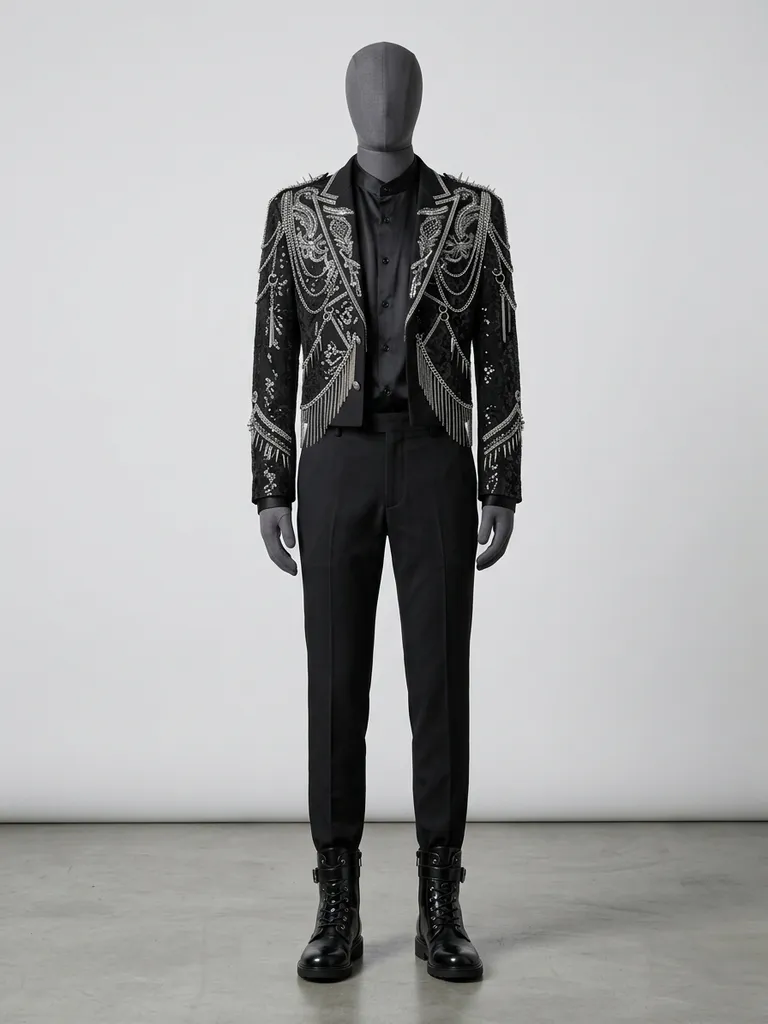
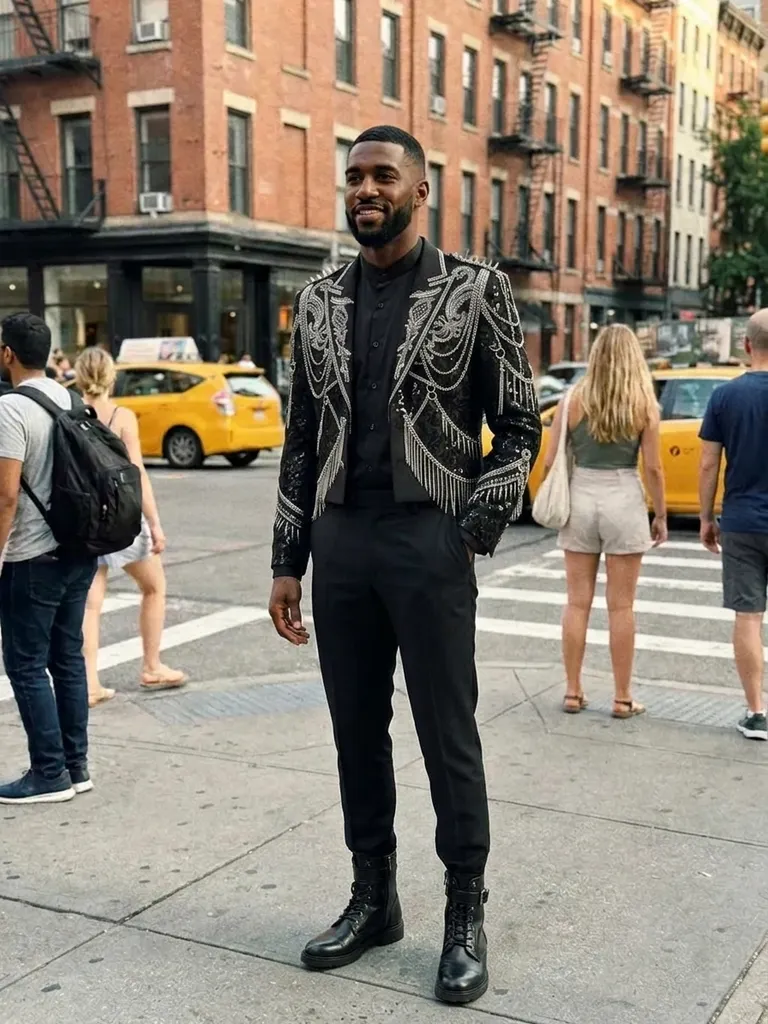
K-pop idol outfit try-on shows you in a stage-ready idol look in about a minute. Tap “Try this look” and we pre-load a K-pop idol outfit – you only add your photo.
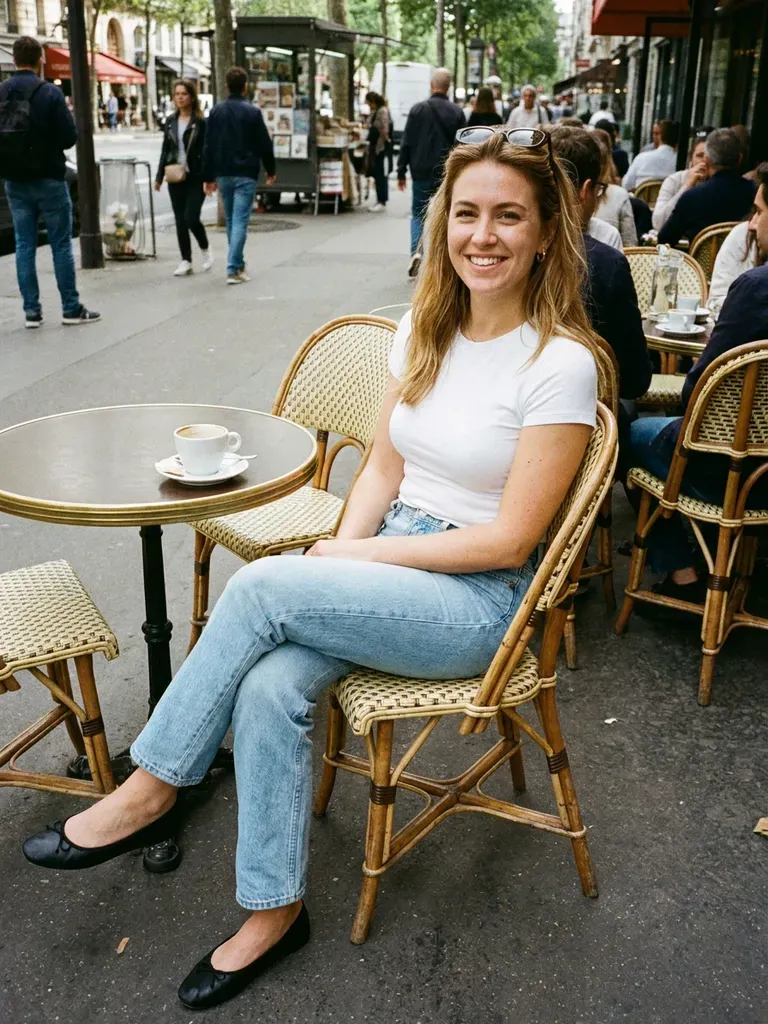
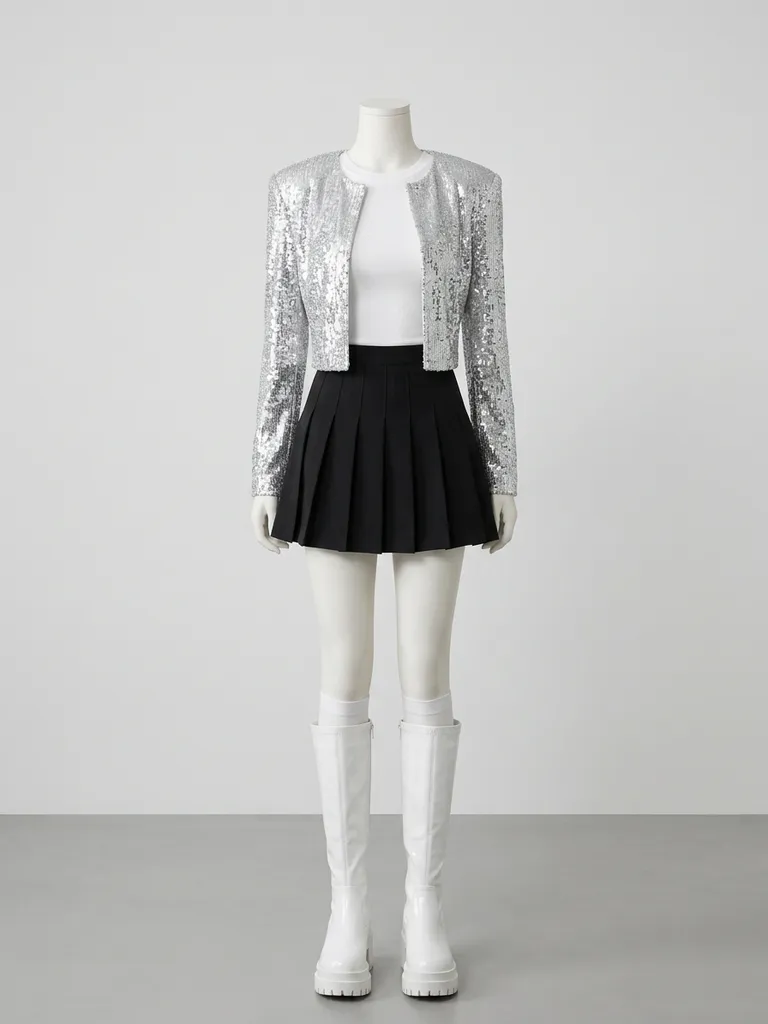
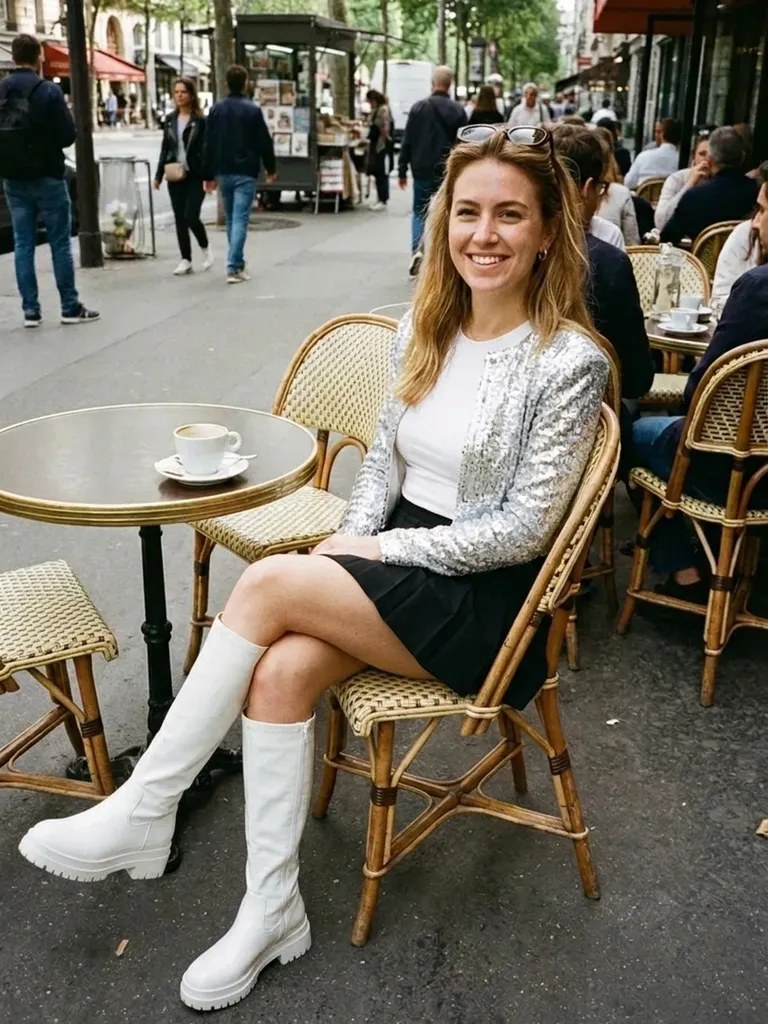
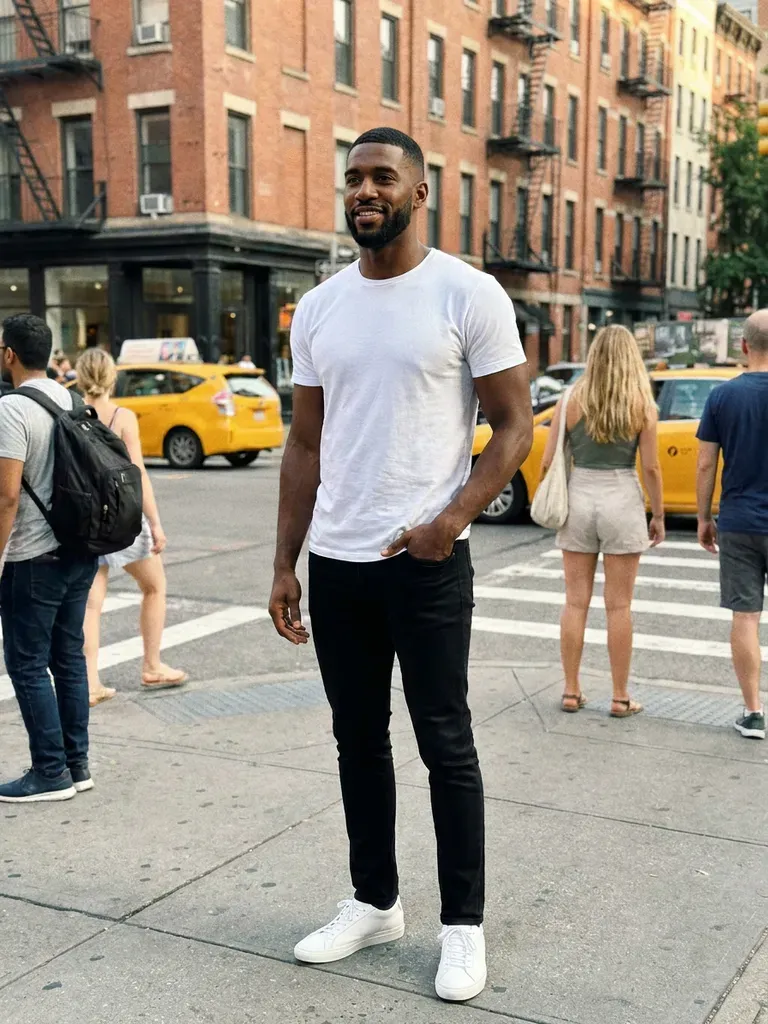
How it works
1
Tap “Try this look”
We pre-load a K-pop idol outfit for you – or swap in any K-pop idol piece you’ve screenshotted.
2
Add your photo
A full-length photo, standing straight, in good light.
3
See your idol look
Get your preview in 30–60 seconds.
Why try it on with Outfitap
One-tap idol preset
Your stage outfit is loaded – just add your photo.
Concert outfit planning
Preview what to wear to a concert or fan meeting.
Try idol-inspired streetwear
See an airport-fashion look on you.
Dance cover costumes
Preview matching outfits for your cover group.
Swap in any idol look
Use a screenshot of any stage or MV outfit.
Private
Your photos are never stored.
What is K-pop idol style?
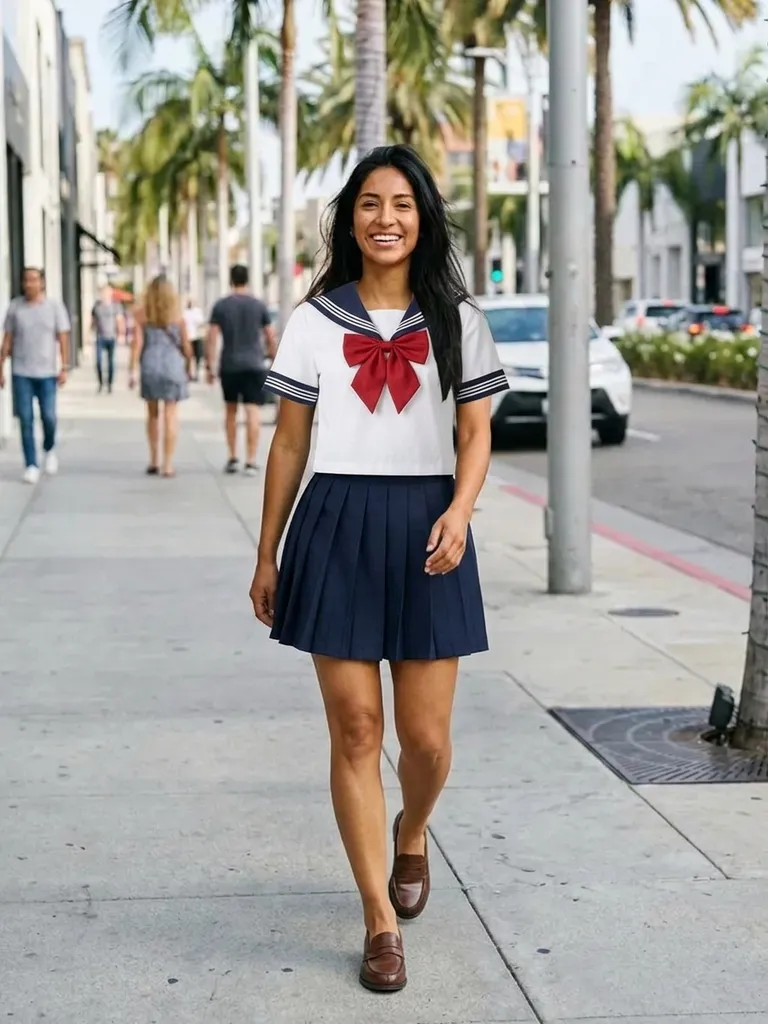
K-pop idol fashion mixes stage costume drama with streetwear and luxury trends. Stage looks feature tailored jackets with embellishment, harnesses, chains, school-uniform-inspired sets, pleated skirts, crop tops and coordinated colour schemes across a group. Off stage, idol “airport fashion” is all about oversized jackets, wide trousers and clean sneakers. It suits fans who love bold, coordinated outfits. Fans use idol-inspired outfits for concerts, fan meetings, dance covers and everyday wear, so the look can be as bold or subtle as you like.
K-pop outfits to try
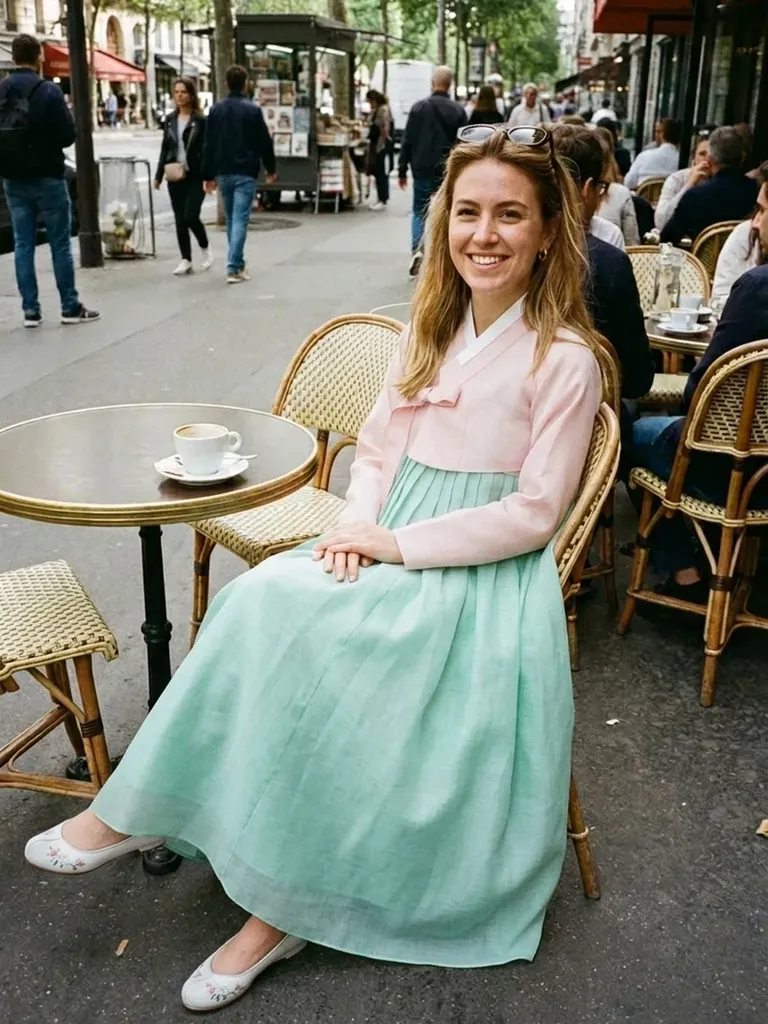
Try a cropped tweed jacket with a pleated mini skirt, a sequinned stage blazer with straight trousers, a school-uniform-style set, an oversized leather jacket with cargo pants, a coordinated pastel suit, a varsity jacket with a crop top and an all-black stage look. Screenshot your bias’s outfit and use it instead of the preset. For dance covers, coordinate colours across the group the way idol stylists do – the previews make it easy to check the whole line-up works together.
K-pop idol outfit try-on: tips for the best result
After the preset, try a few of your own finds side by side – keep the same photo of yourself so the comparison is fair. A sharp, well-lit, head-to-toe photo gives the most realistic result, and outfit pictures on a model or mannequin work better than tiny thumbnails or collages. Stage photos can be dark or blurred by lighting effects, so official teaser photos or store listings usually work better. Because only the clothes change, accessories like wigs, make-up and glasses need to be in your own photo if you want them in the result.
Frequently asked questions
Tap “Try this look” to load a K-pop idol outfit, then upload your photo. You’ll see yourself in it in about a minute. You can also replace the preset with any outfit screenshot and keep the same photo to compare several looks in a row – each preview uses one credit.
Yes. Use any clear photo of the outfit. Pick an image where the outfit is fully visible and not hidden by stage effects or other members.
Yes, it’s free to start: new accounts get 2 complimentary try-ons after signing in with an email link. After that, credit packs start at €1.99 for 10 try-ons, and credits never expire.
No. The AI only changes clothing and keeps your face and hair exactly as photographed. Anything already in your own photo – hairstyle, make-up, glasses – stays exactly as it is, so style those first if you want the complete look.
Yes. Each member uploads their own photo with the group outfit – each preview uses one credit. Each person uses their own photo, and every result can be downloaded and shared with the others within 24 hours.
No. Photos are processed in memory and discarded once your image is generated, and they’re never used to train AI. On the web, the result is saved for 24 hours so you can download it.
Try this look
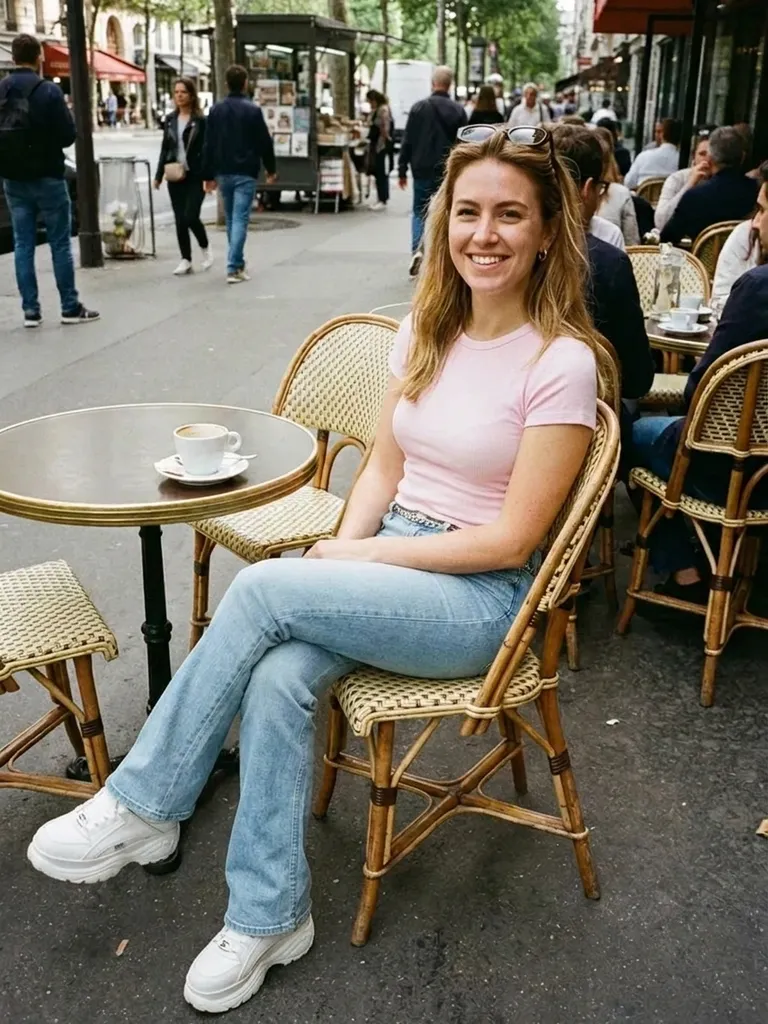
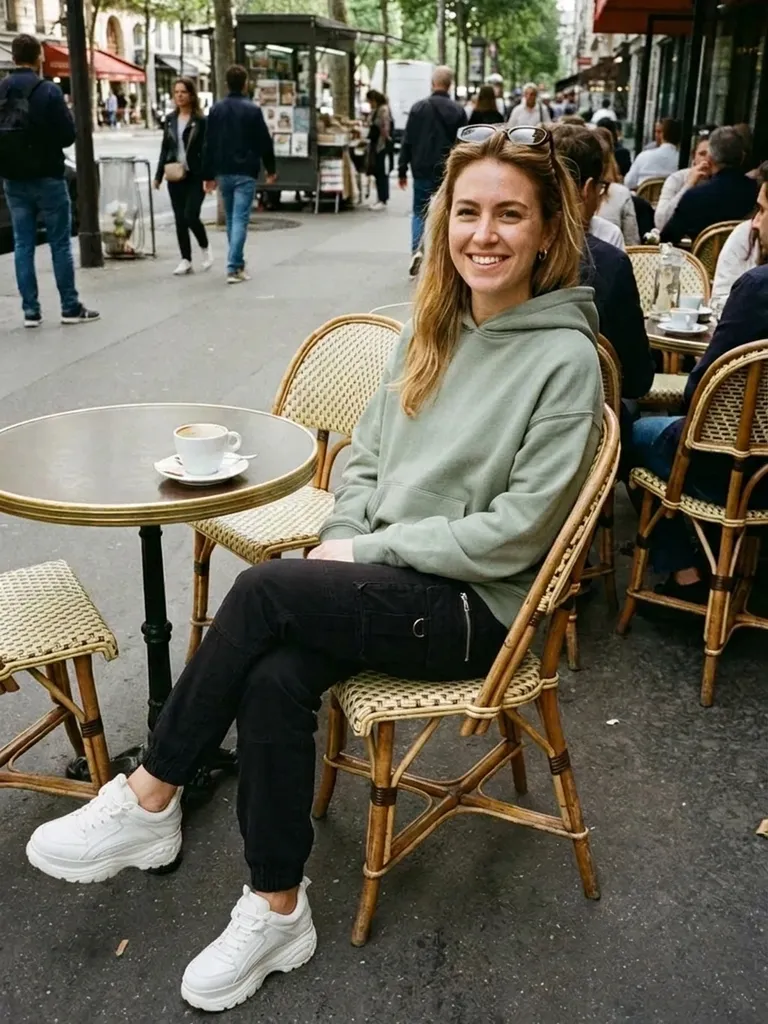
Try K-pop idol outfits on yourself with AI. One tap loads a stage-ready idol look – add your photo and see it on you. Free to start.