Occasions
Cosplay try-on: preview your next character before you build it
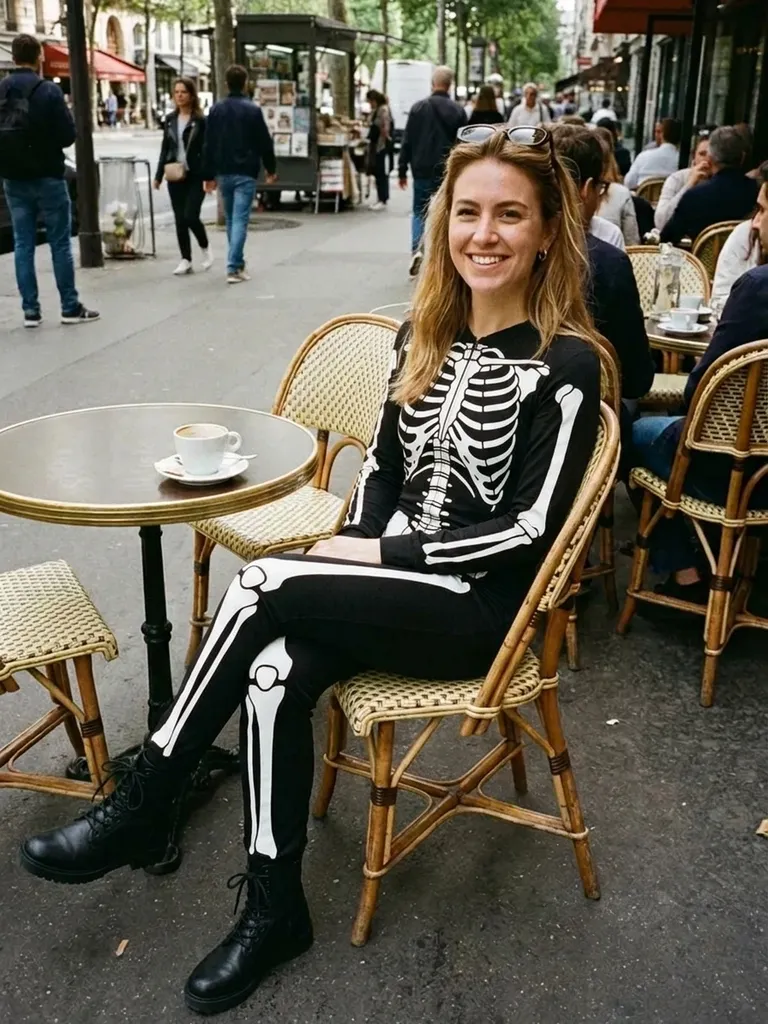
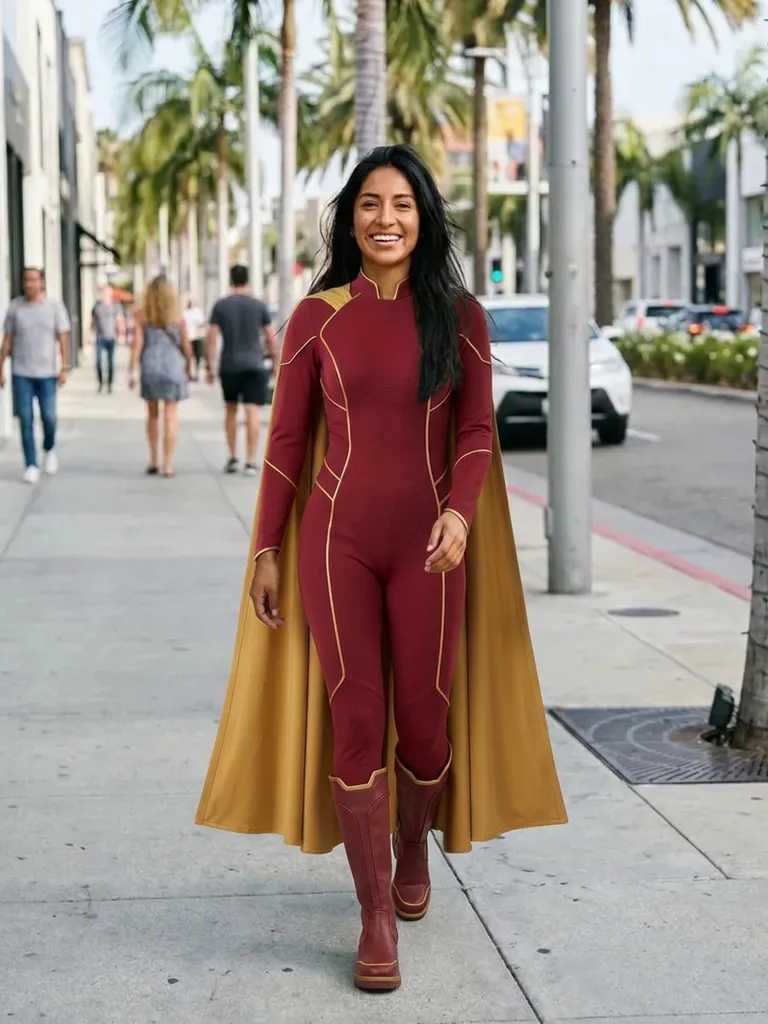
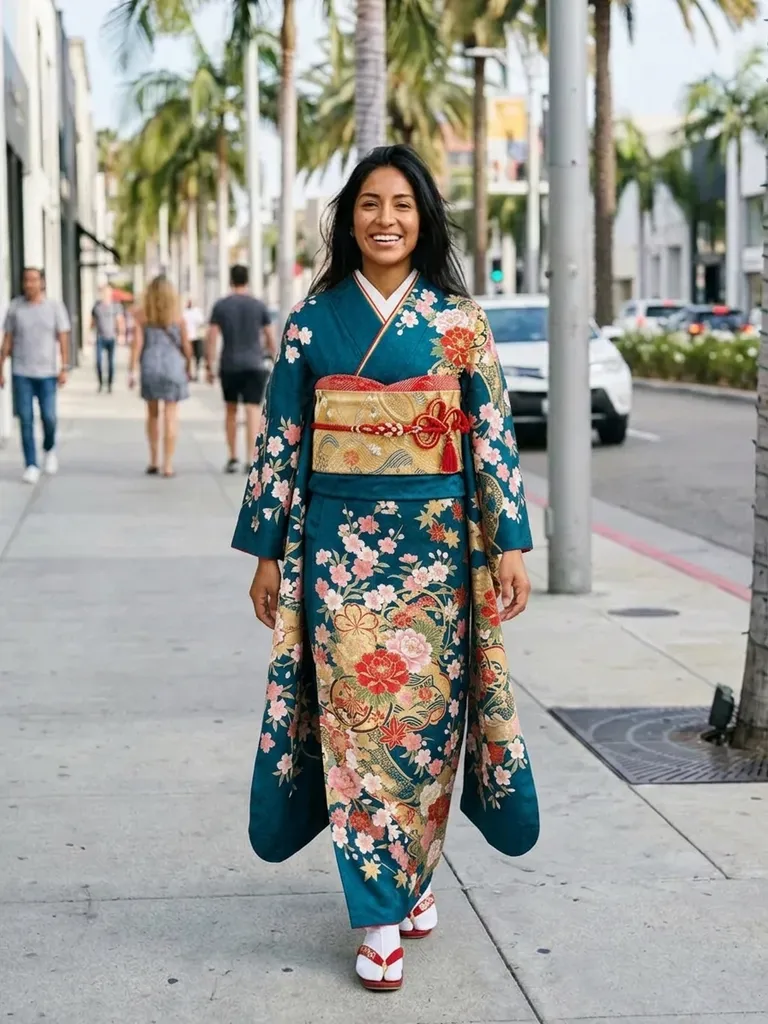
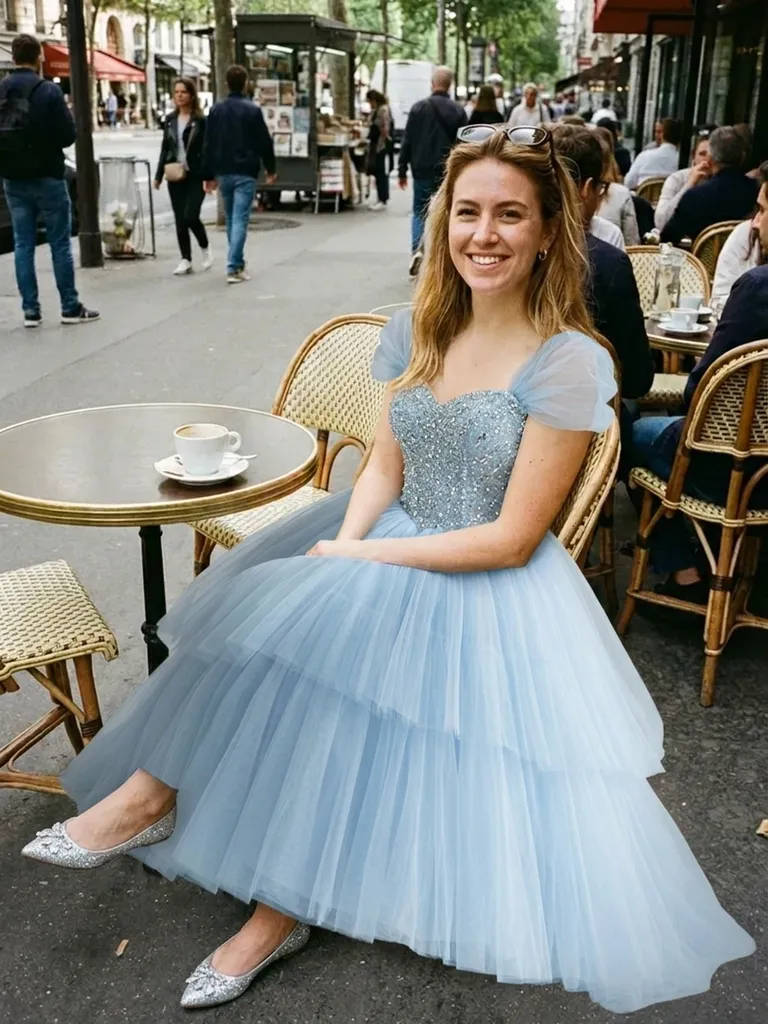
Cosplay try-on lets you see yourself in any character’s outfit before you spend weeks sewing or hundreds on a commission. Upload your photo and a costume or reference image, and see the result in about a minute.

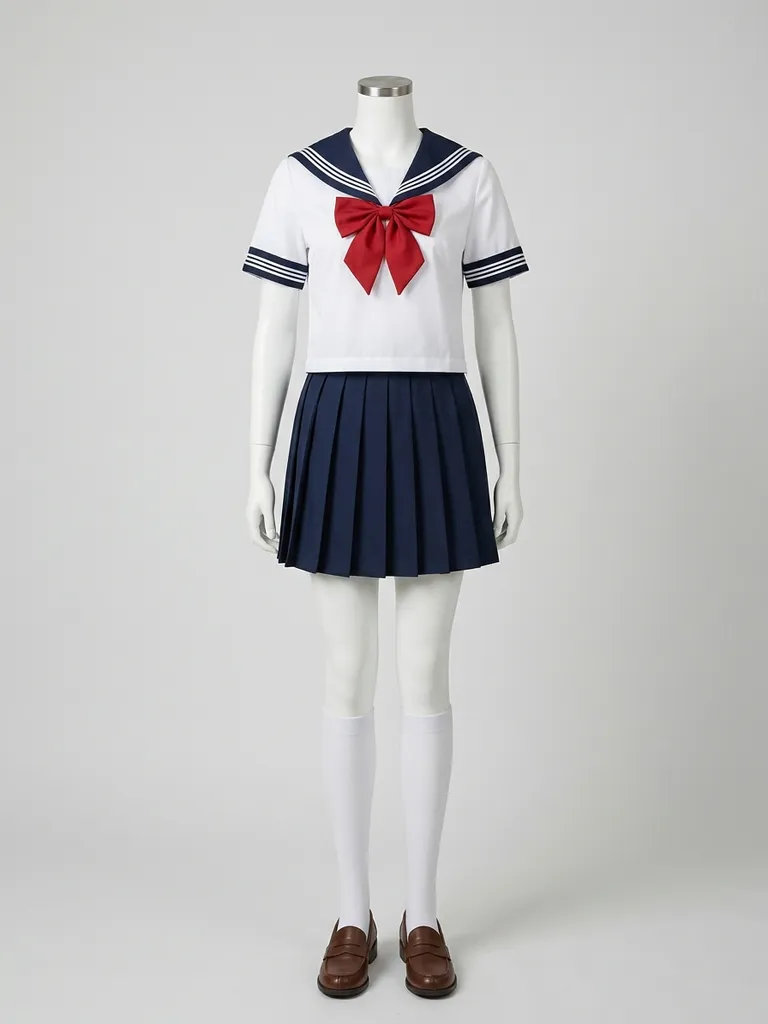
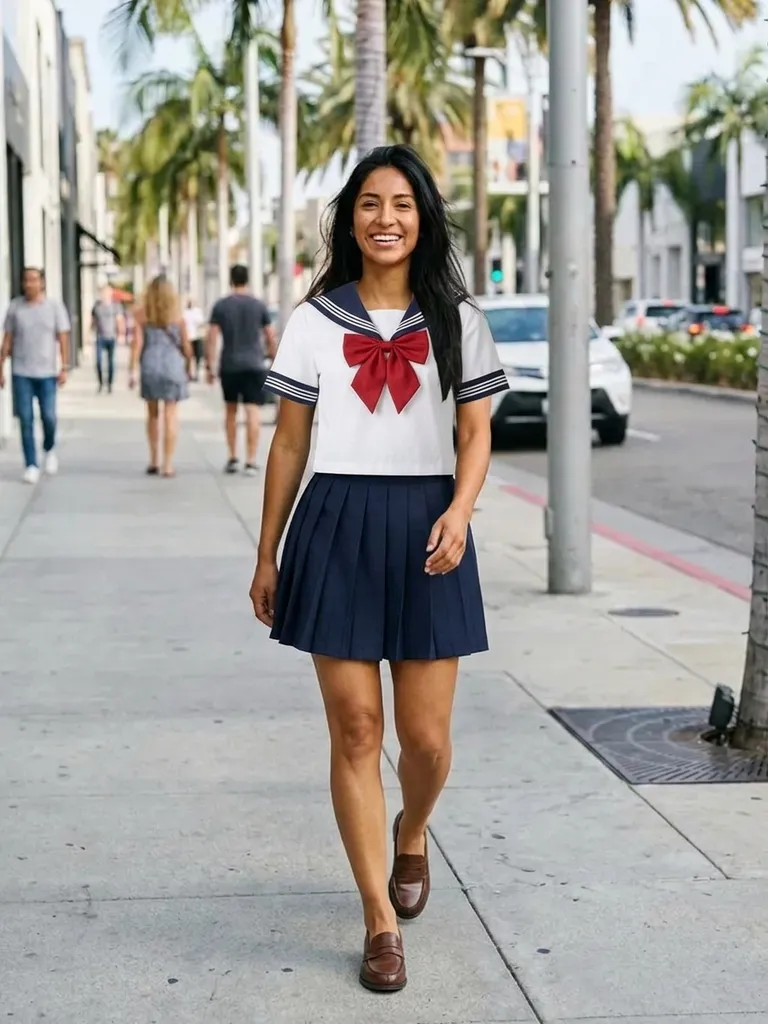

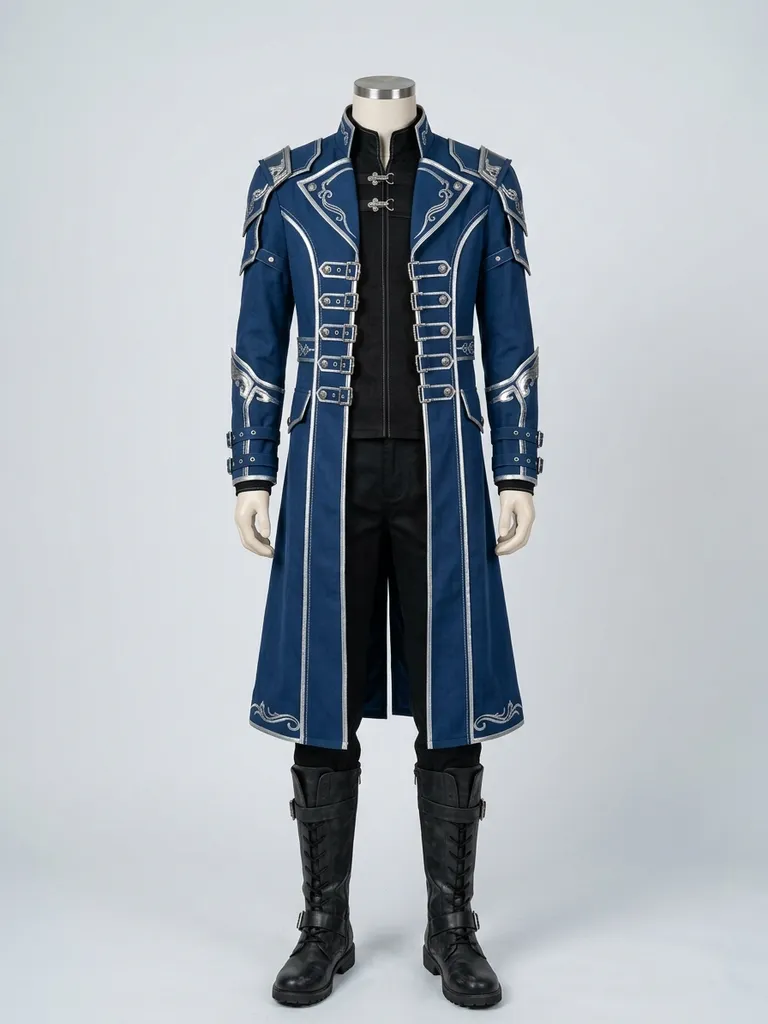
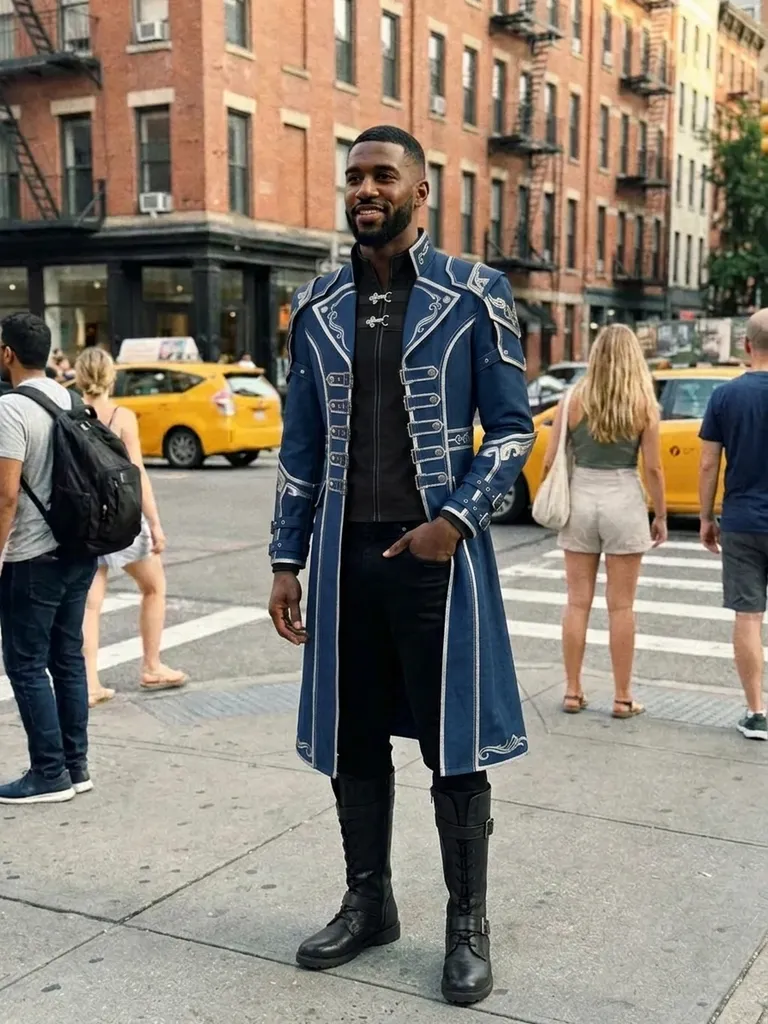
How it works
1
Upload your photo
A clear, full-length photo with a simple background works best.
2
Add the costume reference
Use a shop listing, a commission photo or a clear image of a cosplay on a model.
3
See yourself as the character
Get a preview in 30–60 seconds and decide whether to commit.
Why try it on with Outfitap
Pick your next character
Compare several characters on your own body before you choose a project.
Check colours and proportions
See whether a long coat or short skirt reads right on your frame.
Before you sew or commission
Make sure the design works on you before investing time and money.
Plan group cosplays
Preview each member of a group as their character for conventions.
Crossplay and gender-bend
Try any character, regardless of gender – the AI only changes clothing.
Your photo stays private
Photos are processed in memory and never stored.
Why try cosplay on virtually
Cosplay takes time, money and skill. Before you spend weekends sewing armour or pay for a commission, it helps to know whether the outfit suits you. A virtual try-on gives you a quick preview of the colours, shapes and overall effect on your body. It’s also a great way to decide between characters ahead of a convention. Many cosplayers use previews to compare two or three characters for the next convention, then share them with friends before committing to a build.
What works best for cosplay references
The AI needs a real-looking outfit to work with, so photos of cosplays or costumes on people work far better than drawings or anime screenshots. Use a full-body image with the whole costume visible. Wigs, contacts and make-up won’t transfer – the AI keeps your own face and hair – so think of it as a costume preview, not a full character transformation. Large props may be left out. Take your own photo in a neutral, front-facing pose; dynamic action poses make it harder for the AI to place the costume convincingly.
Cosplay ideas to try
Popular picks include school uniforms from anime, jedi robes, superhero suits, video game armour sets, magical girl dresses, steampunk outfits, maid-style dresses and fantasy elf tunics. Try the same character in two different costume versions to see which one suits you best. Save previews of your favourite options and use them as a reference when you buy fabric, talk to a commissioner or plan a group shoot. It’s much easier to agree on a plan when everyone can see the result.
Frequently asked questions
Yes. Upload your photo and an image of the costume worn by a person or mannequin. Outfitap shows you wearing it in about a minute.
Not reliably. The AI works best with photos of real clothing. Use photos of a finished cosplay or a costume listing instead of artwork. Ideally, choose an image that shows one complete look clearly – on a model, a mannequin or laid flat – without collages, watermarks or text banners covering the clothes.
No. It changes clothing only and keeps your own face and hair exactly as they are. Anything already in your own photo – hairstyle, make-up, glasses – stays exactly as it is, so style those first if you want the complete look.
Yes, it’s free to start. Sign in with a magic link sent to your email and you get 2 complimentary try-ons, no card needed. After that, packs start at €1.99 for 10 try-ons, and credits never expire.
It previews style, colour and proportions, not exact size or how stiff armour pieces feel. Where the preview really helps is narrowing down which styles you love, so you only order – or queue for the fitting room with – the ones worth it.
No. Your photos are processed in memory while the image is generated and then permanently discarded – they’re never stored or used for AI training. On the web, the finished result is kept for 24 hours so you can download it.

Try it on free
Try on cosplay costumes online with AI. Upload your photo and any character outfit to preview your cosplay before you buy or sew. Free to start.