Occasions
Virtual Halloween costume try-on: pick your costume before Oct 31
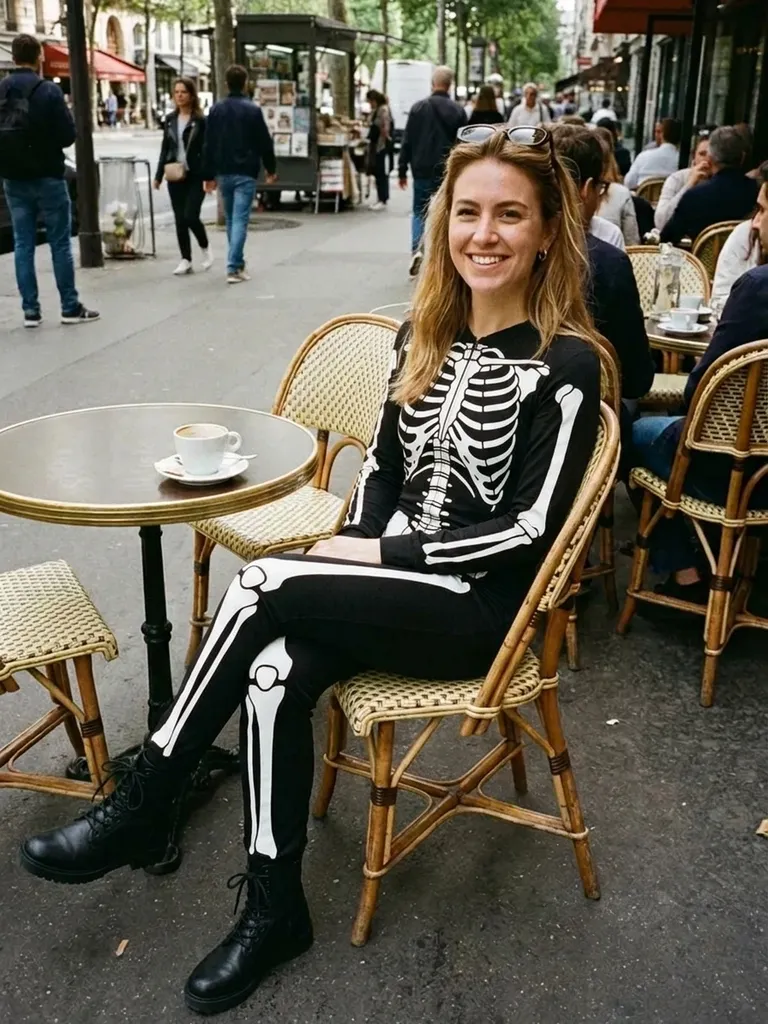
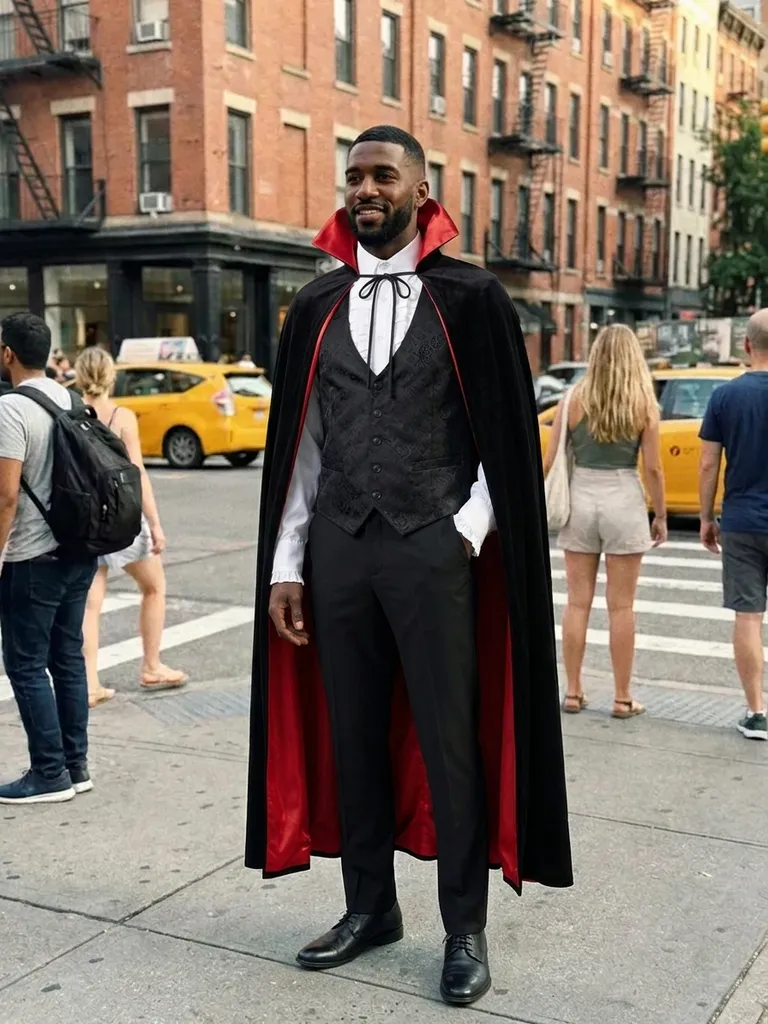
Virtual Halloween costume try-on shows you in any costume from any shop in about a minute. Screenshot a listing, upload your photo and see whether you’re a convincing witch, vampire or superhero before you order.


How it works
1
Upload a photo of you
A full-length, front-facing photo with good light.
2
Screenshot any costume listing
From Amazon, party shops, Etsy, TikTok or Pinterest – any clear costume picture works.
3
See yourself in costume
In 30–60 seconds you’ll know whether that costume works on you.
Why try it on with Outfitap
Avoid costume disappointment
Cheap costume photos can be misleading – preview the look on you first.
Compare ideas fast
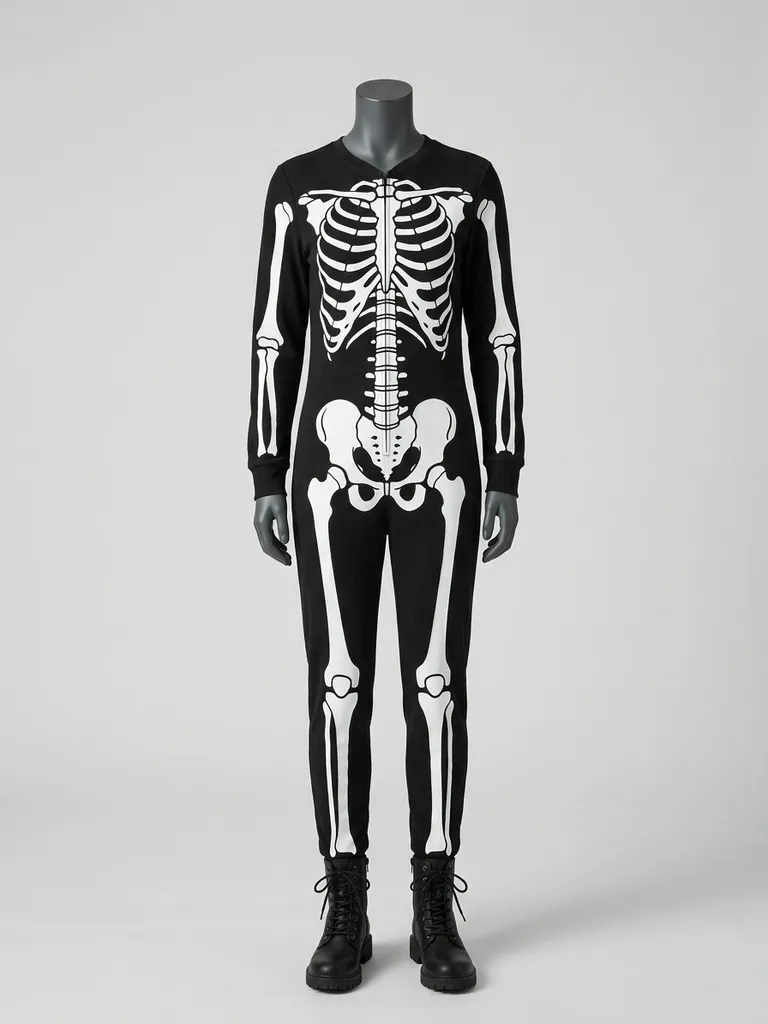
Witch, pirate or skeleton? Try several in one evening and decide.
Plan group and couple costumes
Preview everyone in the theme before ordering matching costumes.
Order on time
Decide early so your costume arrives before October 31.
Try DIY ideas
Photograph pieces you already own and see if they make a convincing costume.
No photo storage
Your photos are processed in memory and discarded afterwards.
Why try Halloween costumes virtually
Halloween is October 31, and costume orders spike in the two weeks before. Many costumes are bought online from tiny thumbnail photos, and what arrives often looks nothing like the listing. A virtual try-on gives you a realistic idea of the colours, length and overall effect on your own body, so you can choose with confidence and order early enough for delivery. It’s also the easiest way to compare several ideas in one evening, and to make sure a couple or group costume really works together before anyone orders.
Tips for costume photos
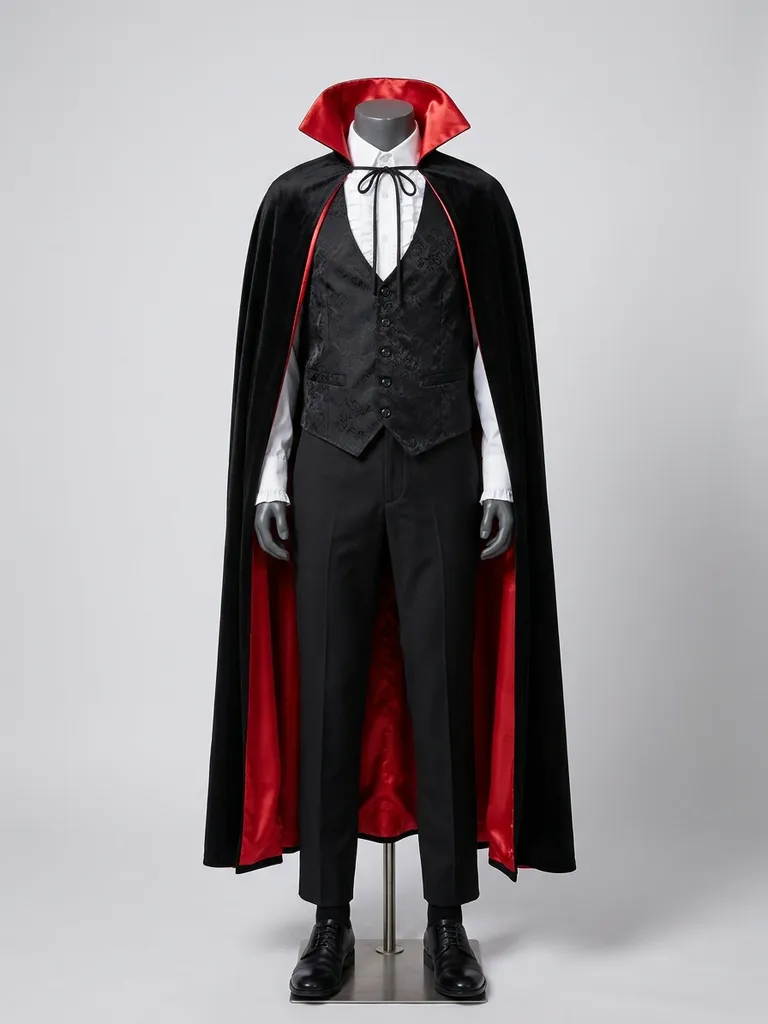
Use a costume image that shows the whole outfit on a model, ideally against a plain background. Avoid images with several costumes side by side or big text banners. The AI swaps clothing, so masks, wigs and face paint may not transfer – it keeps your own face and hair exactly as photographed. Hats and capes usually work if they’re clearly part of the outfit. If the costume comes in parts – a dress plus a cape, for example – choose a listing photo that shows them worn together so you see the complete effect.
Halloween costume ideas to try
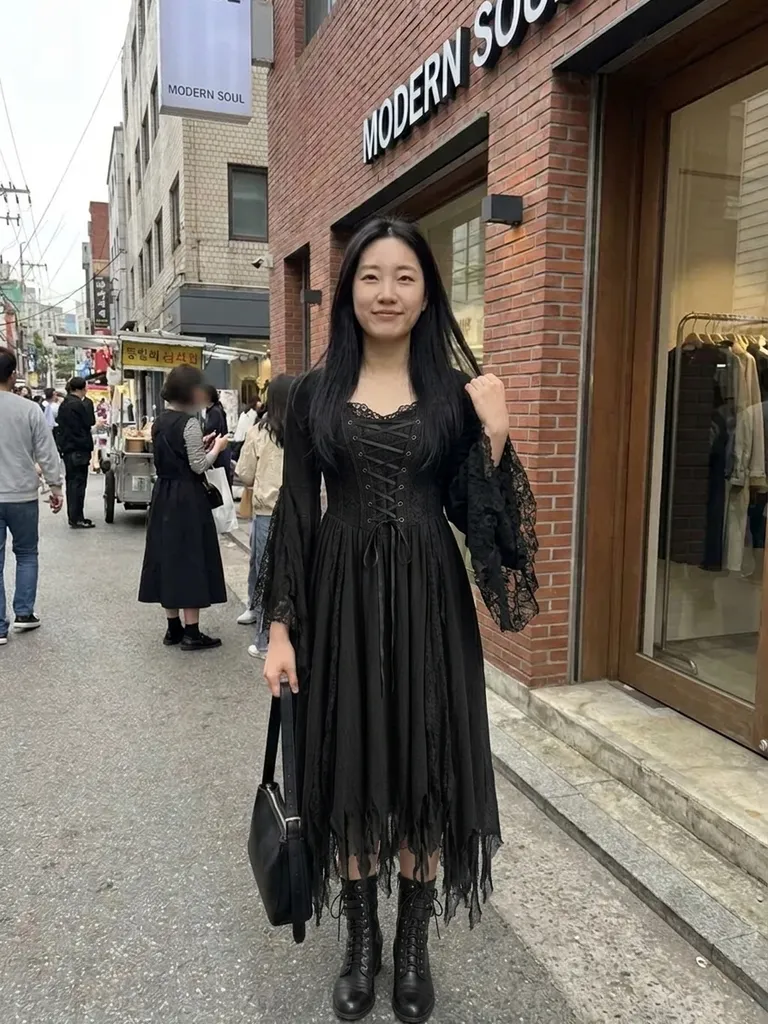
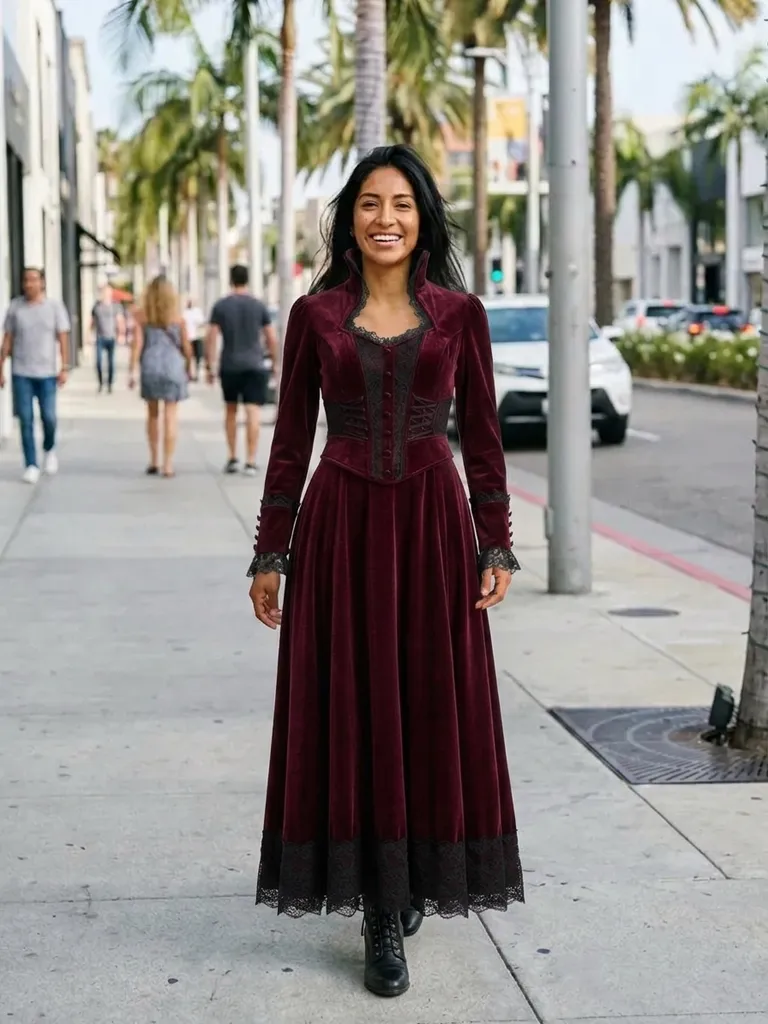
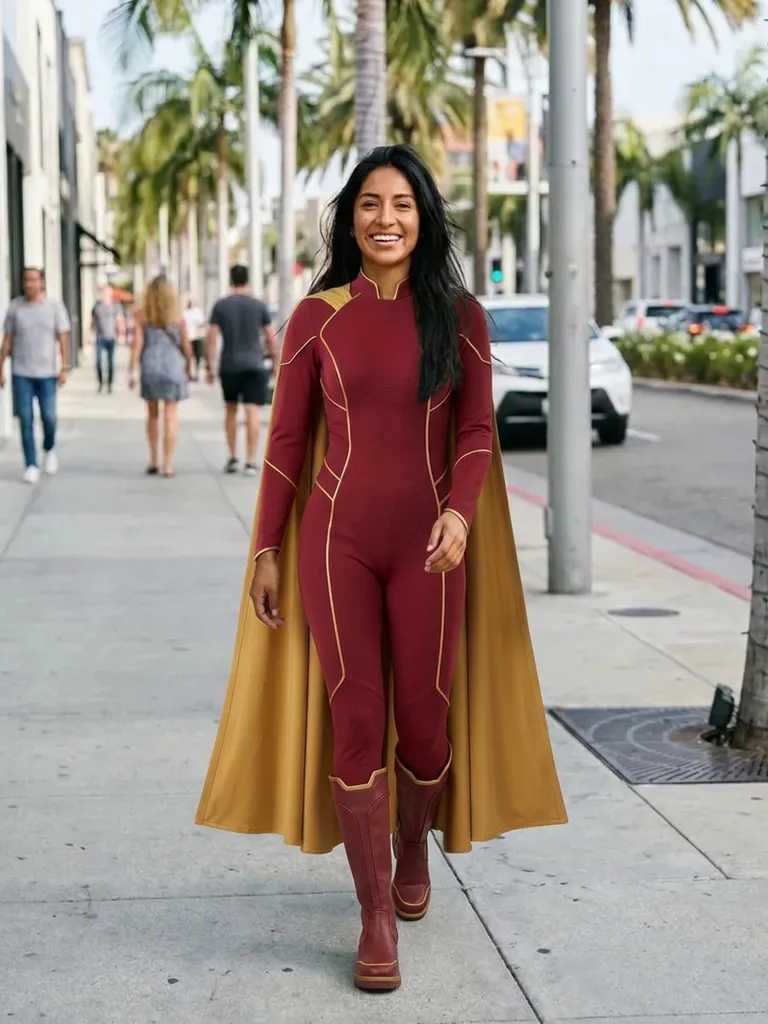
Classics include a witch dress with cape, a vampire suit with high collar, a pirate captain coat, a skeleton jumpsuit, a superhero suit, a zombie bride gown, a cowboy outfit and a gothic Victorian dress. For couples, try Dracula and his bride, or Morticia and Gomez. Many of these are one-tap presets on Outfitap. Pick one or two favourites, compare the previews and order early – popular costumes and sizes sell out in the last week of October.
Frequently asked questions
Upload a photo of yourself and a screenshot of the costume. Outfitap’s AI shows you wearing it in about a minute while keeping your face, pose and background unchanged.
No. The AI swaps clothing and keeps your face and hair exactly as photographed. It’s best for checking the costume itself. Anything already in your own photo – hairstyle, make-up, glasses – stays exactly as it is, so style those first if you want the complete look.
You can start for free: every new account gets 2 try-ons on sign-up. If you want to compare more options, credit packs start at €1.99 for 10 try-ons or €4.99 for 30, and they never expire.
Yes. Keep your photo uploaded and swap costume images as often as you like – each preview is one credit. Using the same photo of yourself for every option makes the previews easy to compare side by side before you decide.
It shows the costume as pictured in the listing. If the listing photo is flattering, the real item may still differ in fabric and finish.
Outfitap is designed for adults trying on clothes themselves, so please only upload photos you have the right to use. For children’s costumes, compare listings carefully and check the size guide, as kids’ costumes often run small.
We don’t keep them. Photos are processed in real time, held in memory during generation and then discarded. They’re never shared or used for training, and web results are deleted after 24 hours.
More try-on ideas

Try it on free
Try on Halloween costumes online with AI. Upload your photo and any costume listing to see how it looks on you before October 31. Free to start.