Styles & costumes
Superhero costume try-on: see yourself suited up
Superhero costume try-on shows you in a hero suit in about a minute. Tap “Try this look” and we pre-load a superhero costume – you only add your photo.

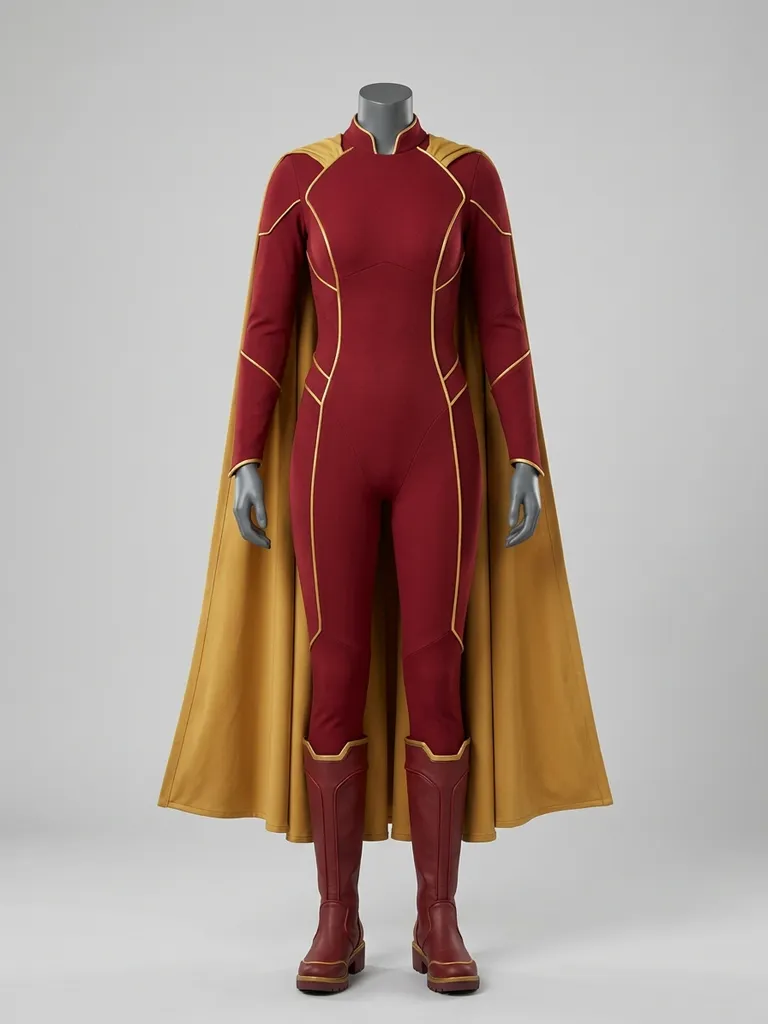
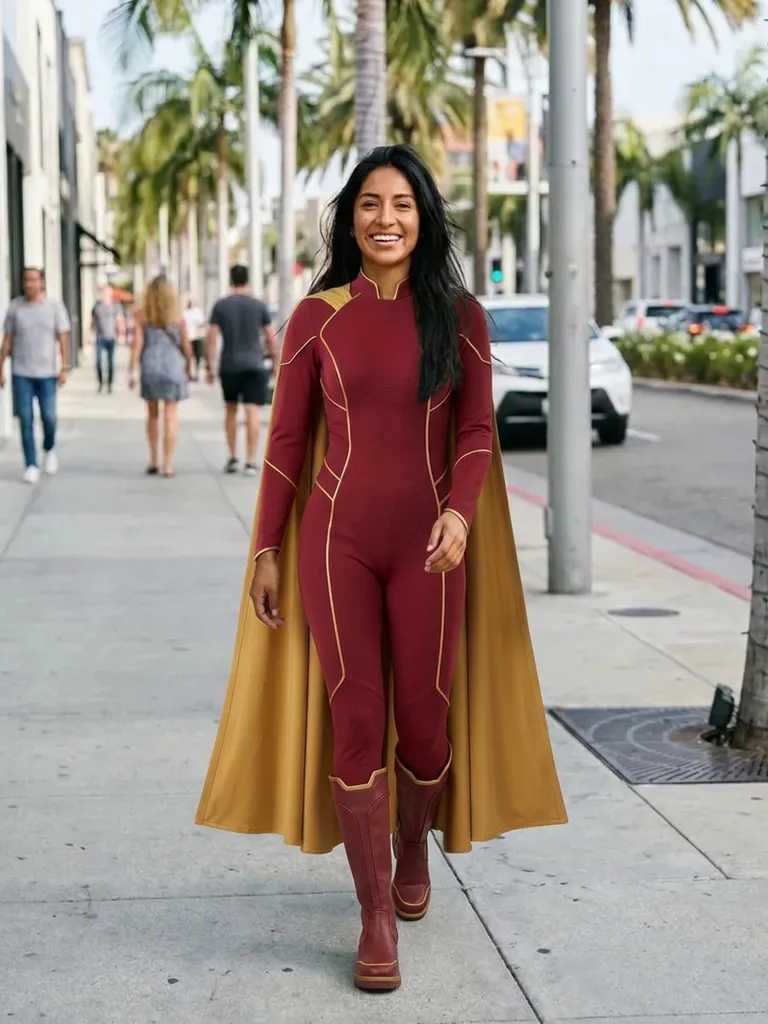

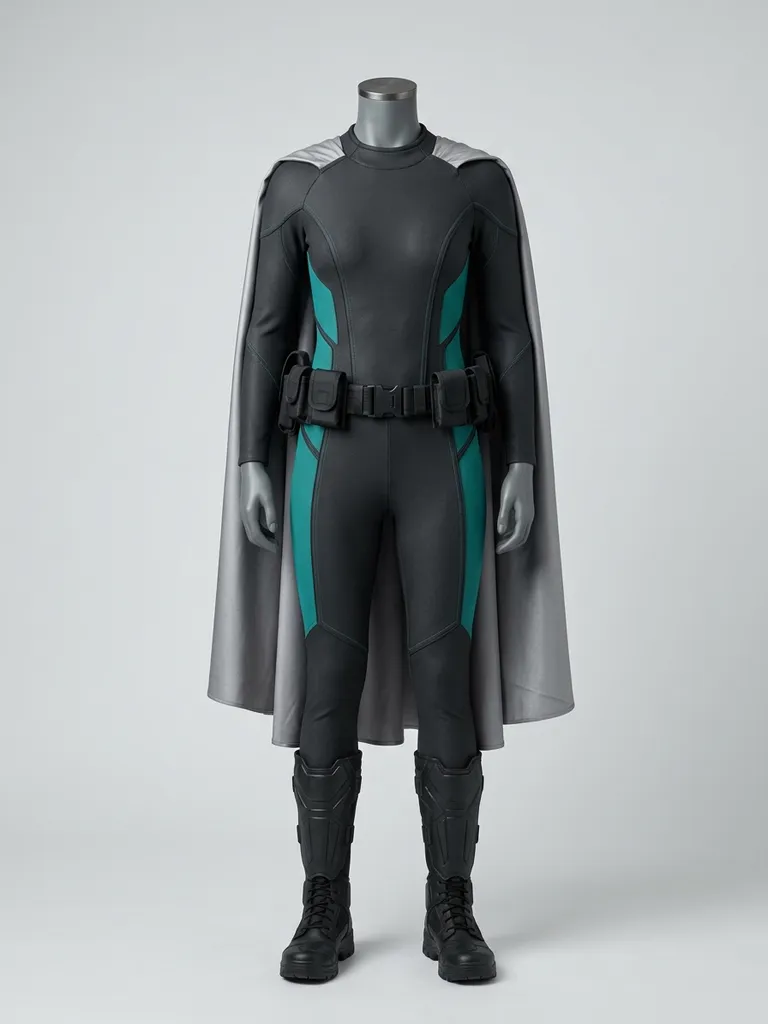
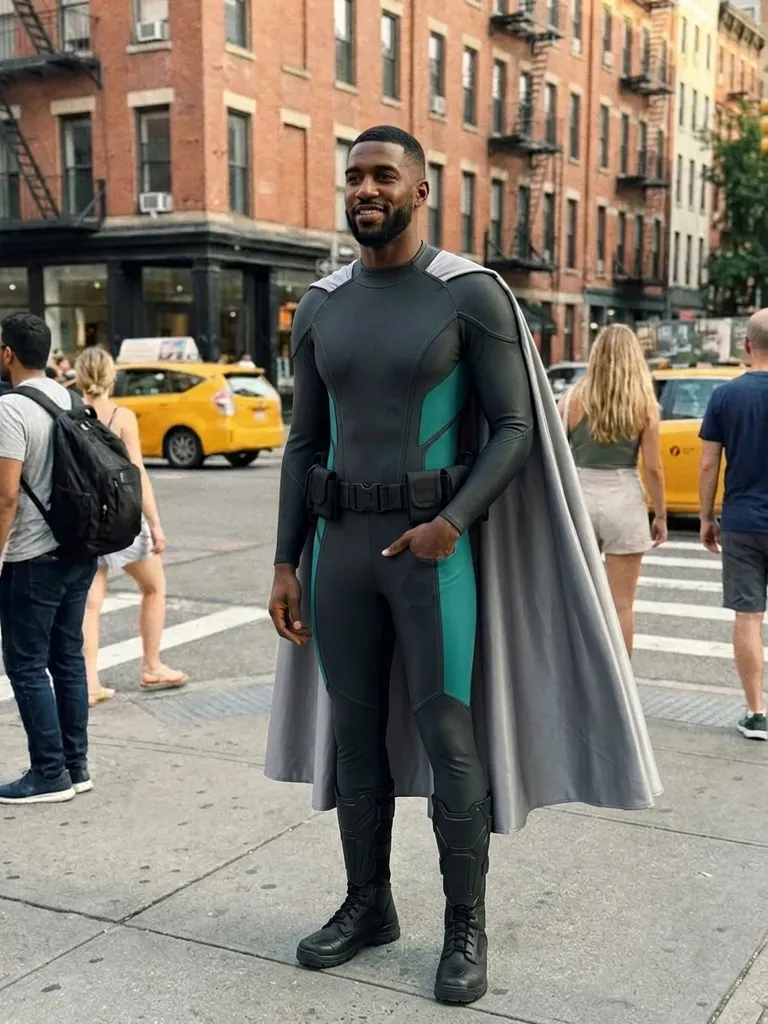
How it works
1
Tap “Try this look”
We pre-load a superhero costume outfit for you – or swap in any superhero costume piece you’ve screenshotted.
2
Add your photo
A full-length photo, standing straight, works best.
3
Suit up
Your preview is ready in about 30–60 seconds.
Why try it on with Outfitap
One-tap hero suit
A superhero costume is pre-loaded.
Compare hero looks
Try several suits and capes before choosing.
Halloween and comic cons
Preview before ordering or building.
Team costumes
See your whole squad suited up.
Swap in any costume
Use a screenshot of any costume listing or cosplay.
Private
Your photos are never stored.
What makes a great superhero costume?
Superhero costumes are built on bold colour blocking, a fitted bodysuit or armour-style top, an emblem on the chest, and often a cape, belt and boots. Classic palettes are red and blue, black and gold, or green and purple. A good costume reads instantly from across a room. It suits anyone who wants a bold, recognisable look for Halloween, a comic convention or a themed party. Superhero looks are a reliable favourite for Halloween, comic conventions and kids’ birthday parties for adults to dress up for too.
Superhero costume ideas to try
Try a classic caped hero suit, a sleek black stealth suit, an armour-style suit with metallic details, a retro comic-book costume, a hero jacket over a printed tee for a casual take, and a team of matching suits for a group. Screenshot any costume and use it in place of the preset. For Halloween on October 31, order early – costumes sell out. Pick a costume photo with the whole suit visible and no heavy text overlays, so the colours and emblem come through clearly.
Superhero costume try-on: tips for the best result
Start with the preset, then swap in pieces you’ve actually found to see how they work on you. Use a full-length, front-facing photo in good light, ideally in fitted clothes so the AI reads your shape. Pick outfit images that show one complete look on a model or mannequin – not a collage – without text overlays. Bodysuits show your silhouette closely, so a photo in fitted clothes gives the most realistic result. The AI keeps your face, hair and background exactly as photographed, so style your hair the way you’d wear it with the look before taking your photo.
Frequently asked questions
Tap “Try this look” to load a superhero costume, then upload your photo. Outfitap shows you in the suit in about a minute. You can also replace the preset with any outfit screenshot and keep the same photo to compare several looks in a row – each preview uses one credit.
No. The AI keeps your face exactly as photographed, so masks and helmets won’t appear. It’s best for previewing the suit itself. Anything already in your own photo – hairstyle, make-up, glasses – stays exactly as it is, so style those first if you want the complete look.
Yes, it’s free to start: new accounts get 2 complimentary try-ons after signing in with an email link. After that, credit packs start at €1.99 for 10 try-ons, and credits never expire.
Yes. Use any screenshot showing the full costume on a model, ideally without heavy text banners. Ideally, choose an image that shows one complete look clearly – on a model, a mannequin or laid flat – without collages, watermarks or text banners covering the clothes.
Yes. Each person uploads their own photo – each preview uses one credit. Each person uses their own photo, and every result can be downloaded and shared with the others within 24 hours.
No. Photos are processed in memory and discarded once your image is generated, and they’re never used to train AI. On the web, the result is saved for 24 hours so you can download it.
More try-on ideas
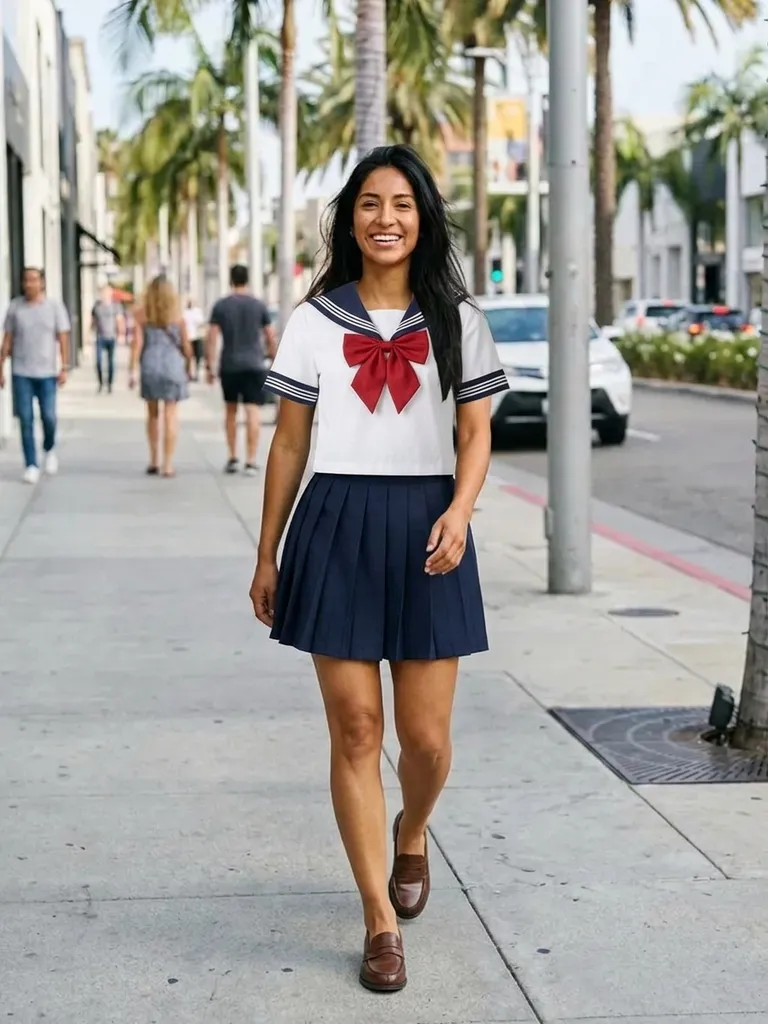
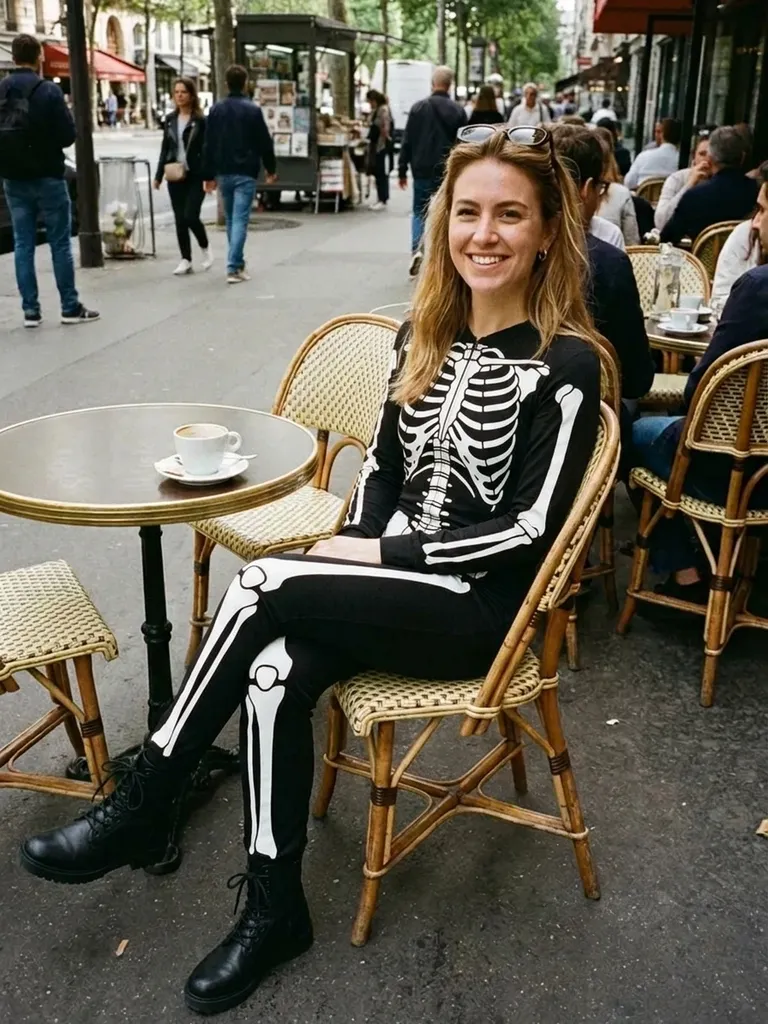
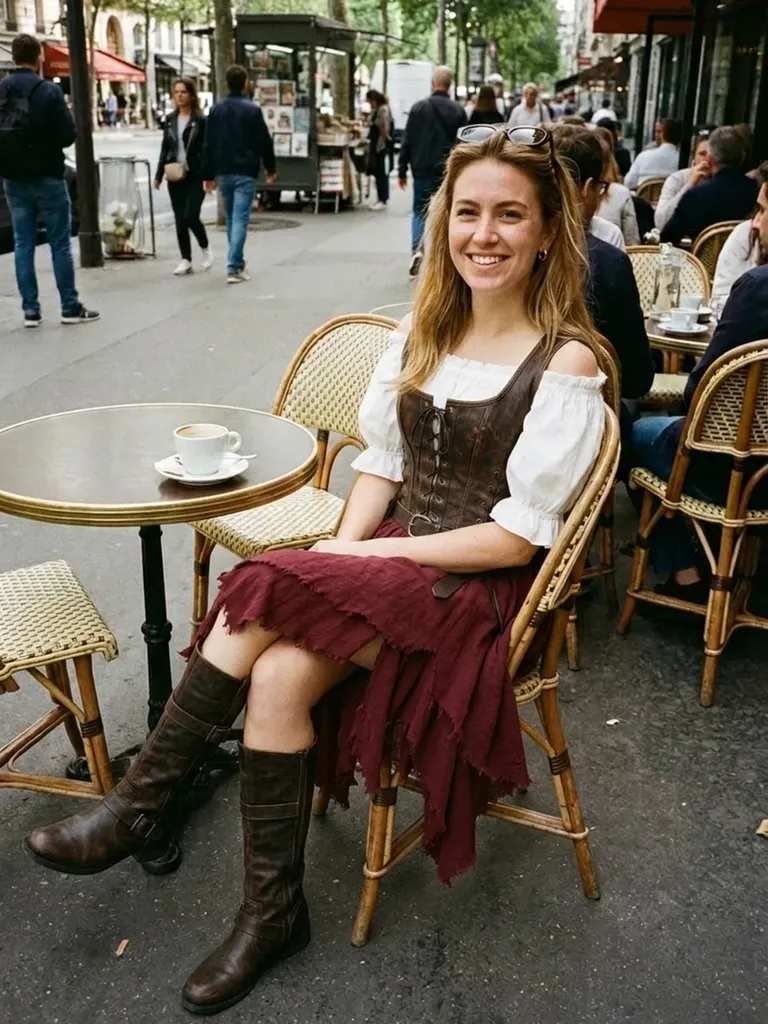
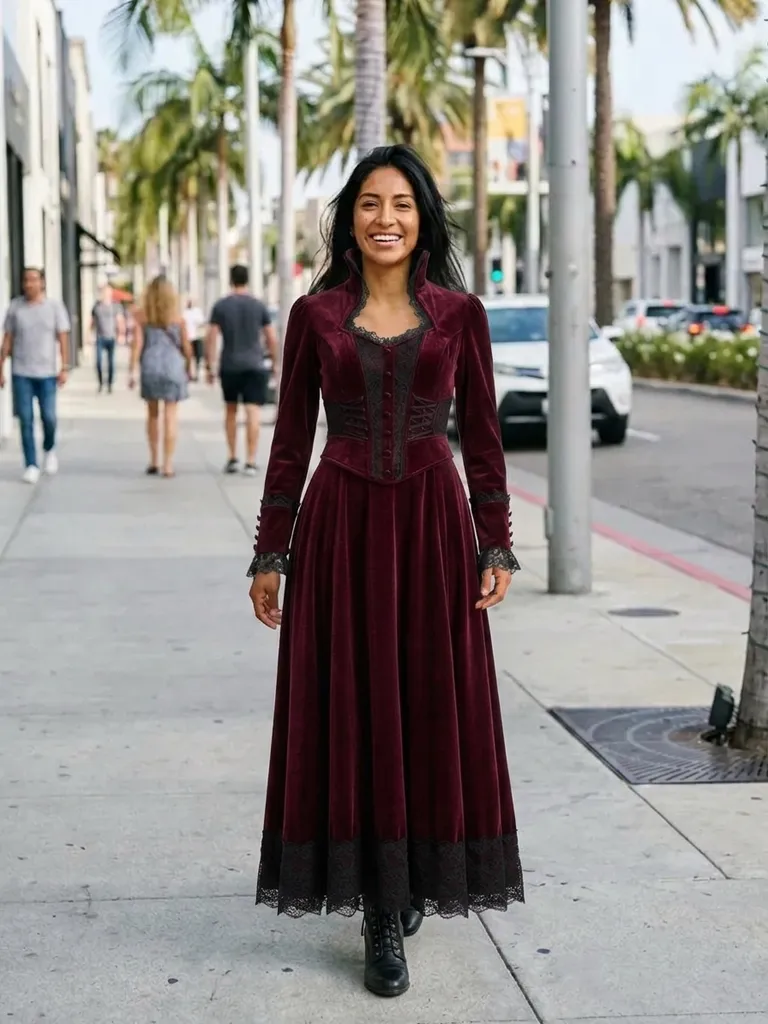

Try this look
Try a superhero costume on yourself with AI. One tap loads a hero suit – add your photo and see yourself suited up in a minute. Free to start.