Styles & costumes
Vampire costume try-on: see your gothic vampire look
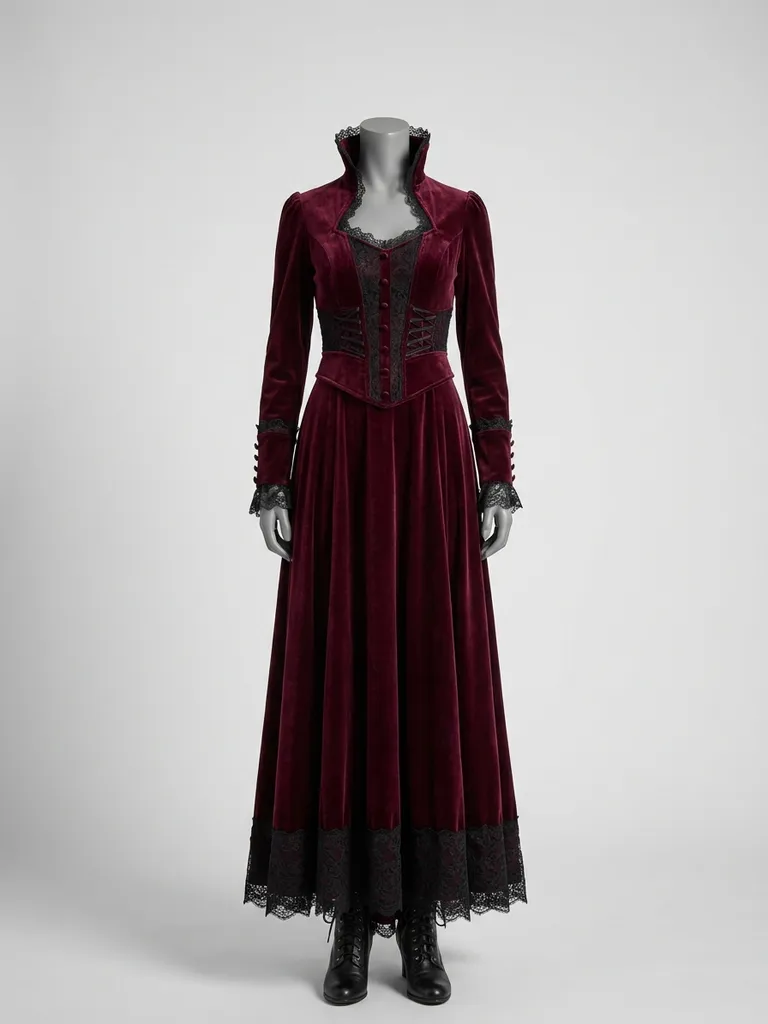
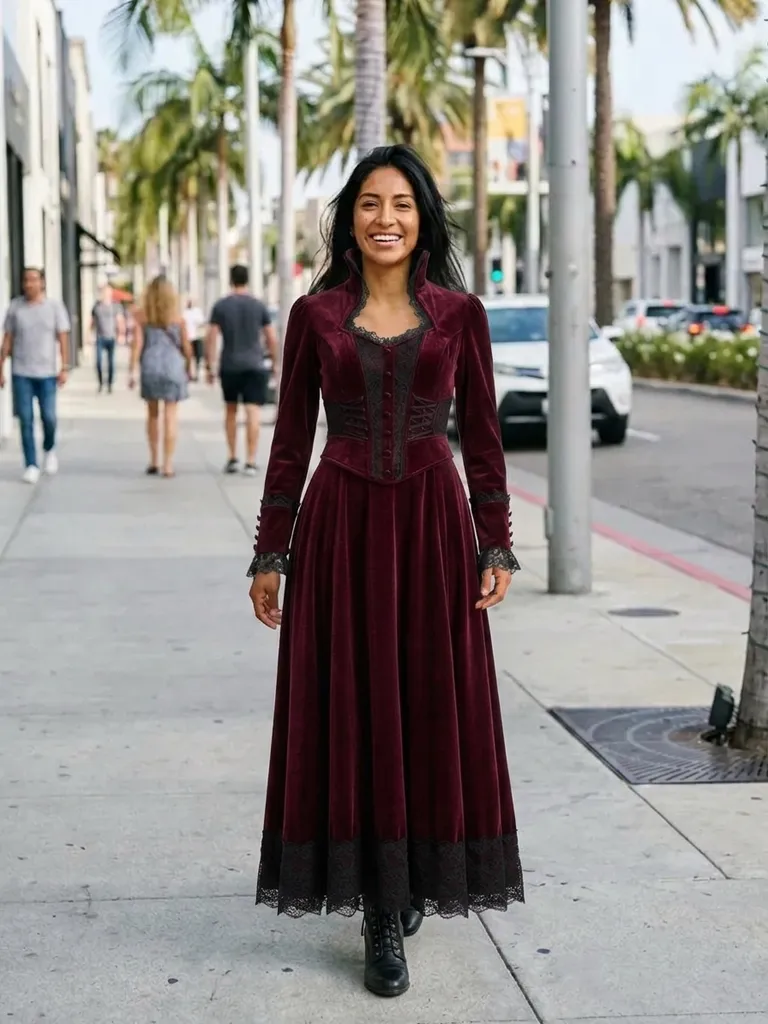
Vampire costume try-on shows you in an elegant, gothic vampire look in about a minute. Tap “Try this look” and we pre-load a vampire costume – you only add your photo.


How it works
1
Tap “Try this look”
We pre-load a vampire costume outfit for you – or swap in any vampire costume piece you’ve screenshotted.
2
Add your photo
A full-length photo, front-facing and in good light.
3
See yourself in the dark
Your preview is ready in about 30–60 seconds.
Why try it on with Outfitap
One-tap costume
A vampire costume is pre-loaded – just add your photo.
Count or countess
Compare a high-collar cape with a velvet gown.
Victorian or modern
See a period costume next to a sleek modern vampire look.
Couple costumes
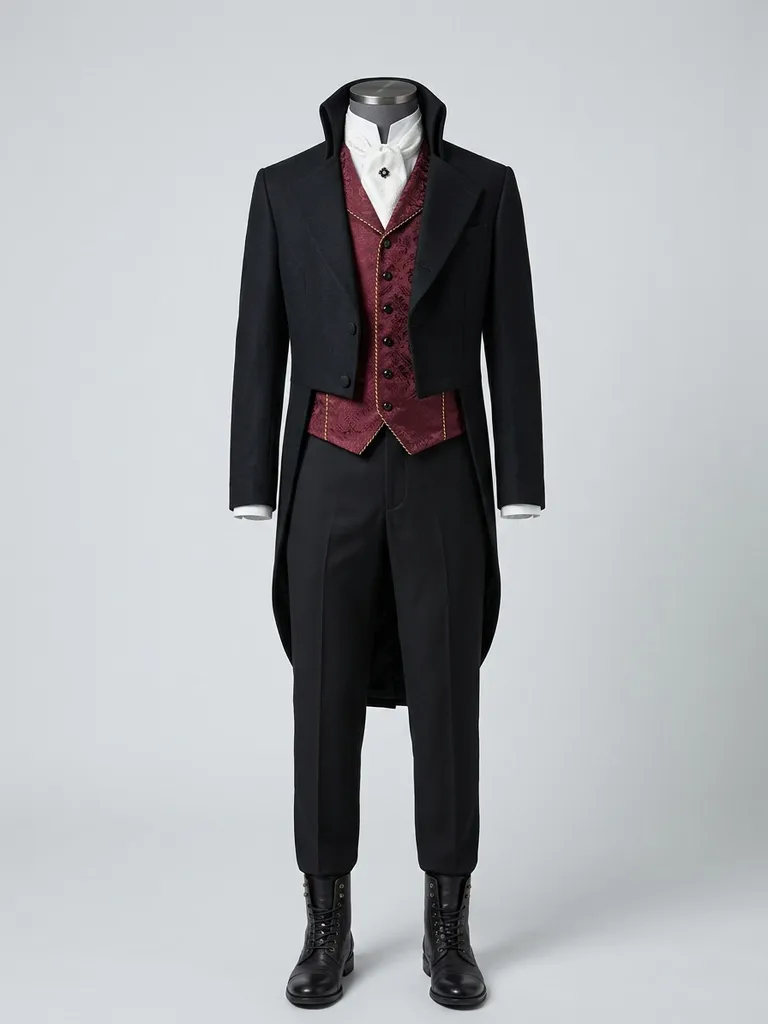
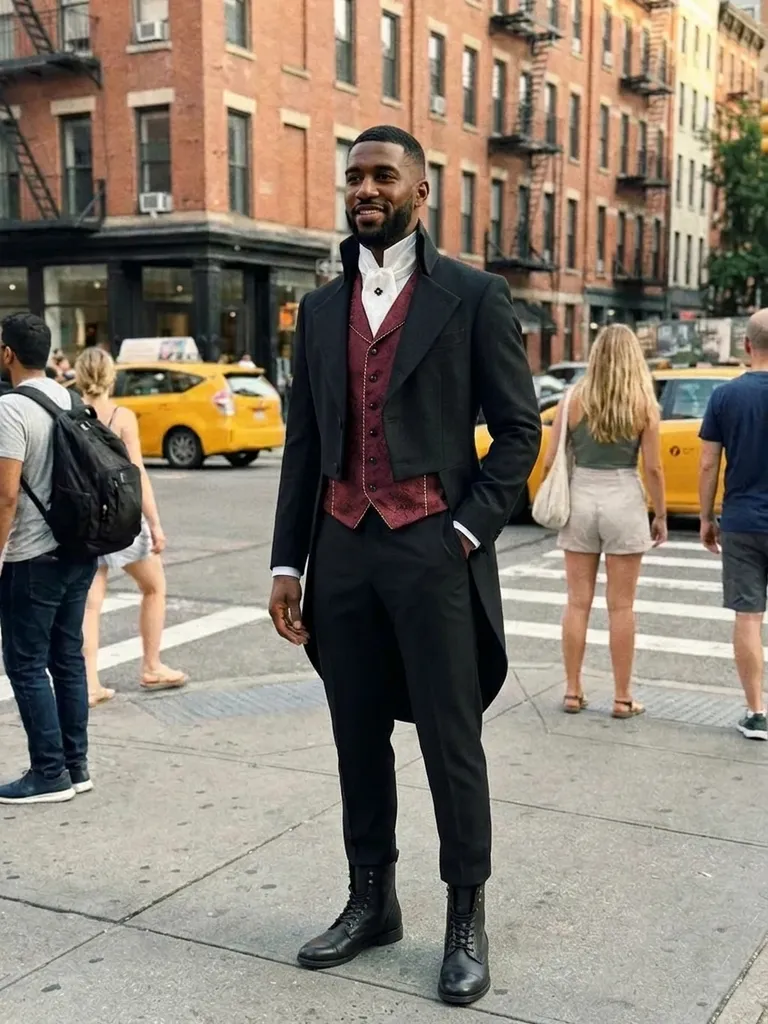
Preview Dracula and his bride together.
Swap in any costume
Use a screenshot of any vampire costume listing.
Private
Your photos are never stored.
What makes a great vampire costume?
Vampire costumes draw on gothic novels and classic horror films. Key pieces include a high-collared cape with red lining, a Victorian waistcoat or frock coat, a ruffled shirt, a velvet or lace gown, a corset and long gloves. The palette is black, blood red and deep burgundy with silver details. It suits anyone who wants an elegant Halloween costume rather than a scary one. It’s also a costume that works for couples, groups and any gender, from Victorian counts to modern, leather-clad vampires.
Vampire costume ideas to try
Try a classic Dracula cape with a waistcoat, a red velvet gown with a high collar, a Victorian frock coat with a cravat, a black lace gothic dress, a modern vampire look with a leather coat and a matching couple’s vampire set. Halloween is on October 31 – preview your options early and order in time. Swap in any screenshot to try a different costume. For a polished result, choose a costume photo that shows the cape, collar and full length of the outfit clearly, without heavy shadows or text.
Vampire costume try-on: tips for the best result
After the preset, try a few of your own finds side by side – keep the same photo of yourself so the comparison is fair. A sharp, well-lit, head-to-toe photo gives the most realistic result, and outfit pictures on a model or mannequin work better than tiny thumbnails or collages. High collars and capes read best from the front, so choose a costume photo taken straight on. Because only the clothes change, accessories like wigs, make-up and glasses need to be in your own photo if you want them in the result.
Frequently asked questions
Tap “Try this look” to load the vampire costume, then upload your photo. Outfitap shows you in it in about a minute. You can also replace the preset with any outfit screenshot and keep the same photo to compare several looks in a row – each preview uses one credit.
No. The AI keeps your face exactly as photographed and only changes the clothing. Anything already in your own photo – hairstyle, make-up, glasses – stays exactly as it is, so style those first if you want the complete look.
Yes, it’s free to start: new accounts get 2 complimentary try-ons after signing in with an email link. After that, credit packs start at €1.99 for 10 try-ons, and credits never expire.
Yes. Use a clear screenshot of the costume on a model instead of the preset. Ideally, choose an image that shows one complete look clearly – on a model, a mannequin or laid flat – without collages, watermarks or text banners covering the clothes.
Yes. Each person uploads their own photo with their half of the costume – one credit per preview. Each person uses their own photo, and every result can be downloaded and shared with the others within 24 hours.
No. Photos are processed in memory and discarded once your image is generated, and they’re never used to train AI. On the web, the result is saved for 24 hours so you can download it.
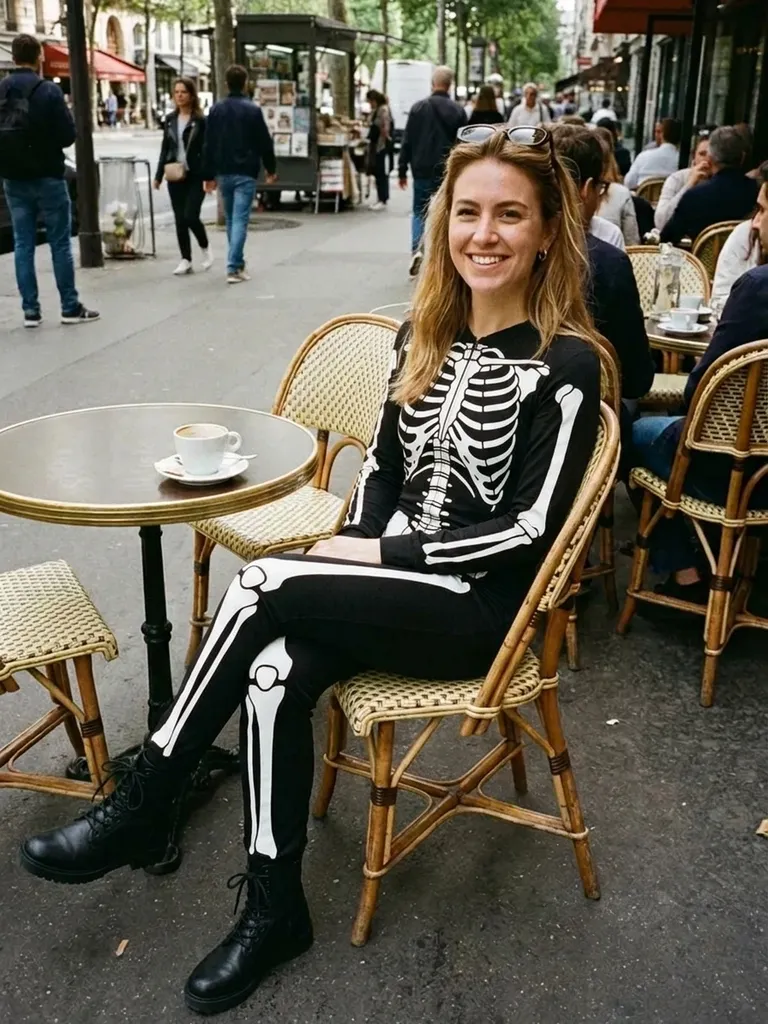
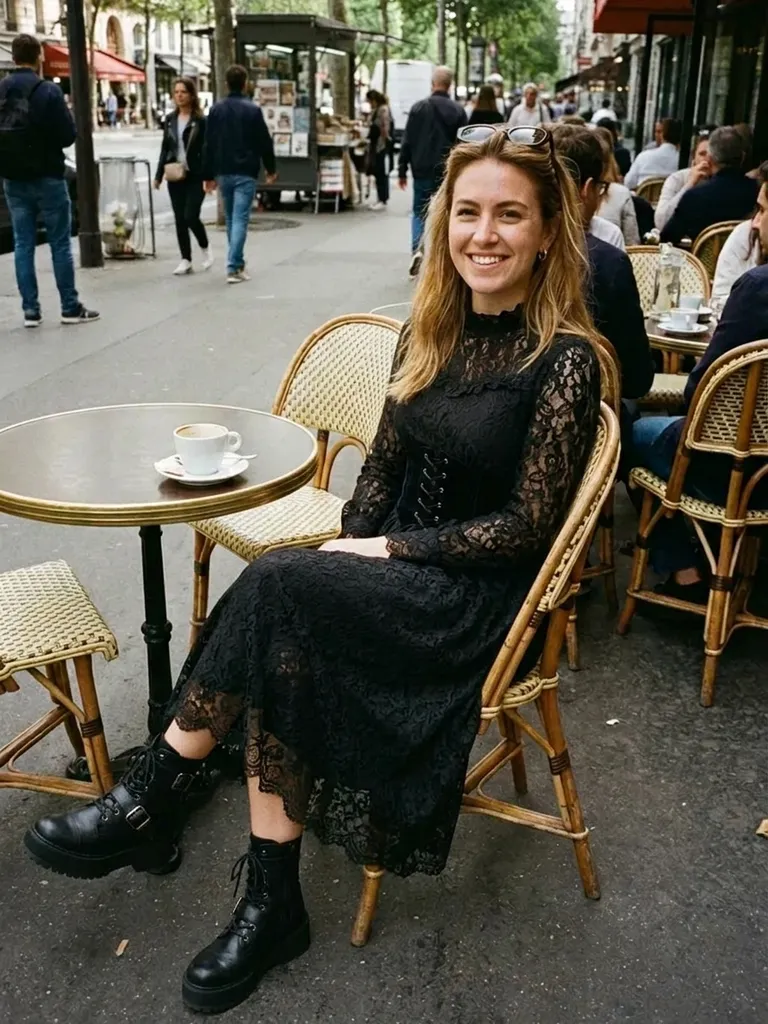
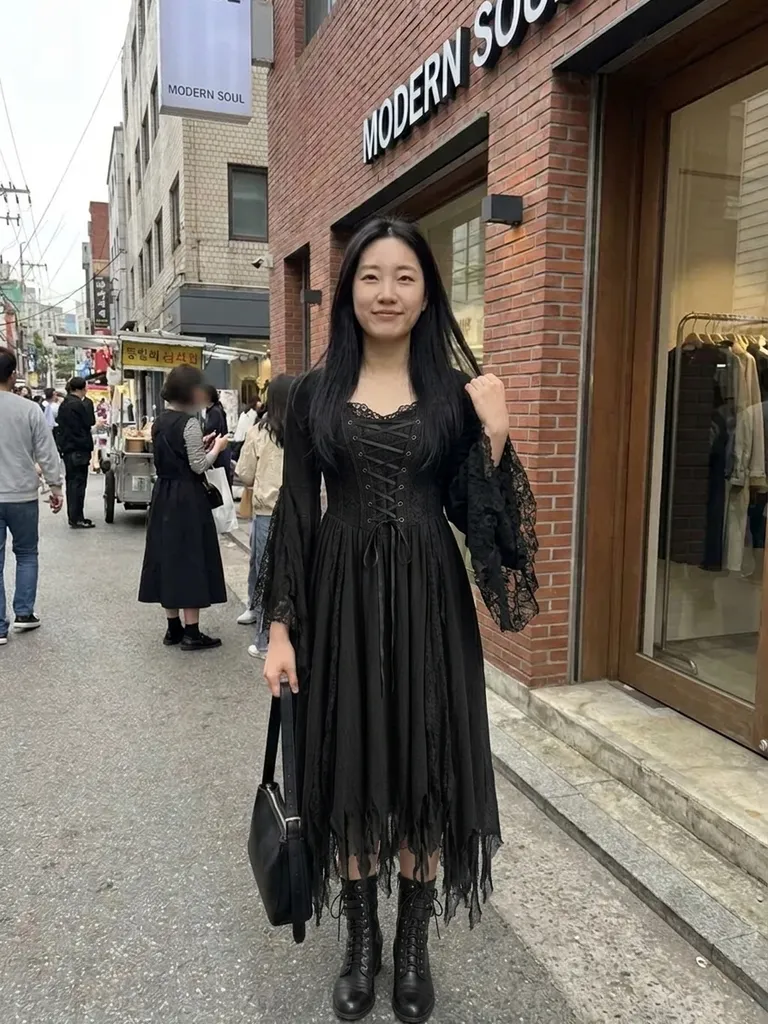
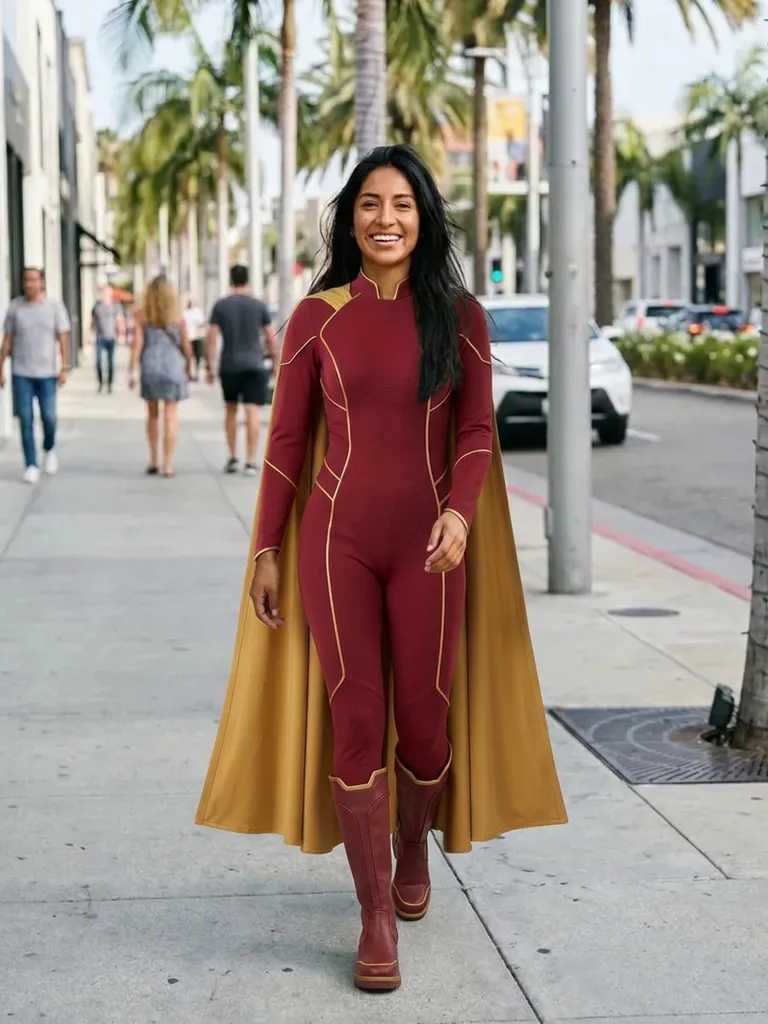
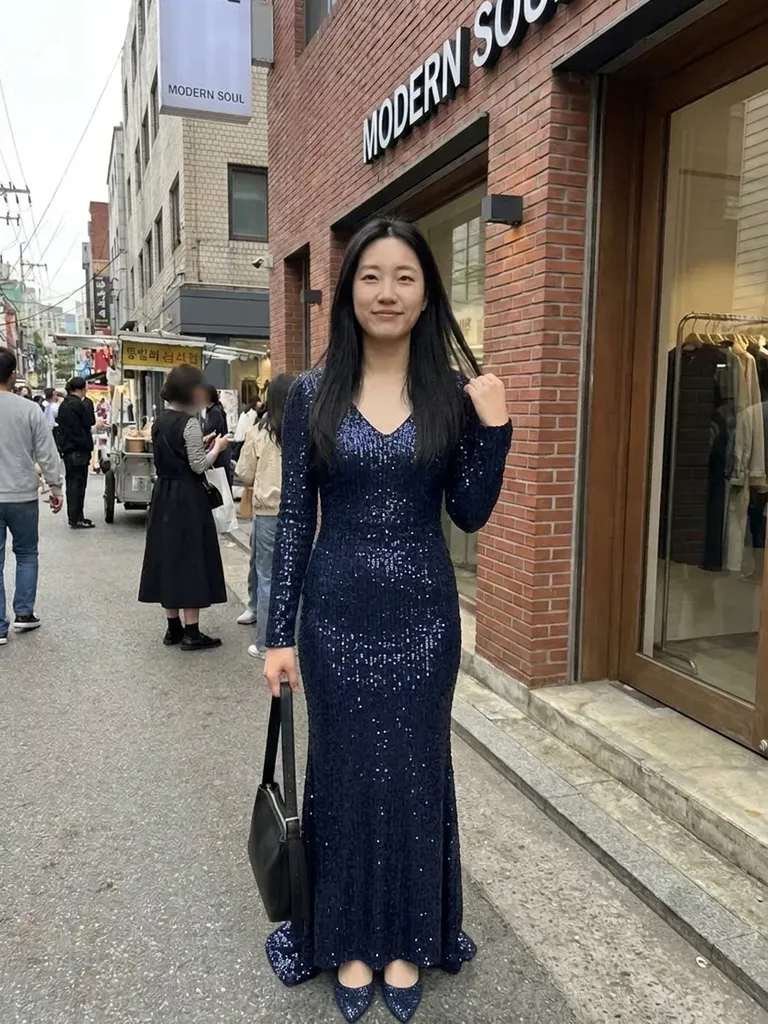
Try this look
Try a vampire costume on yourself with AI. One tap loads a gothic vampire look – add your photo and see it before Halloween. Free to start.