Styles & costumes
Witch costume try-on: see your Halloween witch look
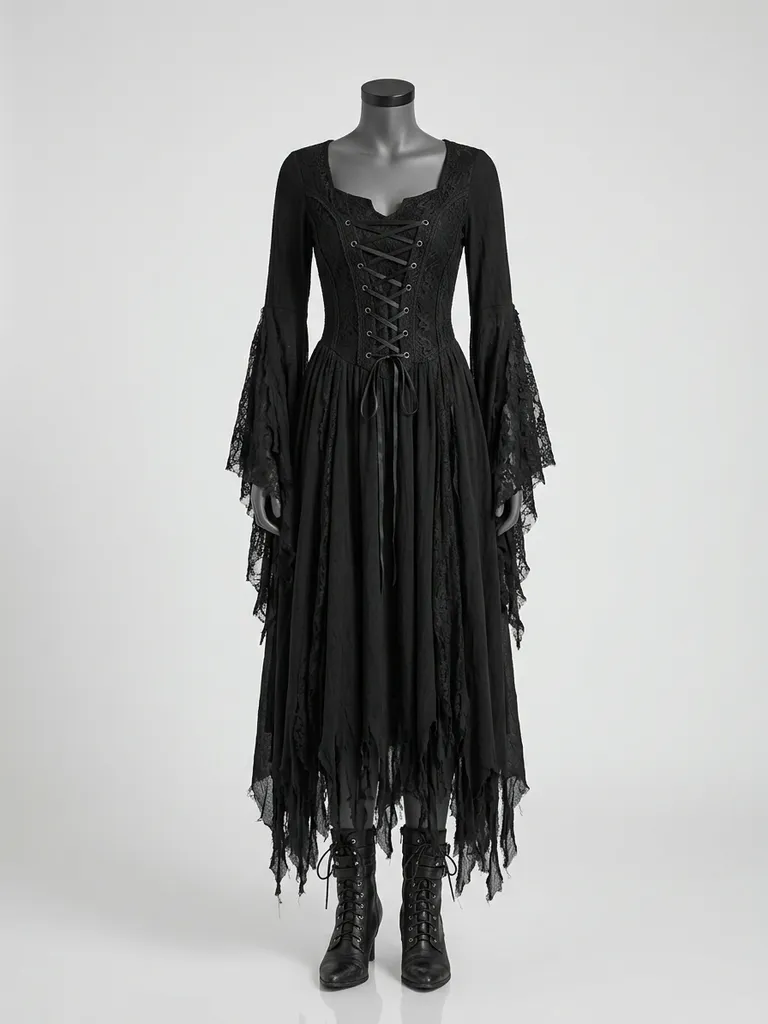
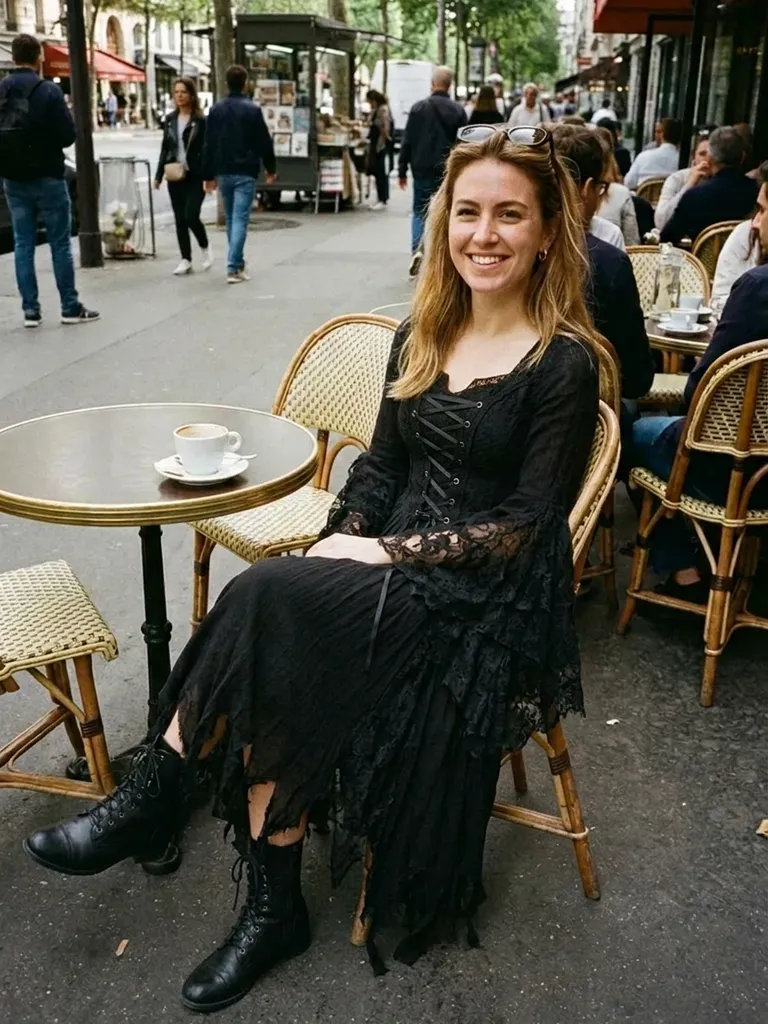
Witch costume try-on shows you in a spellbinding witch look in about a minute. Tap “Try this look” and we pre-load a witch costume – you only add your photo.
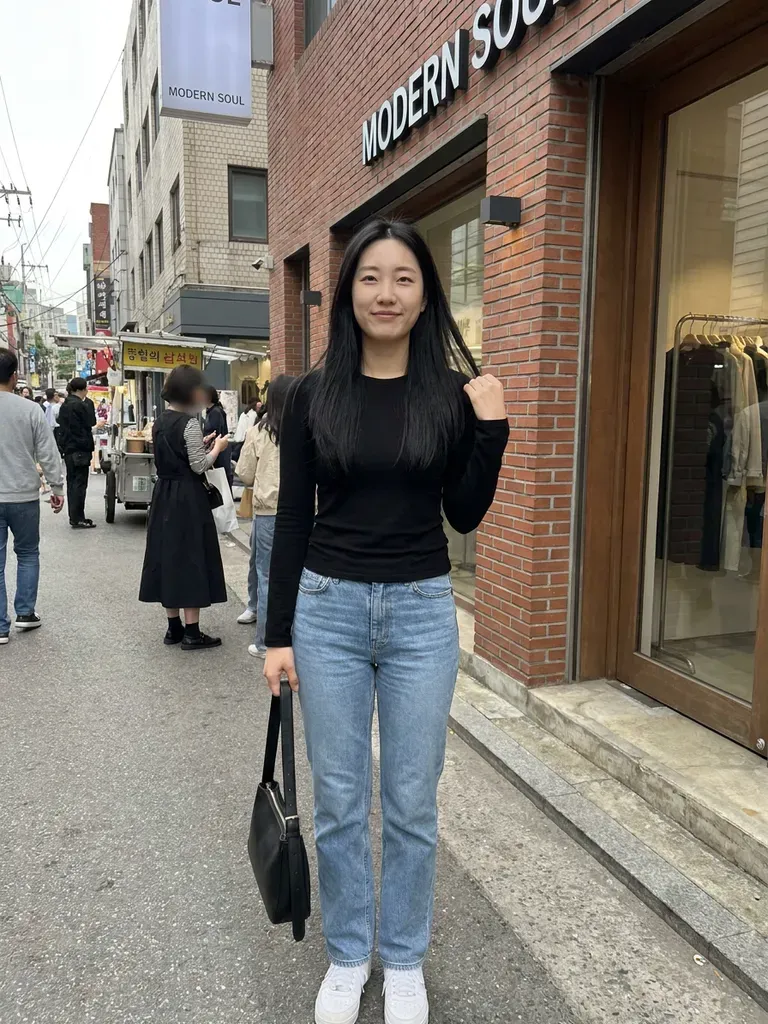
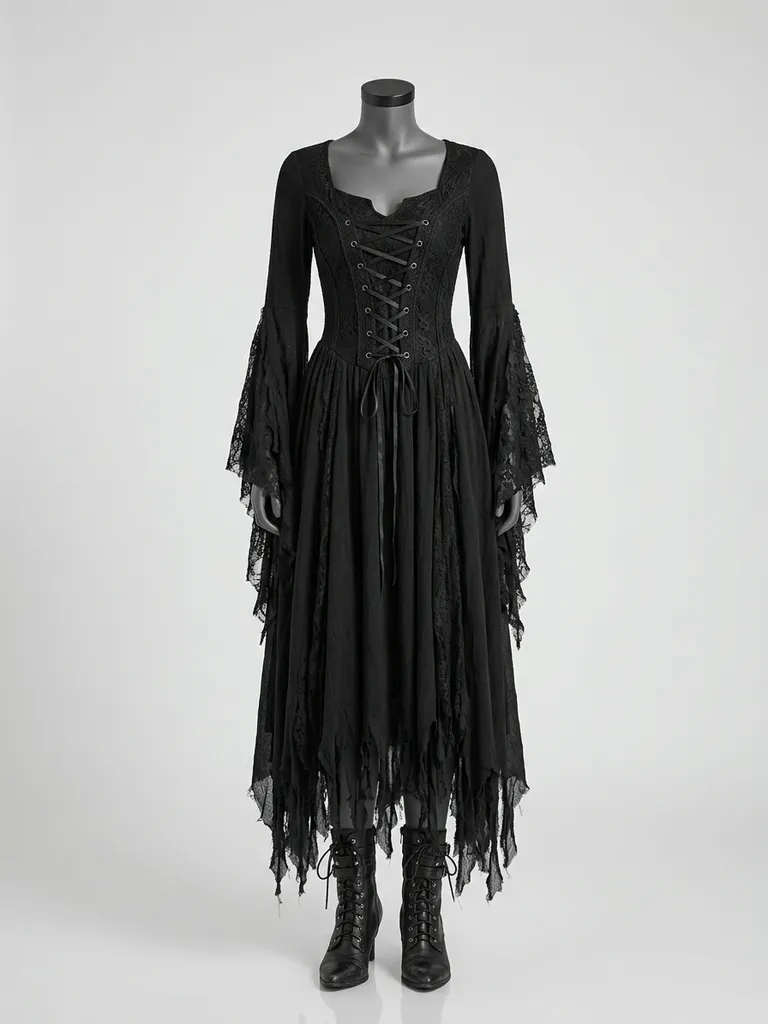
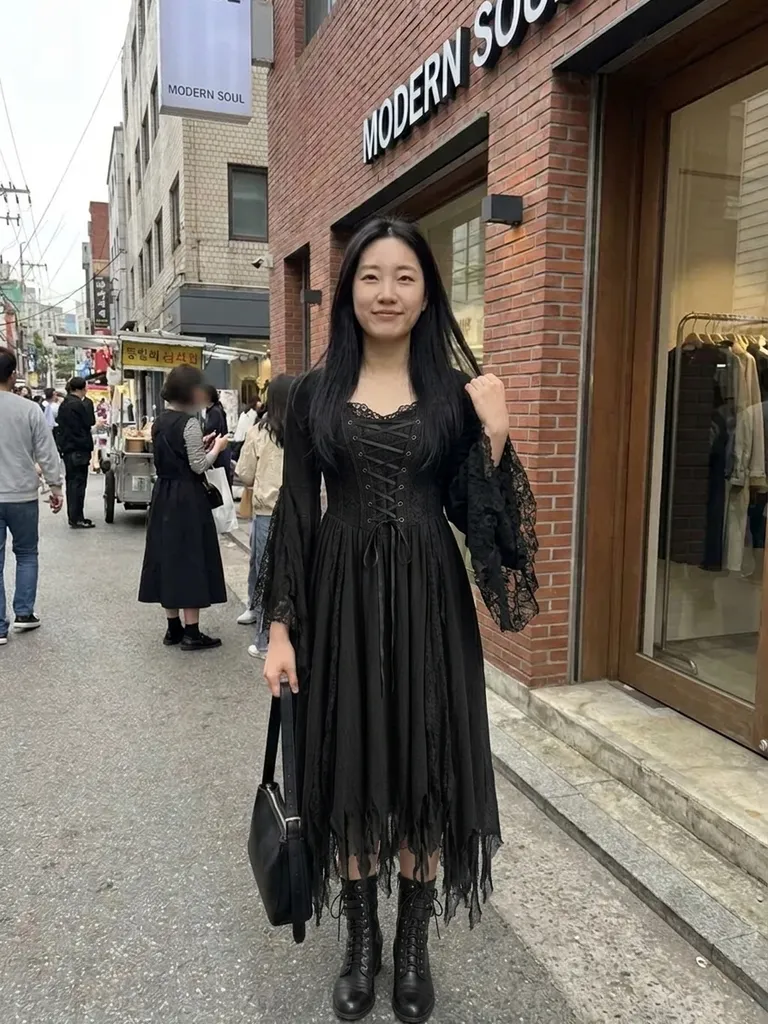
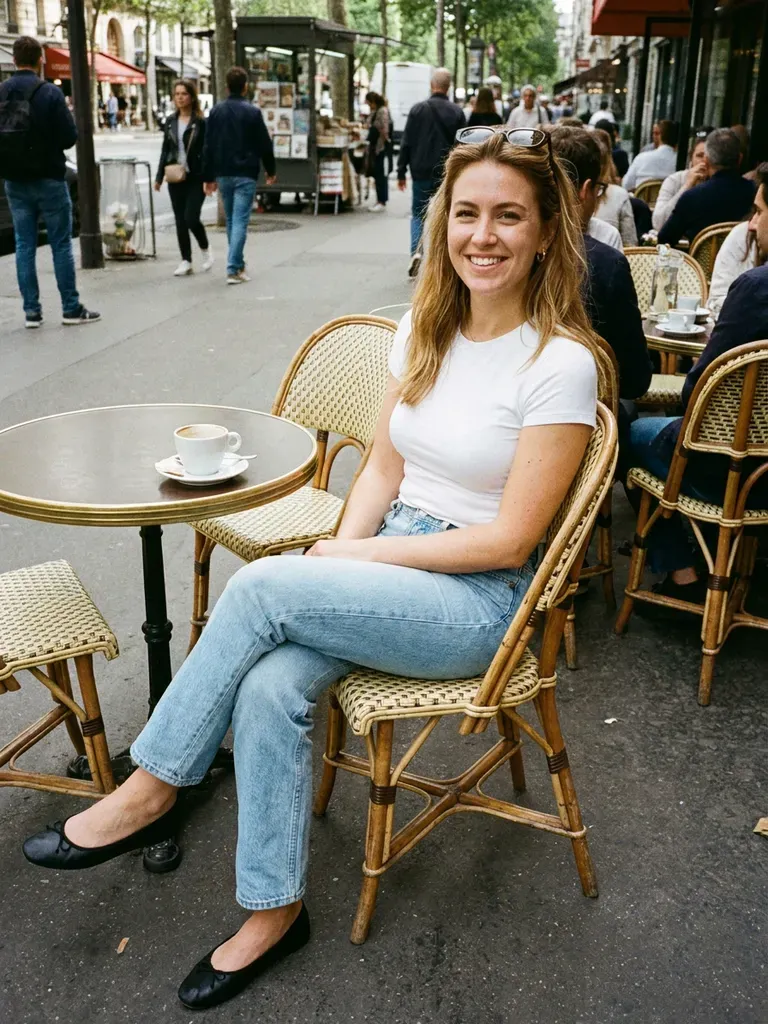
How it works
1
Tap “Try this look”
We pre-load a witch costume outfit for you – or swap in any witch costume piece you’ve screenshotted.
2
Add your photo
A full-length photo in good light.
3
See the spell work
Your preview is ready in about 30–60 seconds.
Why try it on with Outfitap
One-tap costume
A witch outfit is pre-loaded for you.
Classic or modern witch
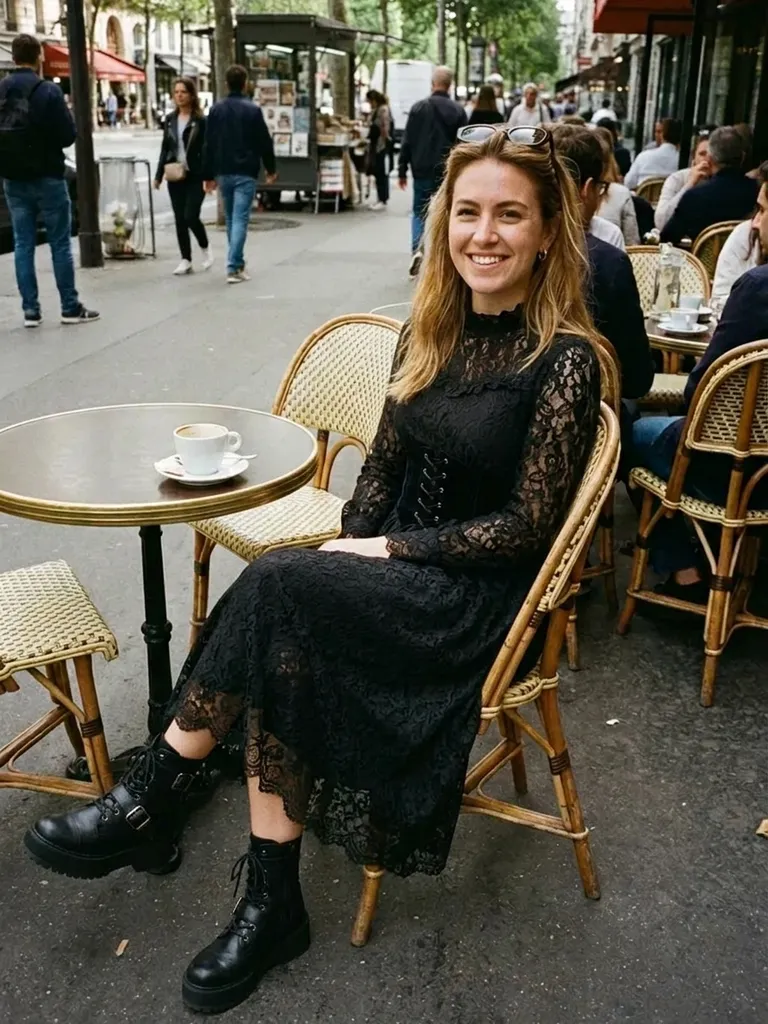
Compare a pointed-hat classic with a chic all-black look.
Halloween ready
Preview early so your costume arrives by October 31.
Coven costumes
Preview matching looks for a group of friends.
Swap in any costume
Use a screenshot of any witch costume or dress.
Private
Your photos are never stored.
What makes a great witch costume?
A witch costume can be classic or chic. The classic version is a long black dress with a cape, a pointed hat and striped tights; modern takes use a black velvet maxi dress, a lace-up corset, a long cloak, deep purple or green accents and silver jewellery. It’s one of the most versatile Halloween costumes – easy to style from pieces you may already own and flattering on everyone. It’s also a great base for group costumes, since every witch in a coven can have her own colour or style.
Witch costume ideas to try
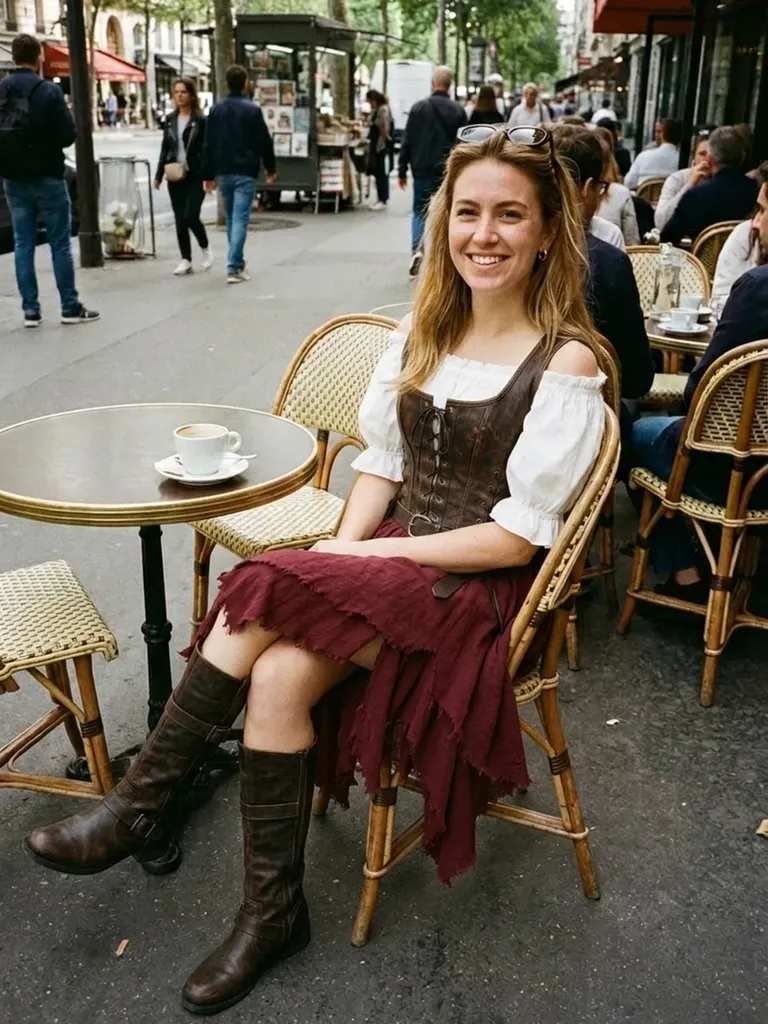
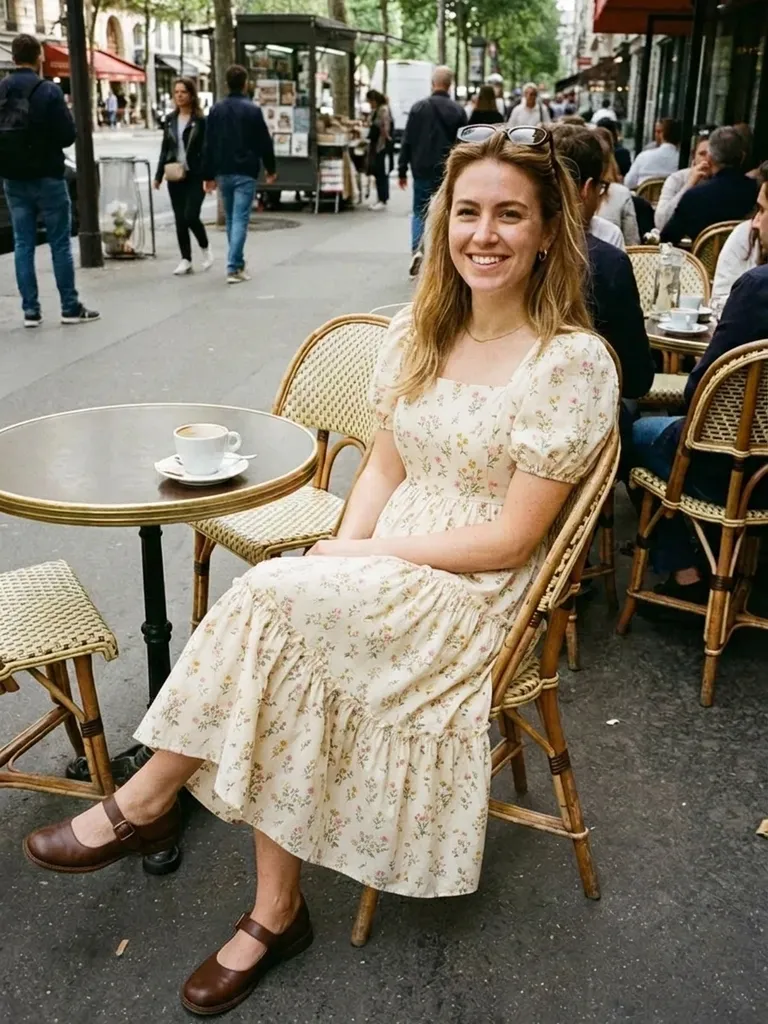
Try a classic black witch dress with cape, a velvet maxi dress with a long cloak, a forest-green witch gown, a modern all-black witch look with a wide-brimmed hat, a whimsical purple witch costume and a coordinated coven look for a group. Screenshot any costume to swap it in for the preset. If you already own a black dress, try adding a cape or cloak from a listing and see whether you need to buy a full costume at all.
Witch costume try-on: tips for the best result
The preset is a starting point; the real fun is testing pieces from your own shopping tabs. Stand straight, face the camera and use even light, with your whole body in frame. For the outfit, one clear image of a single look beats a moodboard or a screenshot of several items. Long capes and cloaks need full-length framing, so pick a costume photo that shows the hem. Your face, hair and background stay untouched, so if you want the full effect, do your hair to match before you take the photo.
Frequently asked questions
Tap “Try this look” to load the witch costume, then upload your photo. You’ll see yourself in it in about a minute. You can also replace the preset with any outfit screenshot and keep the same photo to compare several looks in a row – each preview uses one credit.
Sometimes. The AI focuses on clothing and keeps your hair as photographed, so hats aren’t guaranteed. Anything already in your own photo – hairstyle, make-up, glasses – stays exactly as it is, so style those first if you want the complete look.
Yes, it’s free to start: new accounts get 2 complimentary try-ons after signing in with an email link. After that, credit packs start at €1.99 for 10 try-ons, and credits never expire.
Yes. Photograph it on a hanger or flat and use that image instead of the preset. Ideally, choose an image that shows one complete look clearly – on a model, a mannequin or laid flat – without collages, watermarks or text banners covering the clothes.
Halloween is October 31, so order at least one to two weeks before to allow for delivery – earlier for popular styles. Previewing costumes a few weeks ahead gives you time to compare ideas without paying for express delivery.
No. Photos are processed in memory and discarded once your image is generated, and they’re never used to train AI. On the web, the result is saved for 24 hours so you can download it.
More try-on ideas
Try this look
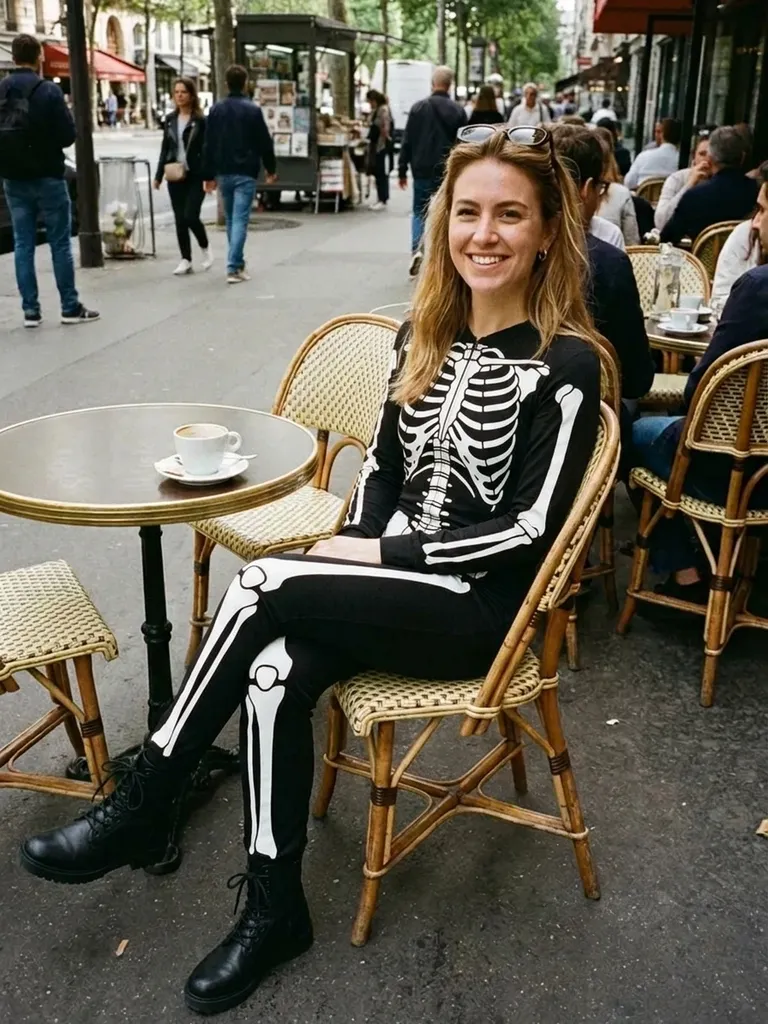
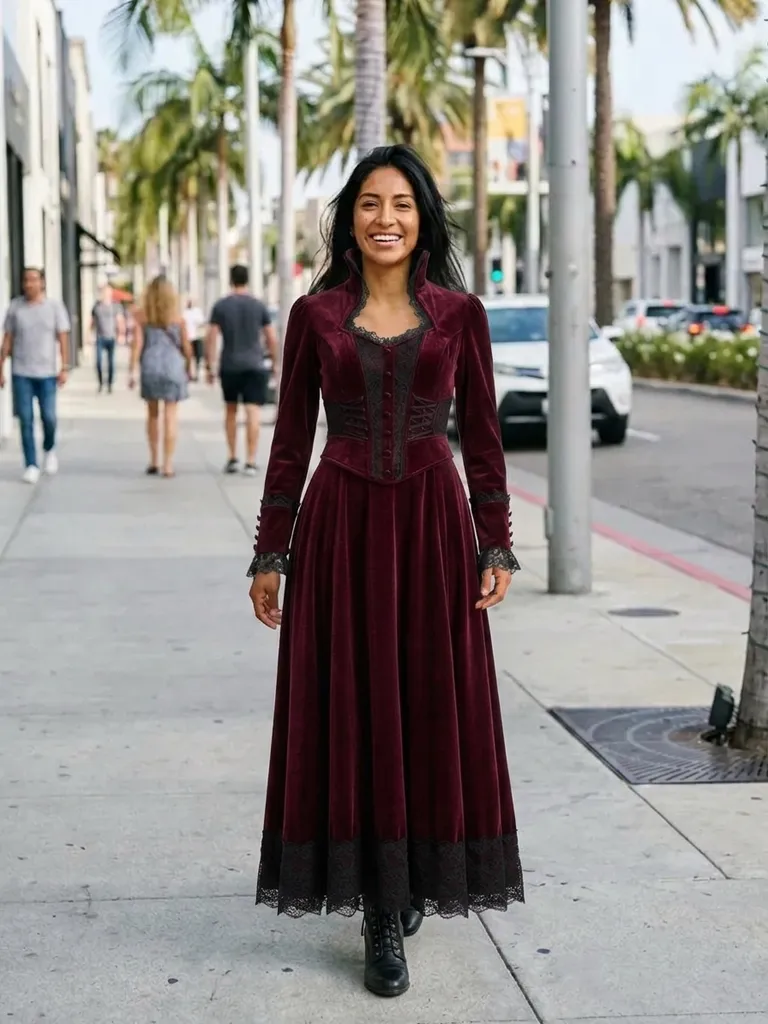
Try a witch costume on yourself with AI. One tap loads a spellbinding witch look – add your photo and see it before Halloween. Free to start.