Styles & costumes
Princess dress try-on: see yourself in a fairytale gown
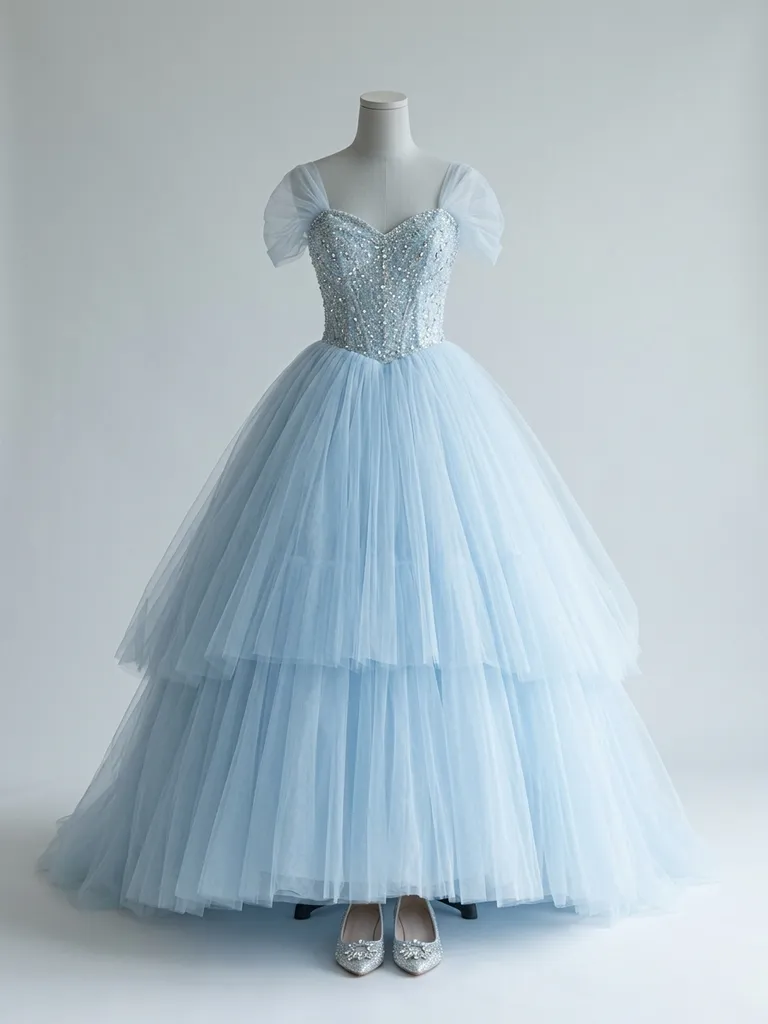
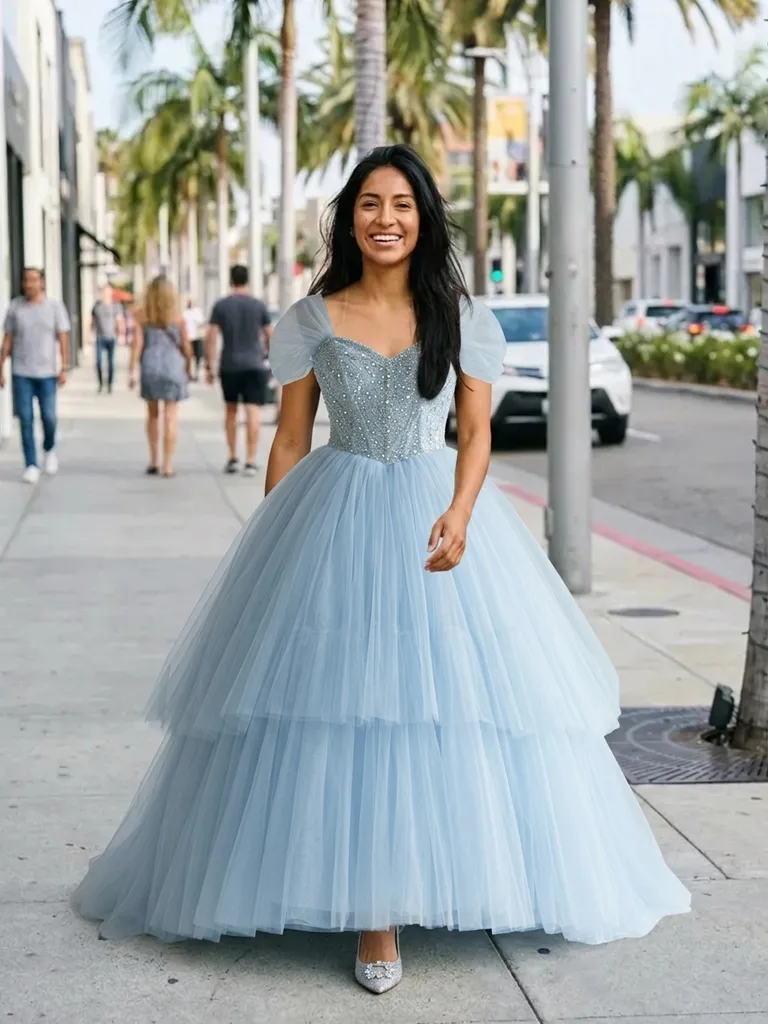
Princess dress try-on puts you in a fairytale ball gown in about a minute. Tap “Try this look” and we pre-load a princess dress – you only add your photo.
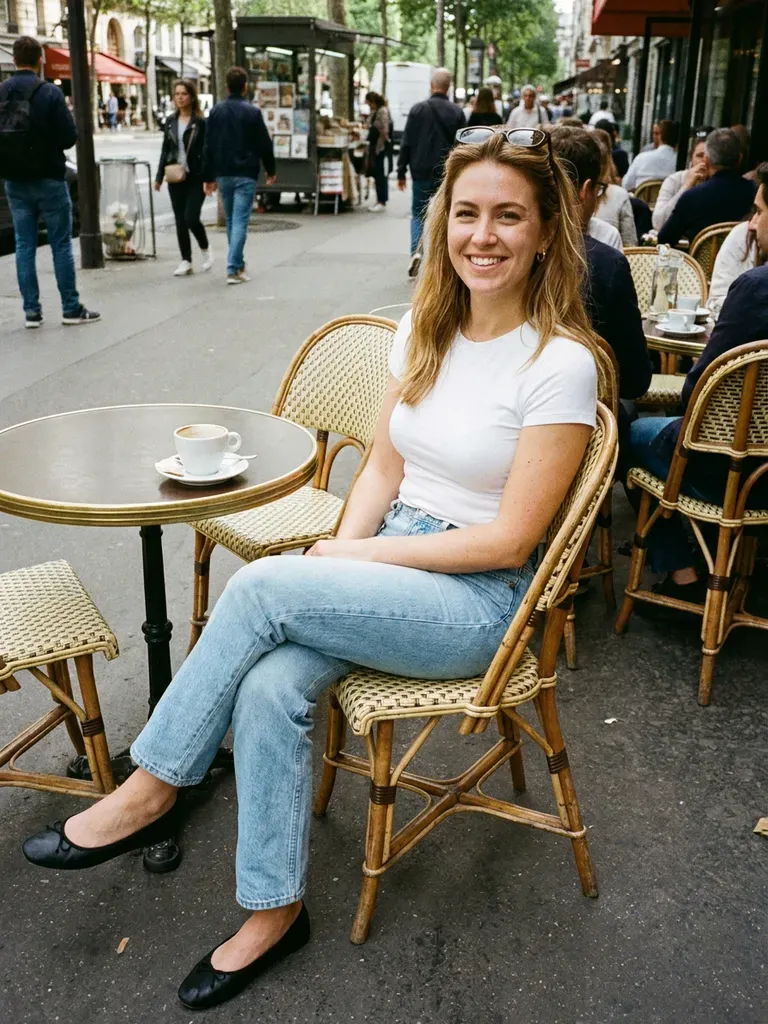
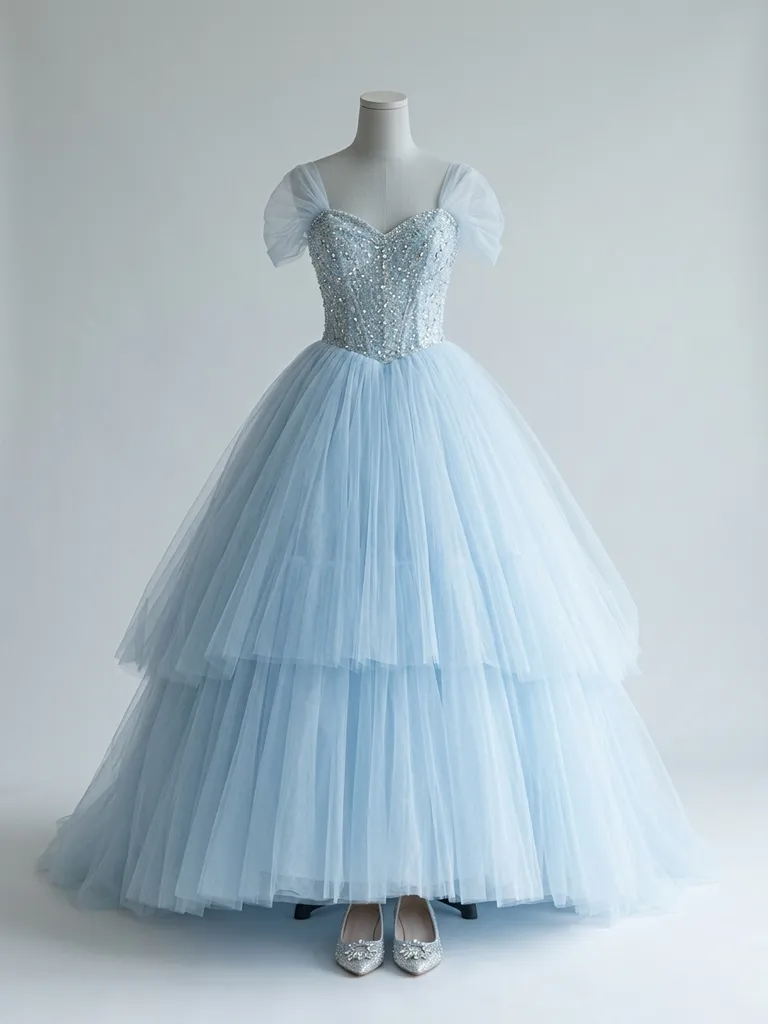
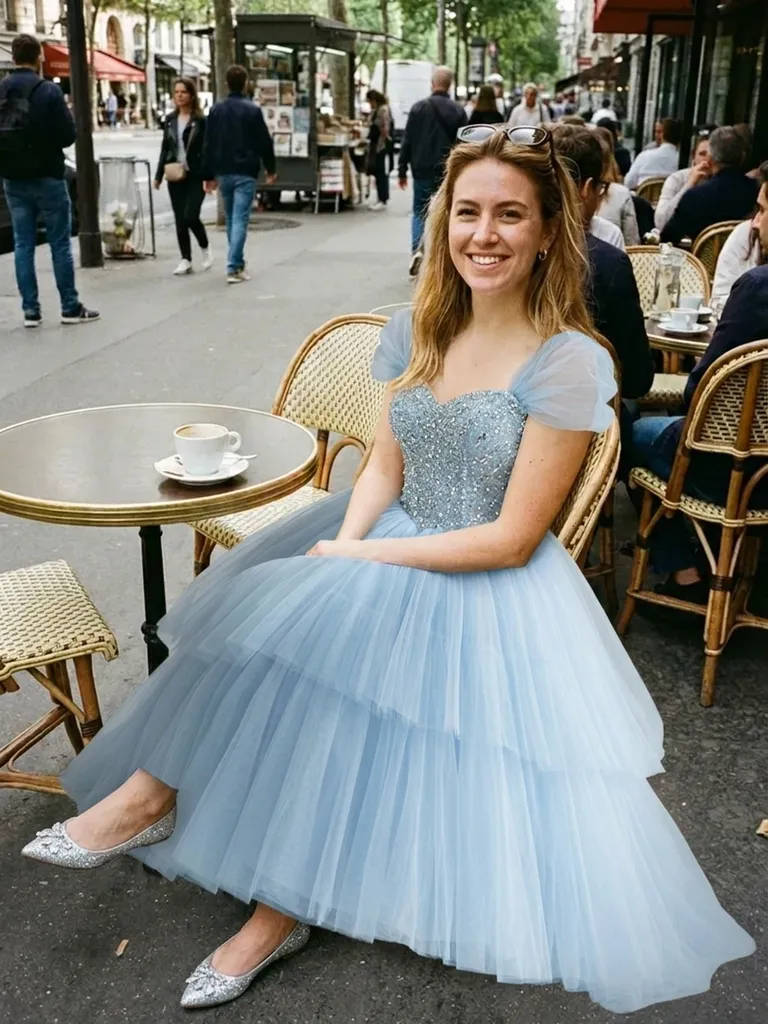
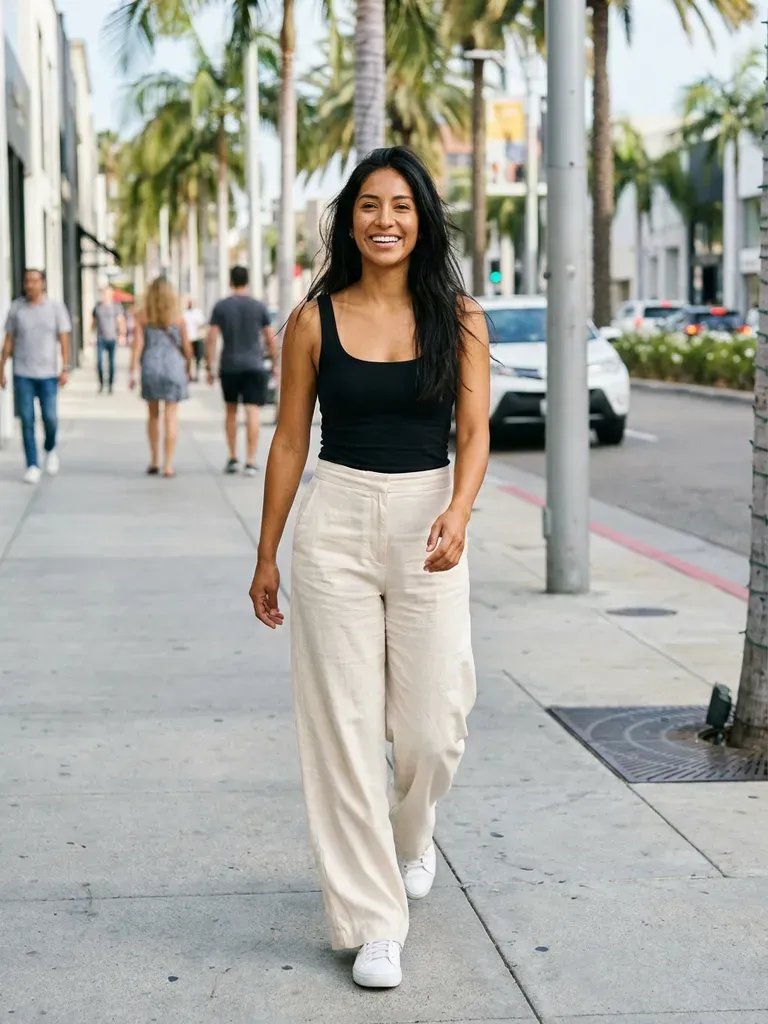
How it works
1
Tap “Try this look”
We pre-load a princess dress outfit for you – or swap in any princess dress piece you’ve screenshotted.
2
Add your photo
A full-length photo gives the big skirt room to shine.
3
See yourself as royalty
Your preview is ready in about 30–60 seconds.
Why try it on with Outfitap
One-tap fairytale gown
The ball gown is pre-loaded – just add your photo.
For proms and quinceañeras
Preview a princess silhouette before a big event.
Costume or dress-up
Try a classic fairytale look for a party or a photo shoot.
Compare colours
Blush, sky blue, gold or lilac – find your fairytale colour.
Swap in any gown
Use a screenshot of any ball gown instead of the preset.
Private
Your photos are never stored.
What makes a princess dress?
A princess dress is all about a fitted bodice and a full, sweeping skirt – usually in tulle, satin or organza, often with an off-the-shoulder or sweetheart neckline, corsetry and sparkle. It’s the silhouette of fairytales and ball gowns, popular for proms, quinceañeras, weddings and themed parties. It suits anyone who wants to feel a little bit magical. Princess gowns also inspire many wedding dresses and quinceañera gowns, so the preset is a fun first step before shopping for a real event.
Princess dress styles to try
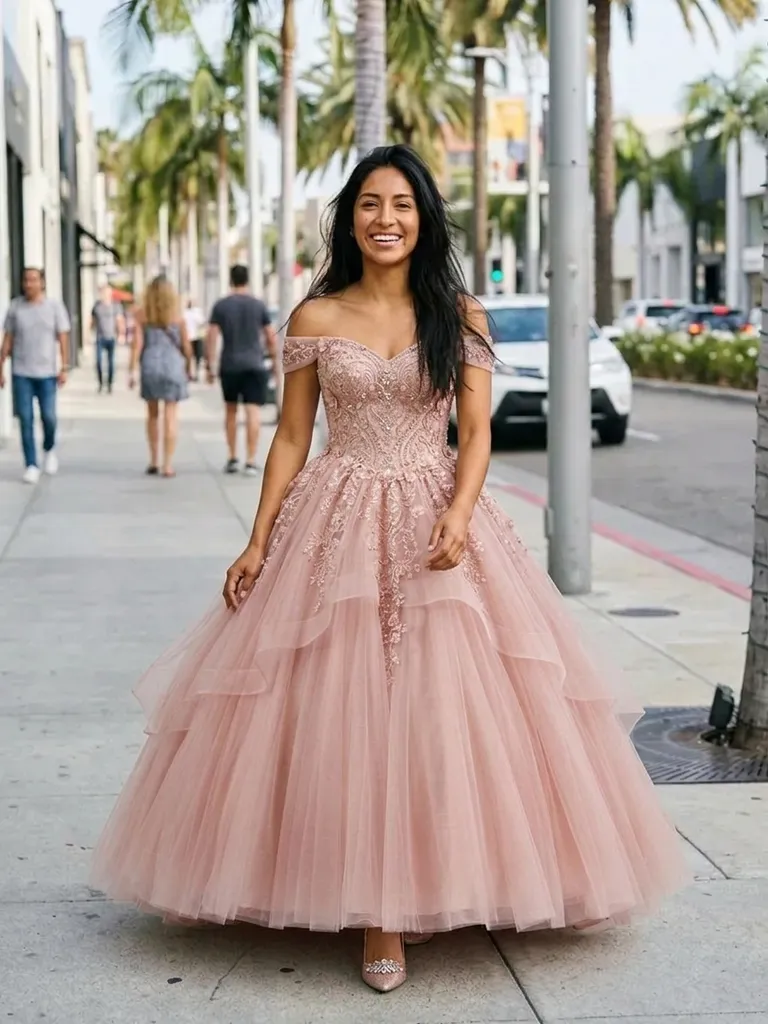
Try a pastel tulle ball gown, a blue off-the-shoulder gown inspired by classic fairytales, a gold satin gown with puff sleeves, a pink layered tulle dress, a corset ball gown with glitter, and a white princess-style wedding dress. Screenshot any gown and use it in place of the preset. Because the skirt is wide, use a full-length photo with space around you, and an outfit photo where the skirt isn’t cropped at the sides.
Princess dress try-on: tips for the best result
Start with the preset, then swap in pieces you’ve actually found to see how they work on you. Use a full-length, front-facing photo in good light, ideally in fitted clothes so the AI reads your shape. Pick outfit images that show one complete look on a model or mannequin – not a collage – without text overlays. Gowns with wide skirts need space, so leave some room around you in your photo and avoid cropped dress images. The AI keeps your face, hair and background exactly as photographed, so style your hair the way you’d wear it with the look before taking your photo.
Frequently asked questions
Tap “Try this look” to load our princess dress preset, then upload a full-length photo. You’ll see yourself in the gown in about a minute.
Yes. Replace the preset with any screenshot of a gown, from any shop, rental site or costume store. Ideally, choose an image that shows one complete look clearly – on a model, a mannequin or laid flat – without collages, watermarks or text banners covering the clothes.
Yes, it’s free to start: new accounts get 2 complimentary try-ons after signing in with an email link. After that, credit packs start at €1.99 for 10 try-ons, and credits never expire.
No. The AI keeps your face and hair exactly as photographed and focuses on the dress. Anything already in your own photo – hairstyle, make-up, glasses – stays exactly as it is, so style those first if you want the complete look.
It gives a realistic impression of the silhouette, but not the exact volume, weight or fit of the gown. Where the preview really helps is narrowing down which styles you love, so you only order – or queue for the fitting room with – the ones worth it.
No. Photos are processed in memory and discarded once your image is generated, and they’re never used to train AI. On the web, the result is saved for 24 hours so you can download it.
More try-on ideas
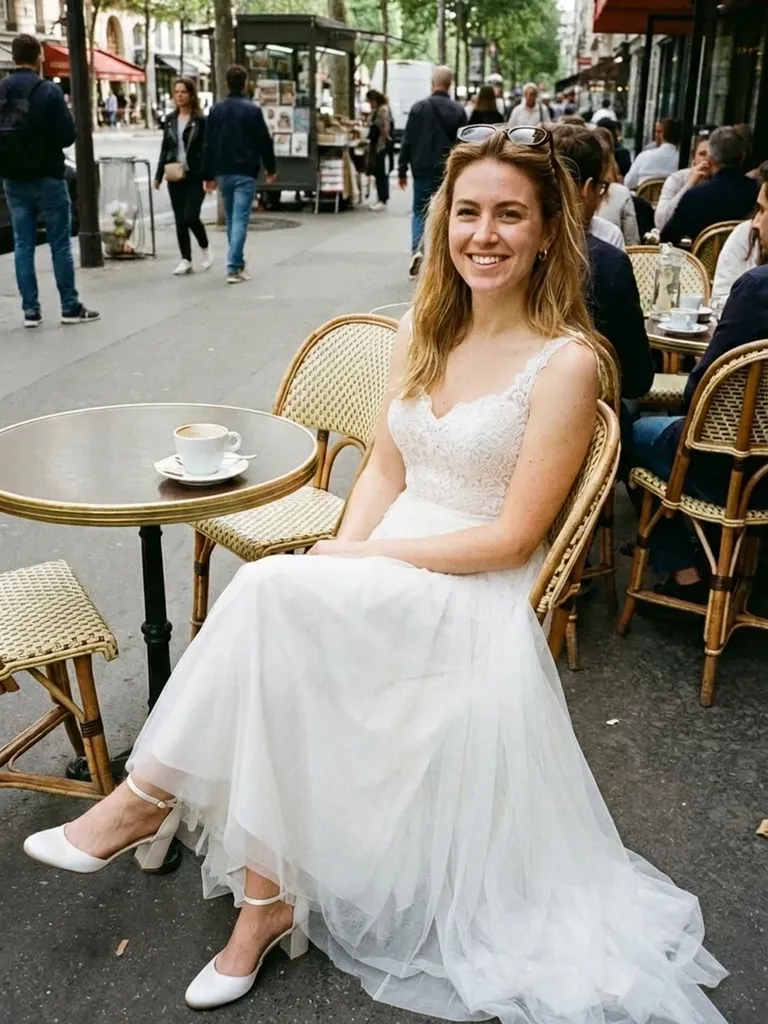
Try this look
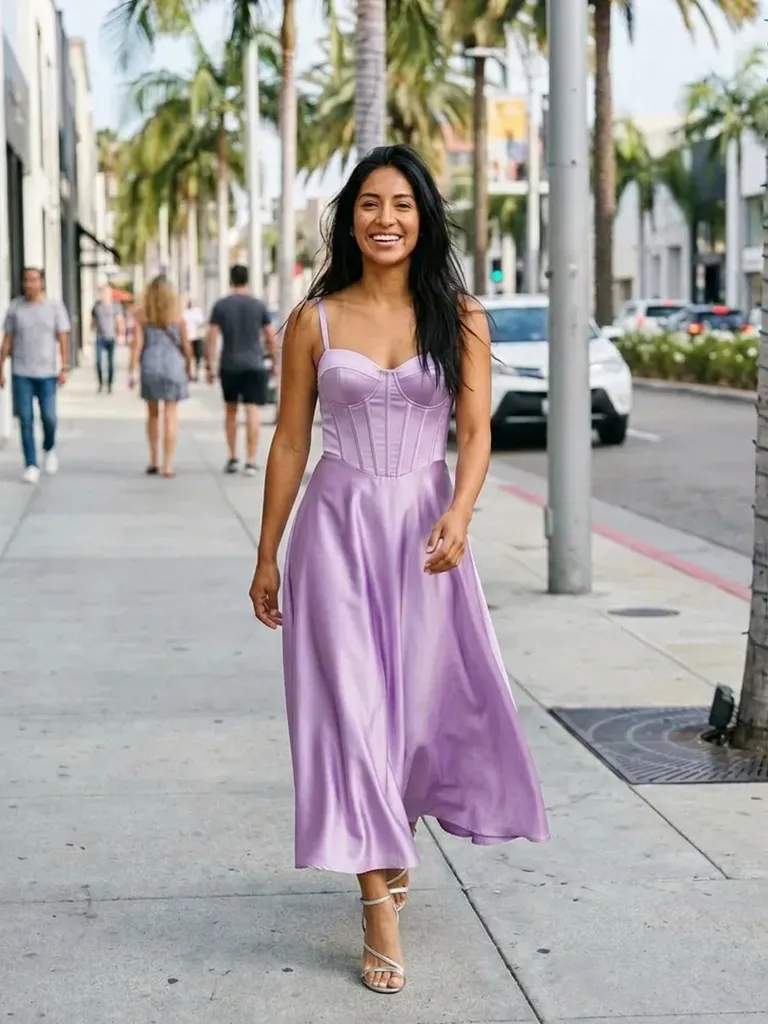
Try a princess dress on yourself with AI. One tap loads a fairytale ball gown – add your photo and see it on you in a minute. Free to start.