Try on anything
See how clothes look on me – before I buy them
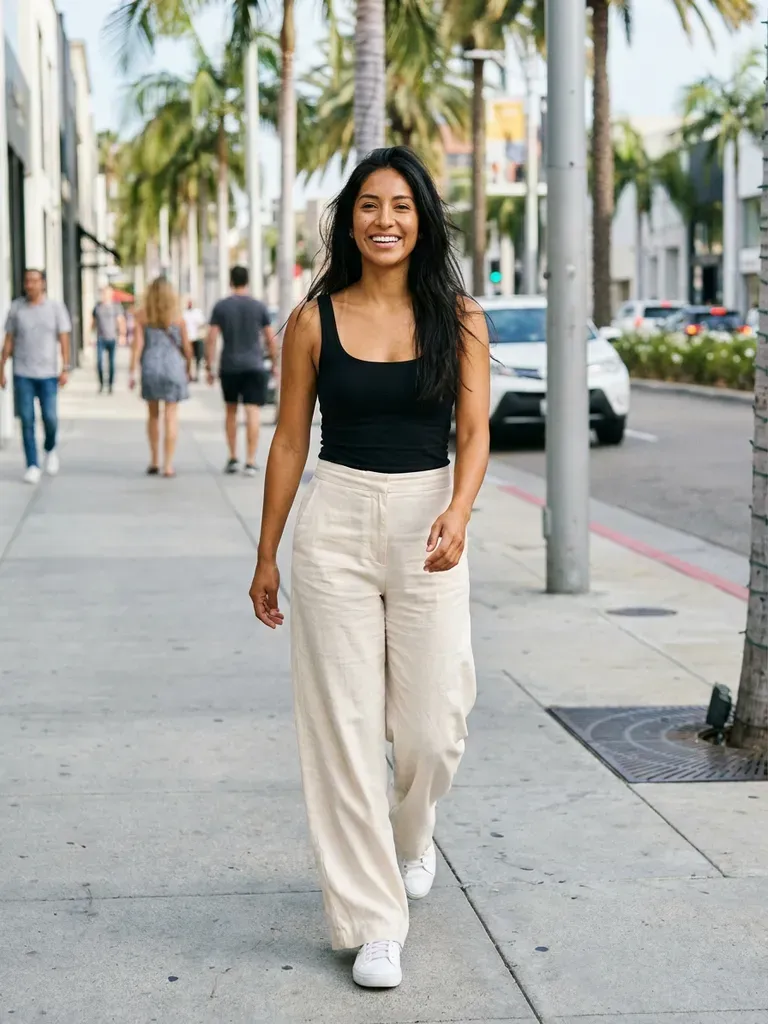
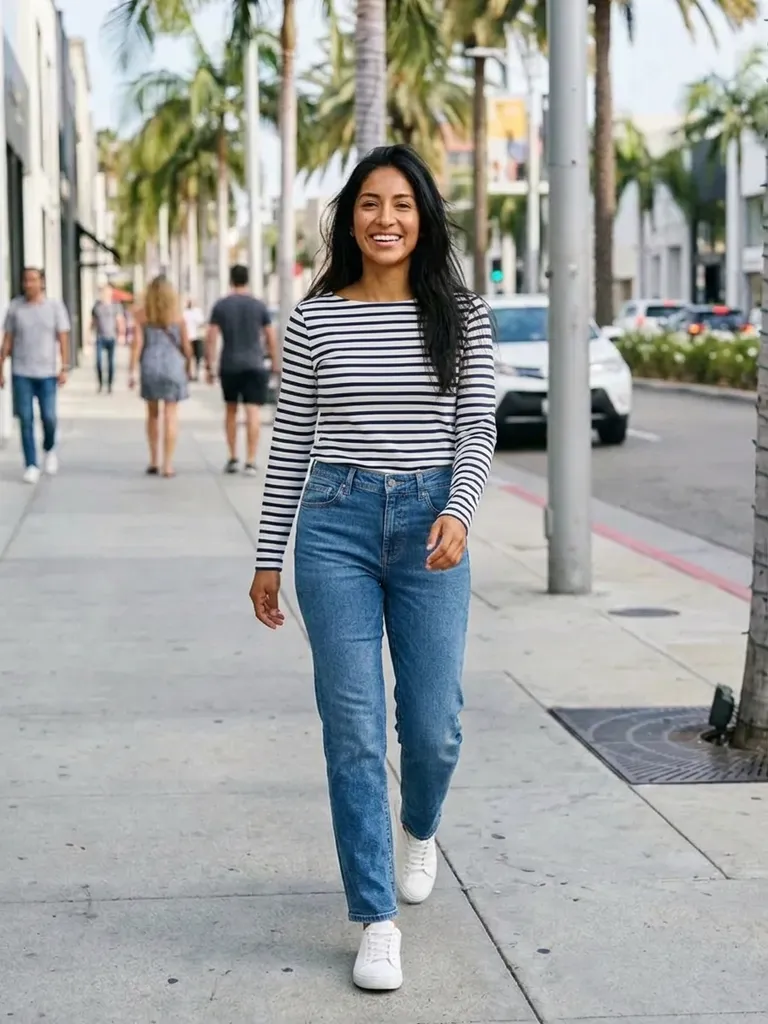
See how clothes look on you with a photo and a screenshot – nothing else. Outfitap’s AI takes any outfit image from any shop, social post or friend and shows you wearing it in about a minute.


How it works
1
Upload one photo of yourself
Full-length or waist-up, facing the camera, in good light.
2
Screenshot any outfit
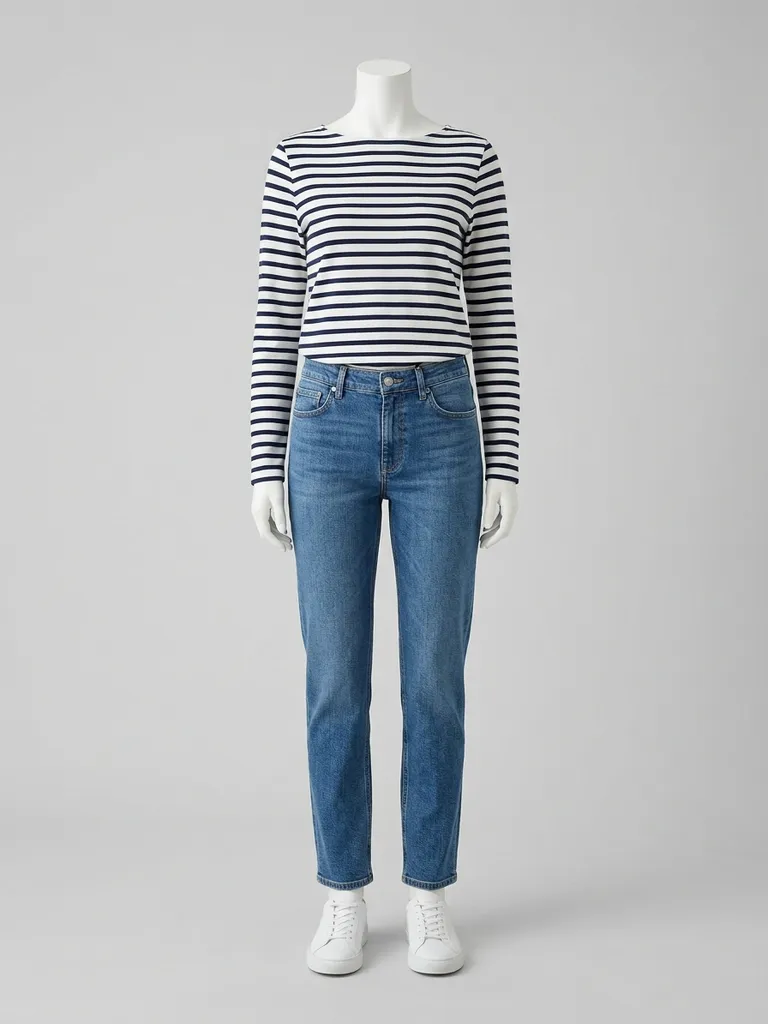
From any online store, Instagram, TikTok, Pinterest or a photo you took in a shop.
3
See it on you
The AI dresses you in that outfit in 30–60 seconds, keeping your face and pose.
Why try it on with Outfitap
Any store, any brand
No partner list – if you can screenshot it, you can try it on.
Try clothes on before buying
Skip the guesswork and the returns queue.
Your body, your skin tone
See the colour and cut on you, not on a model.
Works with your wardrobe
Photograph pieces you already own to plan outfits.
Phone or laptop
Use it in any browser, or with the iOS and Android apps.
Private
Photos are processed in memory and never stored.
How to see how clothes look on you
Online shopping shows you clothes on a model who doesn’t look like you. Outfitap fixes that with a simple workflow: keep one good photo of yourself, then screenshot anything you’re considering. Upload both and the AI generates a realistic image of you in that outfit, matching your body, pose and lighting. You can use it for a single item or for a full look, and repeat as often as you like.
What makes a good photo
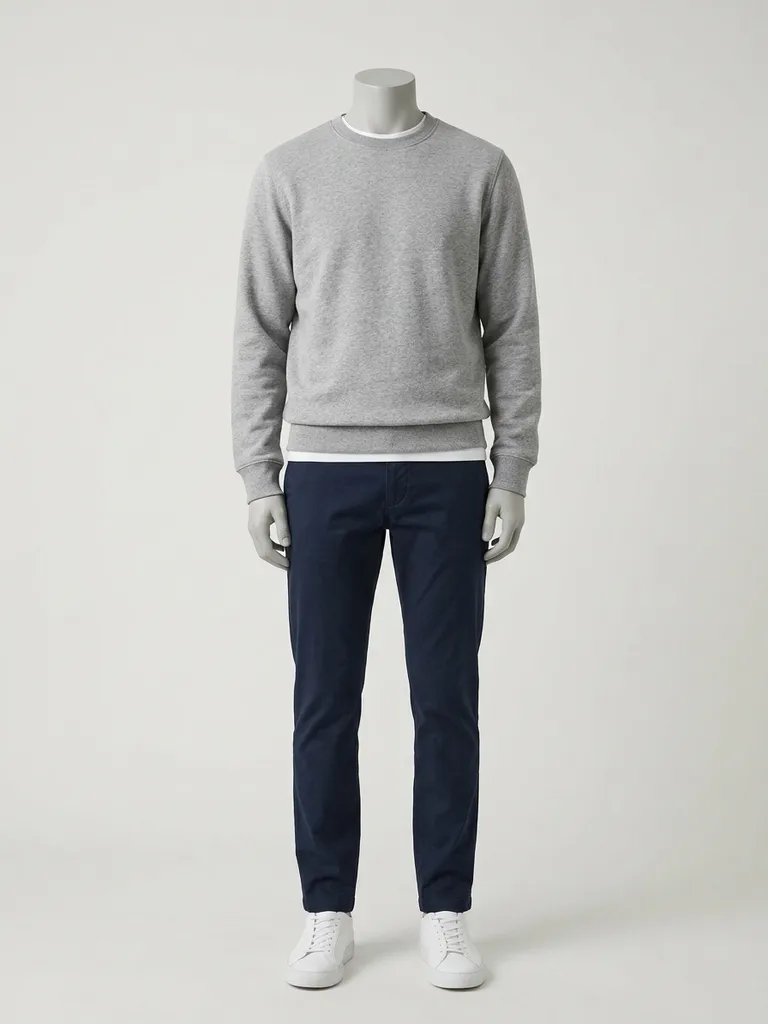
For your photo, stand straight and face the camera in even light, ideally in fitted clothes against a simple background. For the outfit, choose an image where the garment is fully visible: on a model, on a mannequin, or laid flat. Avoid collages, heavily cropped images and pictures where other items cover the clothing. Swimwear, lingerie and underwear aren’t supported. Screenshots straight from a product page are usually ideal, because the garment is shown clearly on a model with a plain background.
What it can and can’t show
The preview shows how the style, colour and silhouette look on you. It can’t guarantee size or fit, and it won’t reproduce exactly how heavy a fabric is or how it moves. It also keeps your face, pose and background as they are – it only changes the clothes. Use the preview to decide what’s worth ordering or trying in a fitting room, then rely on size guides, reviews and the product description for fit and fabric.
Frequently asked questions
Upload a photo of yourself and a screenshot of the clothing. Outfitap’s AI shows you wearing it in about 30–60 seconds, keeping your face, hair, pose and background exactly as they were.
Yes. Outfitap isn’t tied to specific retailers. Any clear image works – product pages, social posts or photos you take yourself. Ideally, choose an image that shows one complete look clearly – on a model, a mannequin or laid flat – without collages, watermarks or text banners covering the clothes.
Yes, it’s free to start. Every new account gets 2 complimentary try-ons after signing in with an email link – no card needed. After that, packs start at €1.99 for 10 try-ons, and credits never expire.
No. It previews how the style and colour look on your body. Always check the store’s size guide for fit. Where the preview really helps is narrowing down which styles you love, so you only order – or queue for the fitting room with – the ones worth it.
Yes. It works in mobile browsers, and the Outfitap app on iOS and Android makes uploading screenshots even easier. Your account, credits and results work the same in the browser and in the iOS and Android apps, in all 10 languages Outfitap supports.
No. Your photos are processed in memory during generation and then discarded – they’re never stored or used to train AI. On the web, the finished result is kept for 24 hours so you can download it, then deleted.
More try-on ideas
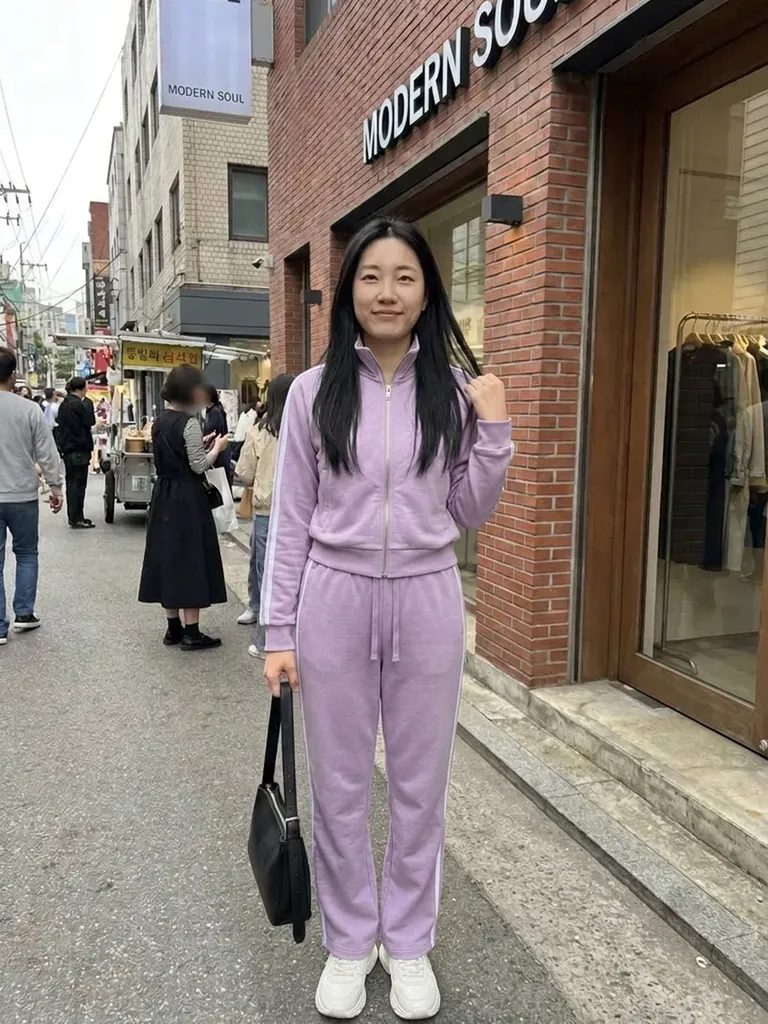


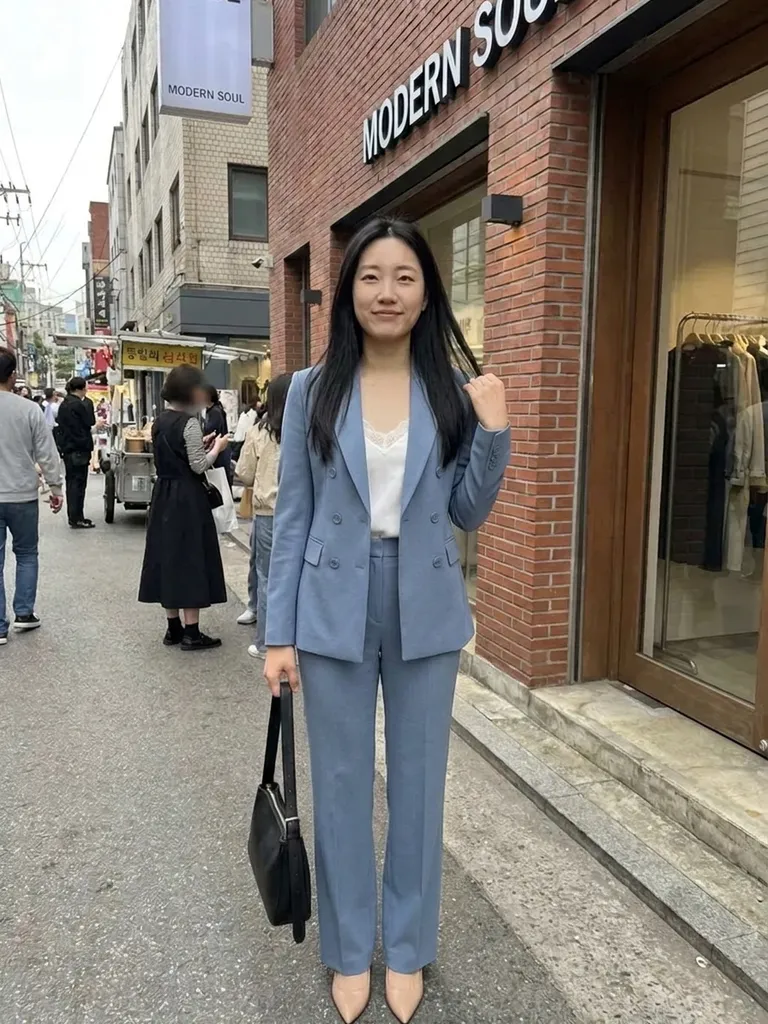
Try it on free
See how clothes look on you before buying. Upload your photo and a screenshot of any outfit from any store – AI shows you wearing it. Free to start.