Try on anything
AI clothes changer: change the outfit in your photo
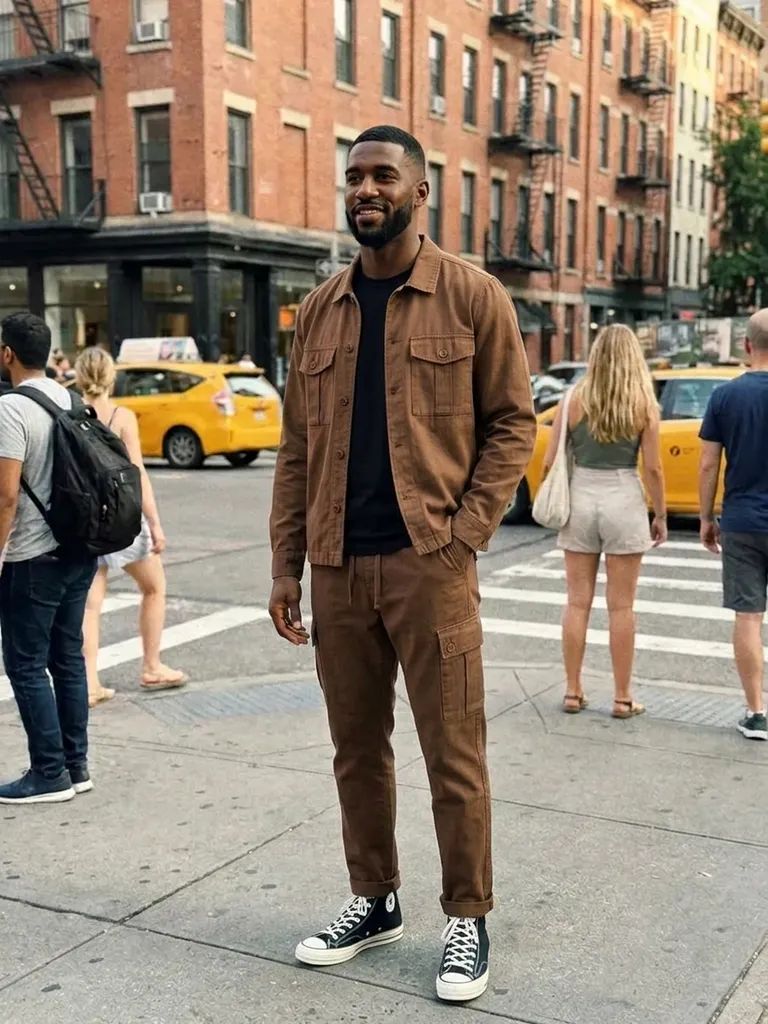
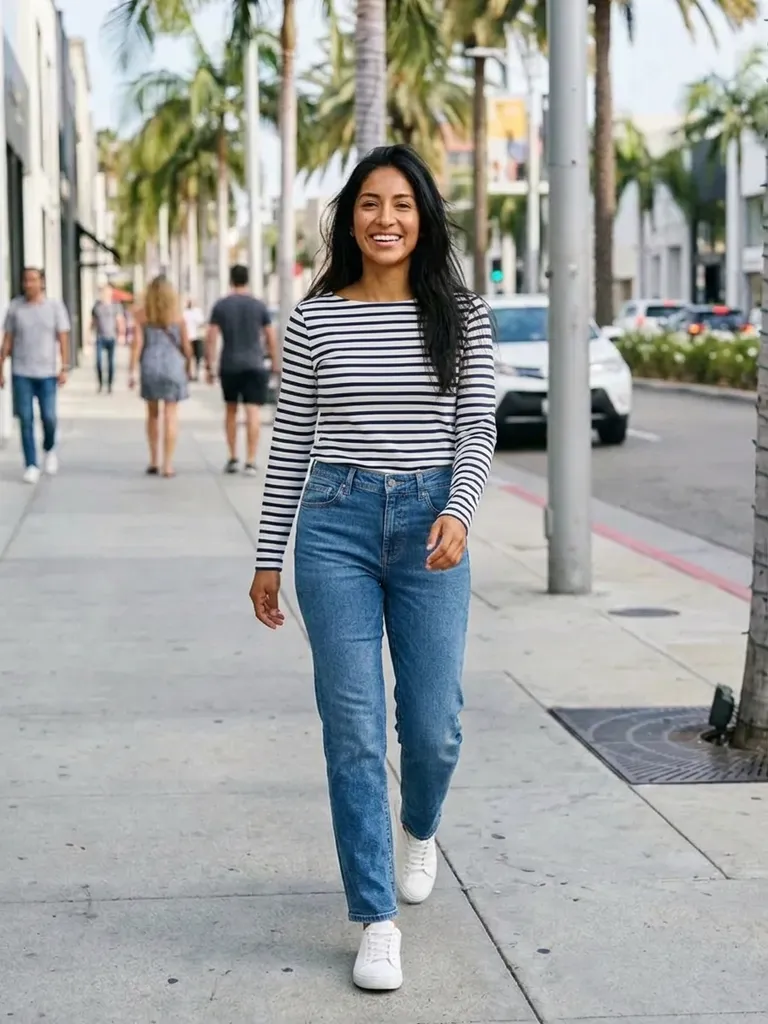
Outfitap is an AI clothes changer that swaps the outfit in your photo for any clothing image you choose. Upload a picture of yourself, add an outfit from anywhere and get a realistic result in about a minute.
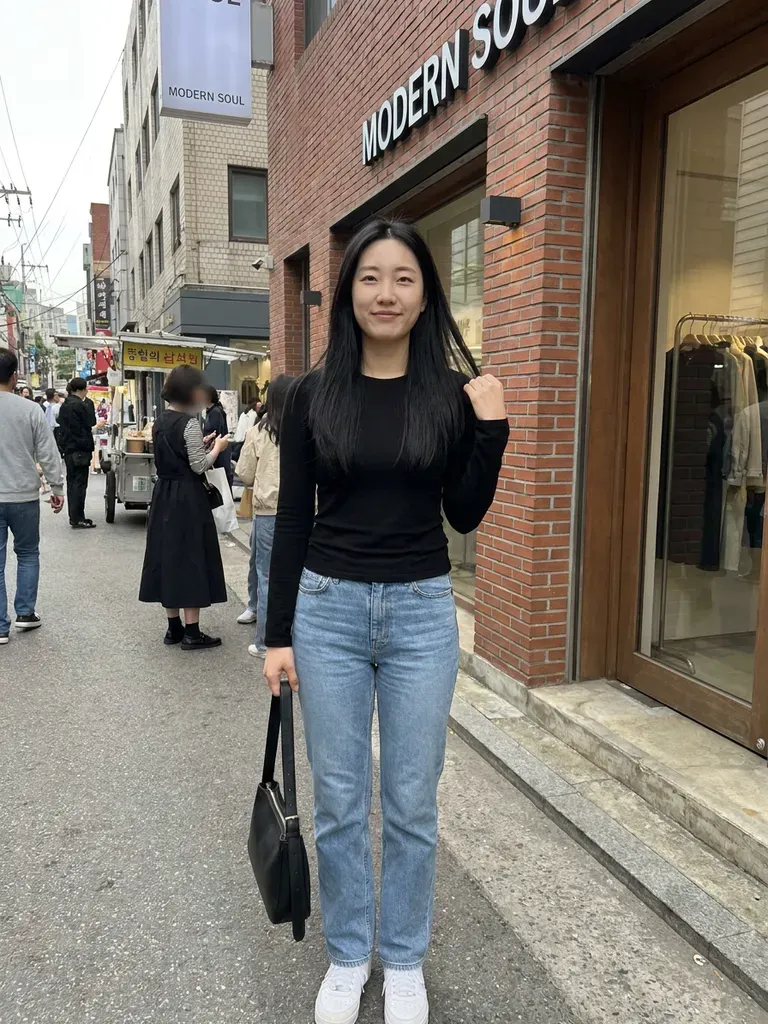
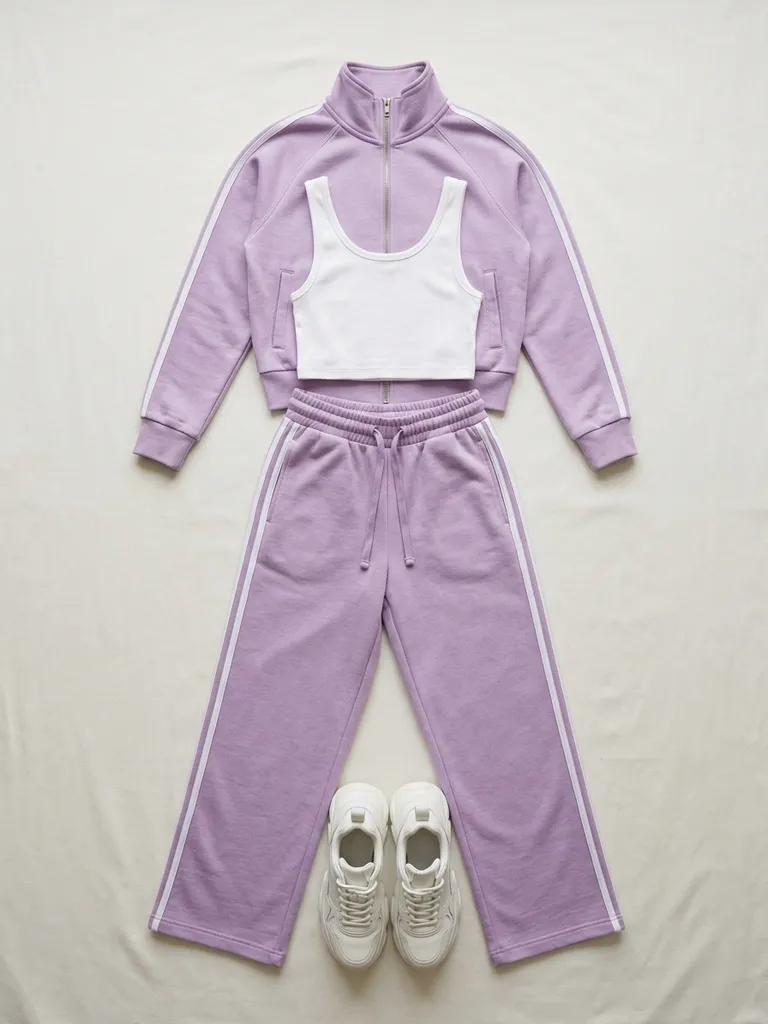
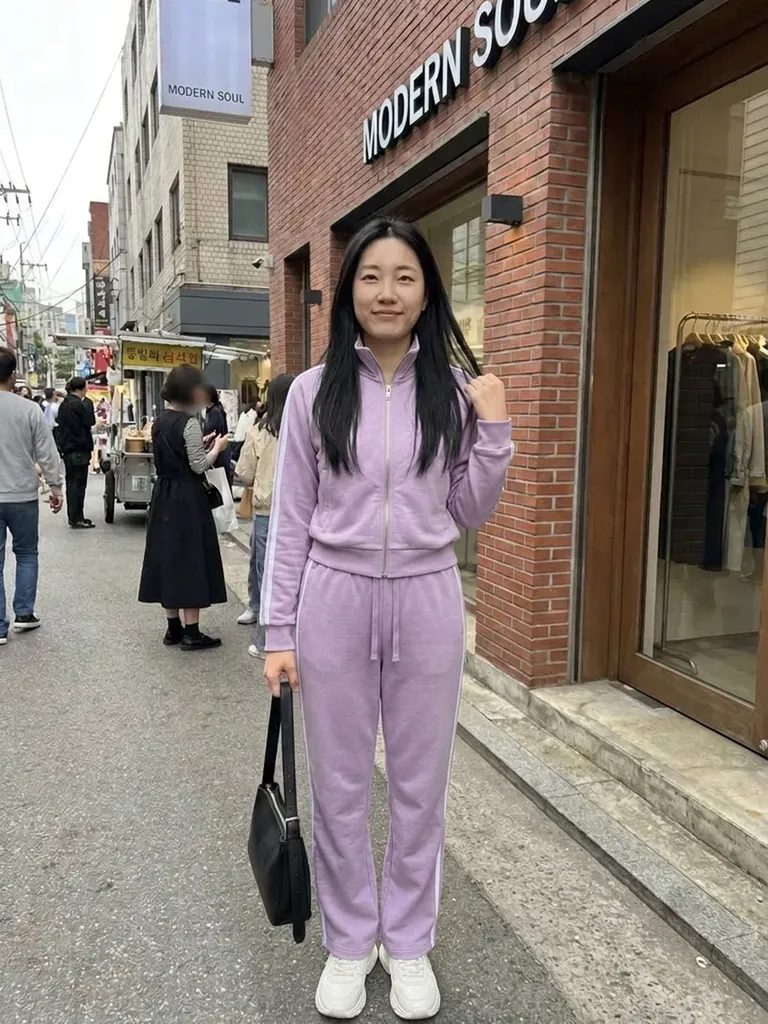

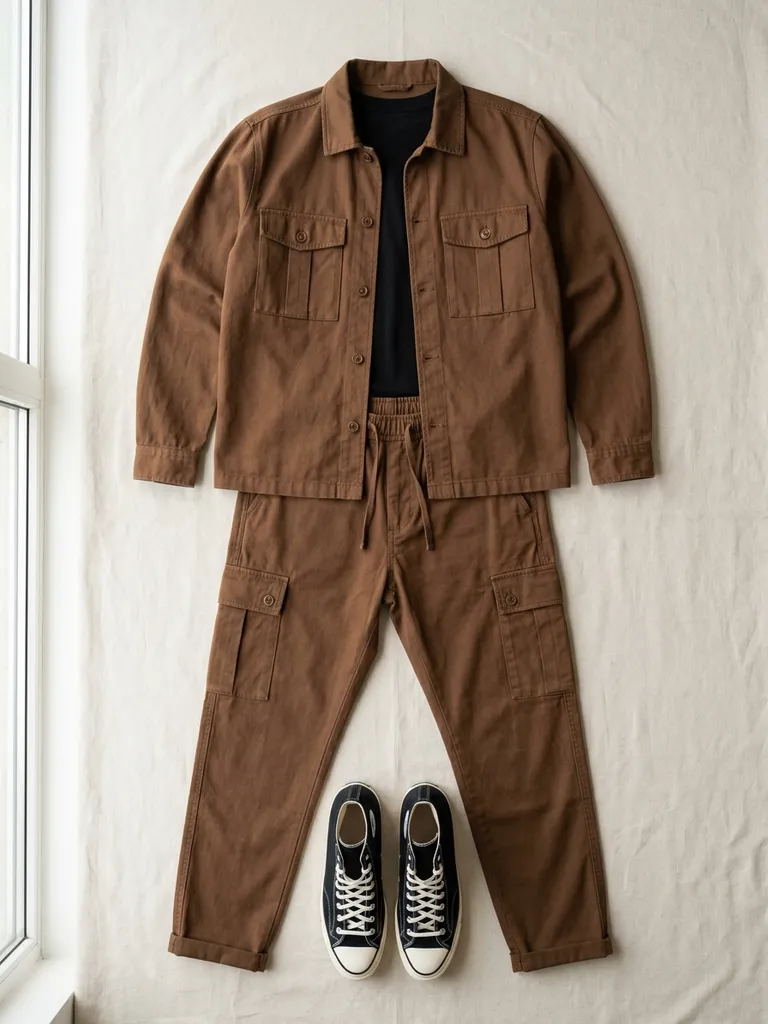
How it works
1
Upload your photo
Any clear photo of a person, facing the camera – full-length works best.
2
Add the new outfit
Upload a screenshot or photo of the clothes you want to swap in.
3
Download the result
The AI changes the outfit in 30–60 seconds. Save it within 24 hours.
Why try it on with Outfitap
Use any outfit image
Not limited to a catalogue of presets – bring your own clothes from anywhere.
Keeps you as you are
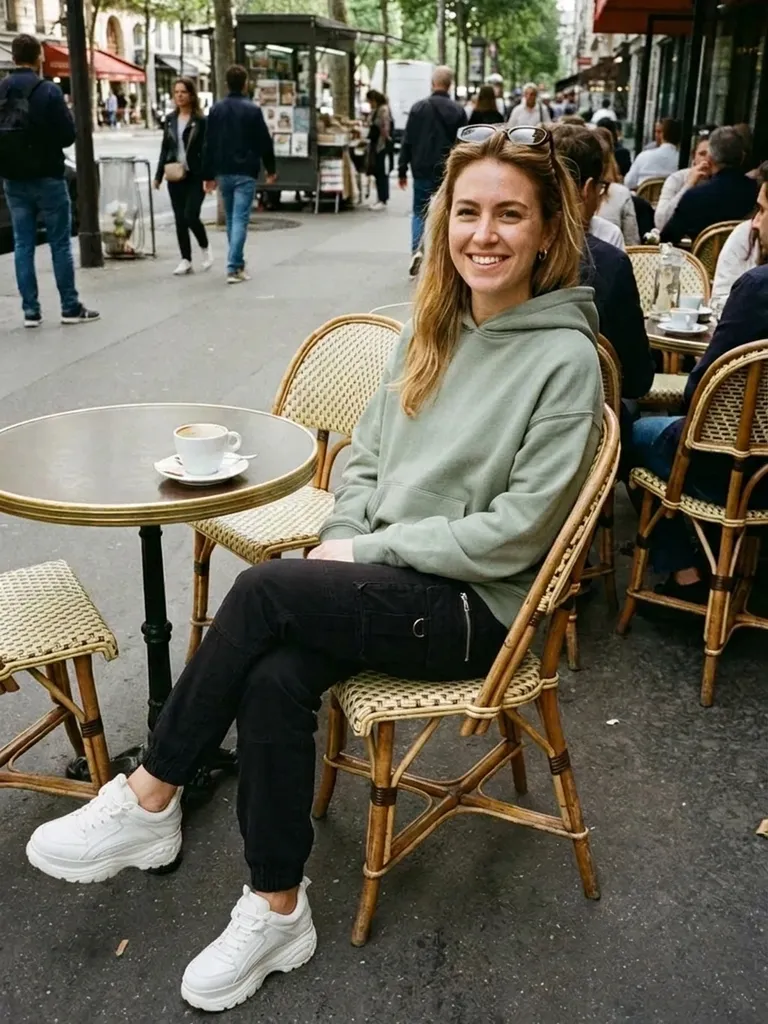
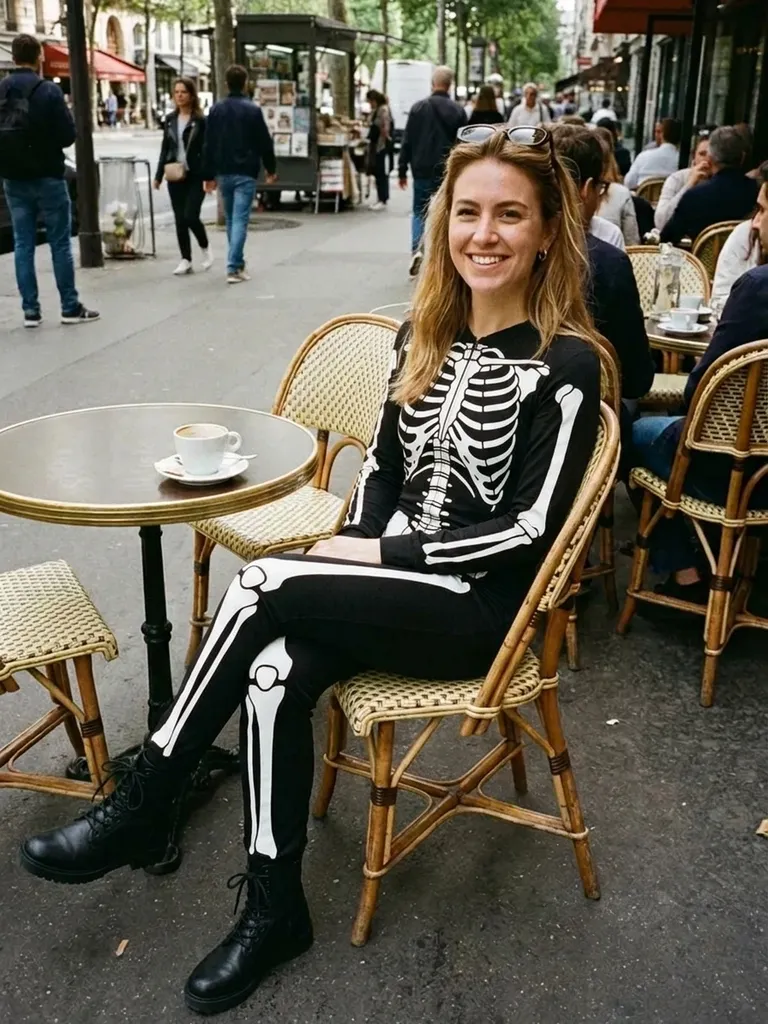
Face, hair, pose and background stay unchanged; only the clothes change.
Realistic lighting
The new outfit is matched to your body shape, pose and lighting.
Outfit changer for shopping
Try clothes before buying, or restyle what you already own.
One-tap style presets
Prefer ideas? Pick a preset look like old money or Y2K and just add your photo.
Private
Photos are processed in memory and never stored.
How the AI clothes changer works
Most outfit changer apps give you a fixed set of templates. Outfitap works the other way round: you provide the clothing. Upload one photo of yourself and one image of an outfit – a product photo, a screenshot or a picture of something in your wardrobe – and the AI generates you wearing it. It keeps your identity, pose and background, and adapts the new clothes to your body and lighting.
Tips to change outfits in a photo
Use a sharp photo where you’re facing the camera and your body isn’t hidden behind objects or other people. Fitted clothing in your original photo helps the AI read your shape. For the outfit image, pick one garment or one complete look, fully visible, without collages or text overlays. Swimwear, lingerie and underwear aren’t allowed. If the result isn’t quite right, try a sharper photo of yourself or a cleaner outfit image – small improvements to the input make a big difference.
Frequently asked questions
It’s a tool that replaces the clothes in a photo with a different outfit. Outfitap does this using any outfit image you upload, rather than a fixed set of filters.
Only upload photos you have permission to use. Outfitap is designed for trying clothes on yourself or with the consent of the person pictured. That means the result still looks like you in your own setting – only what you’re wearing is different.
No. The AI only swaps the clothing and keeps the face, hair, pose and background exactly as they appear in your photo. That means the result still looks like you in your own setting – only what you’re wearing is different.
Yes, it’s free to start. Every new account gets 2 complimentary try-ons after signing in with an email link – no card needed. After that, packs start at €1.99 for 10 try-ons, and credits never expire.
Yes. It works in any mobile browser, and the Outfitap app for iOS and Android adds a smoother upload flow. Your account, credits and results work the same in the browser and in the iOS and Android apps, in all 10 languages Outfitap supports.
No. Your photos are processed in memory during generation and then discarded – they’re never stored or used to train AI. On the web, the finished result is kept for 24 hours so you can download it, then deleted.
Try it on free
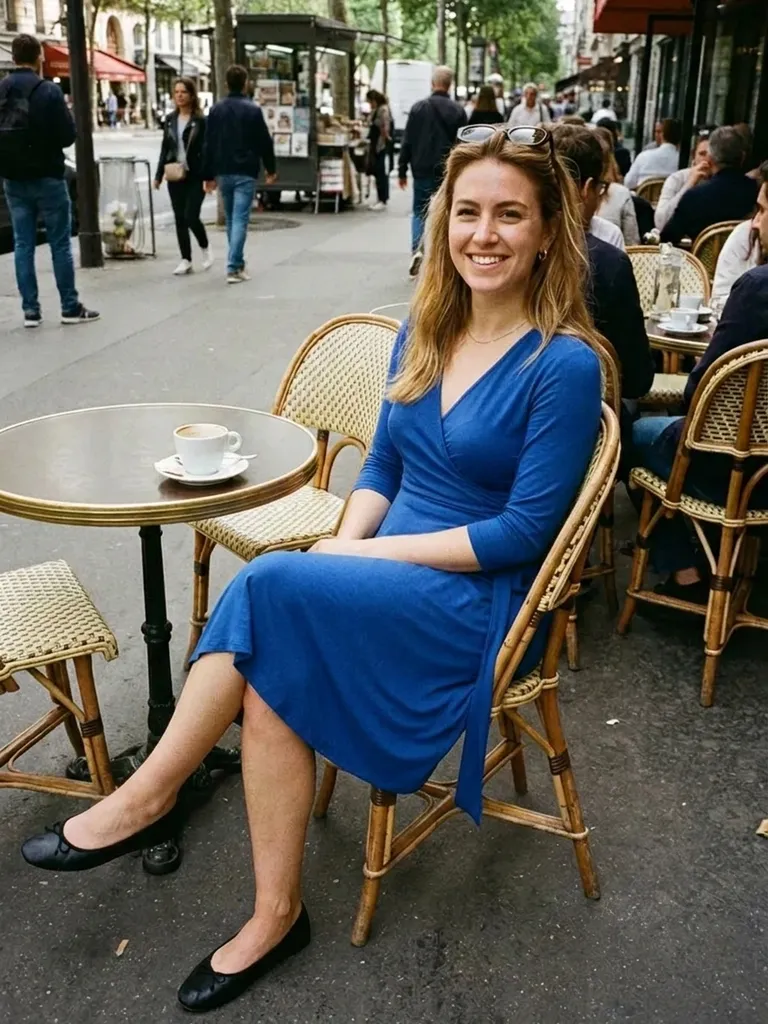
AI clothes changer: change the outfit in your photo to any clothing image. Upload a photo and an outfit, get a realistic result fast. Free to start.