Garments
Virtual suit try-on: see the cut and colour on you
Virtual suit try-on shows you wearing any suit, tuxedo or blazer from any store in about a minute. Upload a photo, add the suit and compare navy, charcoal or a bold check before you buy, rent or book a tailor.


How it works
1
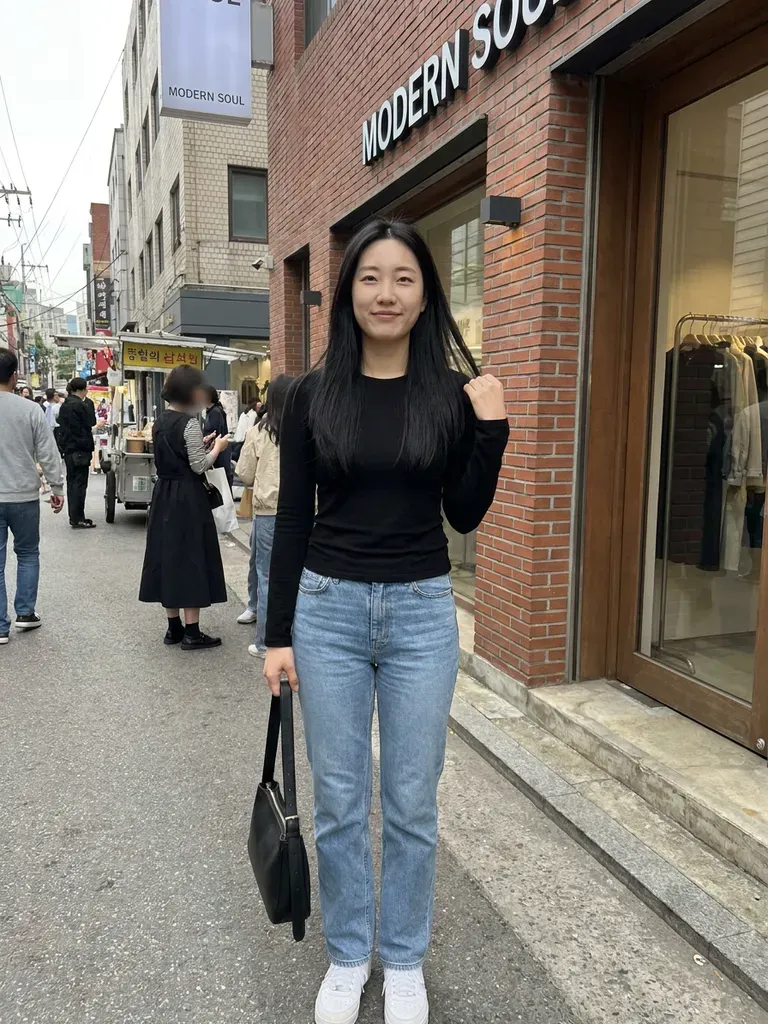
Upload a photo of you
Full-length, front-facing, arms relaxed – fitted clothes help the AI read your build.
2
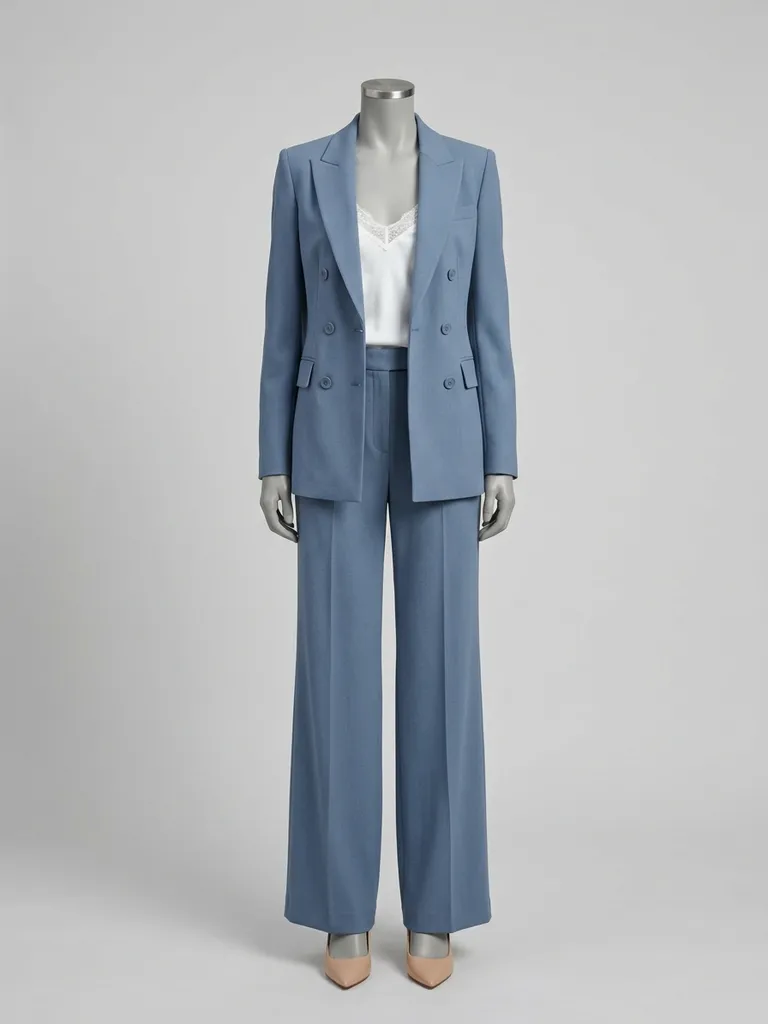
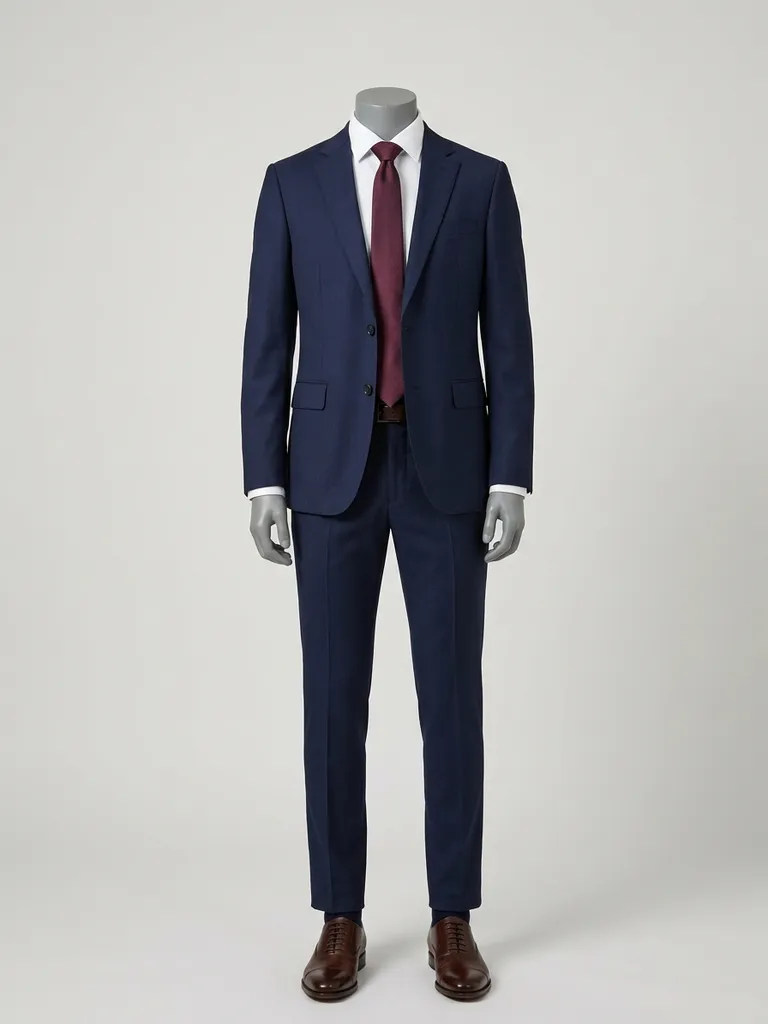
Save suits from any store
Screenshot suits from menswear brands, rental sites or a tailor’s lookbook.
3
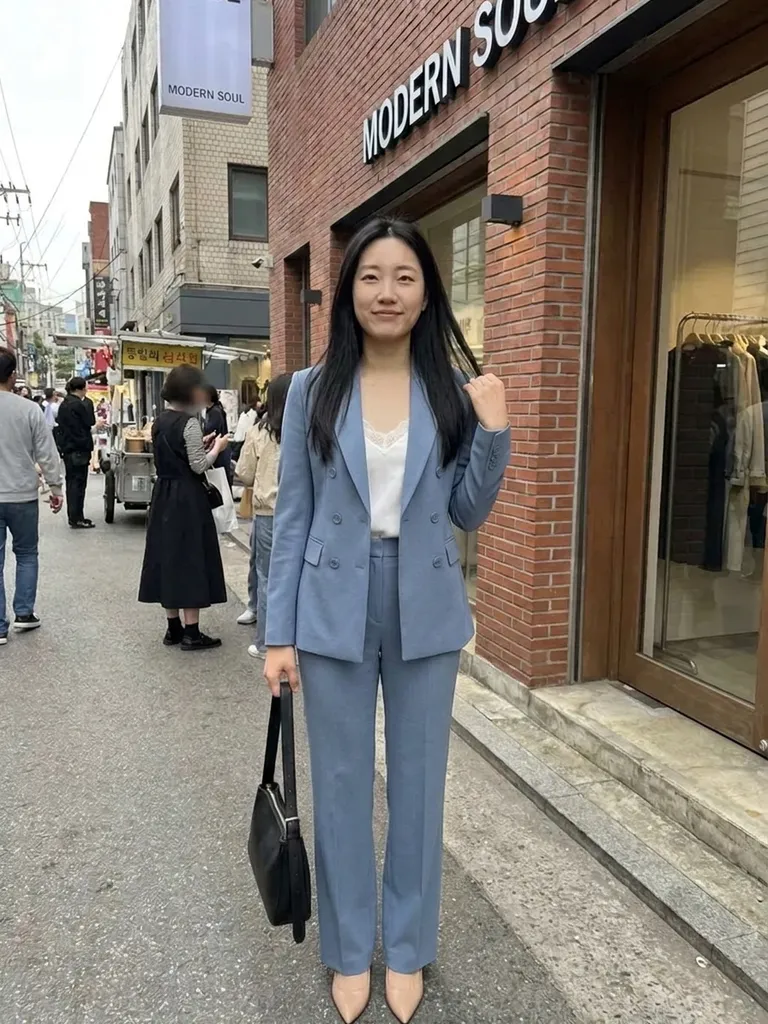
See yourself suited up
Get a realistic preview in 30–60 seconds and compare styles.
Why try it on with Outfitap
Single- vs double-breasted
See which jacket style suits your frame before you commit.
Colours that work for you
Navy, charcoal, light grey, tan or green – find the shade that flatters your skin tone.
Weddings, work and black tie
Preview a tux for a gala, a linen suit for a summer wedding or a business suit for the office.
Before you see a tailor
Arrive with a clear idea of fabric colour, lapel and fit style.
Rent with confidence
Check a rental suit or tuxedo on you before booking it.
Private
Your photos are discarded after the preview is made.
Why try on suits online first
A suit is a bigger purchase than most clothes, and online listings rarely show how the colour and cut look on someone with your build. Virtual try-on bridges that gap. You can compare a slim-fit navy suit with a relaxed double-breasted one, or a classic tuxedo with a velvet dinner jacket, all on the same photo. It also helps grooms and groomsmen agree on a look without meeting in a shop.
Suit styles to try
Start with a navy two-piece and a charcoal suit as your baseline. Then try a double-breasted pinstripe, a light grey summer suit, a linen suit in sand or olive, a three-piece tweed, a black peak-lapel tuxedo and a midnight-blue dinner jacket. For smart-casual, try an unstructured blazer with chinos. Women’s trouser suits and tailored co-ords work just as well. Compare two or three colours in the same cut first, then test lapel and button styles once you know your shade.
Getting the best suit preview
Use a full-length photo where your shoulders and arms are visible. For the suit, pick an image of the complete suit on a model, ideally front-facing, without a coat over it. Avoid flat-lays of only the jacket if you want to see the trousers too, and skip collages that show several colour options at once. If you’re planning a tailored suit, save the preview you like and show it to your tailor as a reference.
Frequently asked questions
Upload a full-length photo of yourself and an image of the suit. Outfitap’s AI dresses you in it in about 30–60 seconds and keeps your face, pose and background exactly as they are.
No. It previews the cut, colour and style on your body, but it can’t replicate tailoring or exact sizing. Use your measurements or a tailor for the final fit.
Yes, it’s free to start. Every new account gets 2 complimentary try-ons after signing in with an email link – no card needed. After that, packs start at €1.99 for 10 try-ons, and credits never expire.
Yes. Tuxedos, dinner jackets and morning suits all work. Grooms and groomsmen can each upload their own photo with the same suit to see the whole line-up.
No. Your photos are processed in memory during generation and then discarded – they’re never stored or used to train AI. On the web, the finished result is kept for 24 hours so you can download it, then deleted.
Yes. It works in any mobile browser, and the Outfitap app on iOS and Android makes it even quicker to save suits while you browse.


Try it on free
Try on suits online with AI. Upload your photo and any suit or tuxedo to see the cut and colour on you before buying or renting. Free to start.