Garments
Virtual coat try-on: find your winter coat without the returns
Virtual coat try-on shows you wearing any trench, wool or puffer coat in about a minute. Coats are bulky to return – upload your photo, add the coat and check the length, colour and shape before you order.



How it works
1
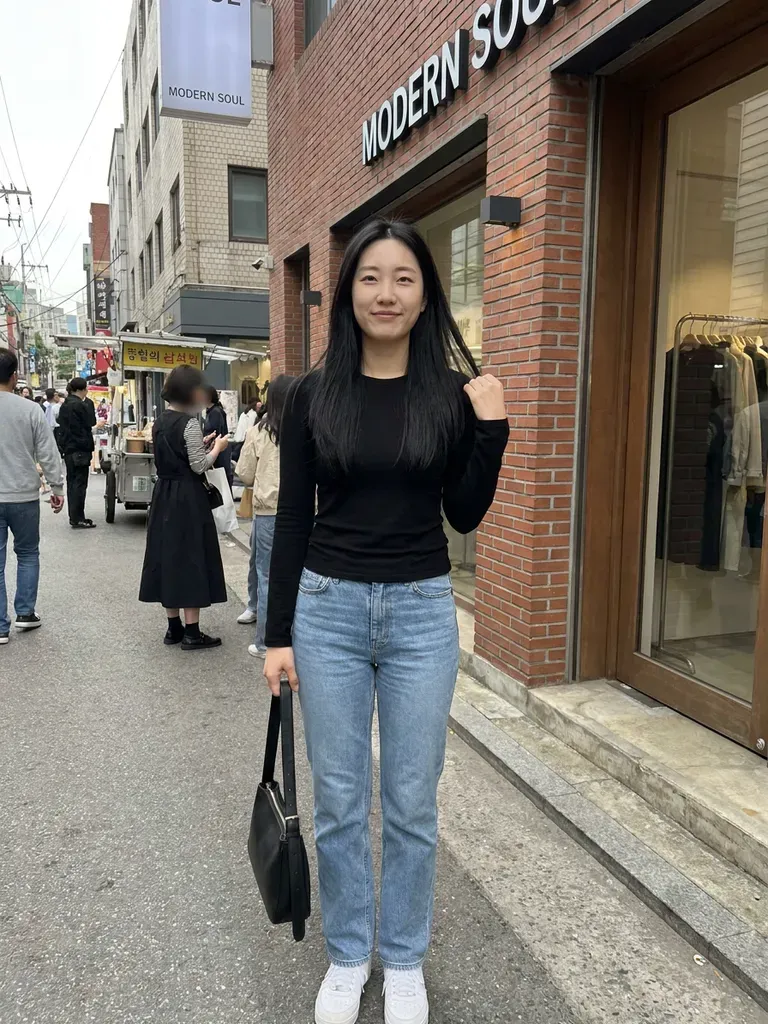
Upload a full-length photo
Coats vary a lot in length, so head-to-toe framing gives the best result.
2
Save coats you like
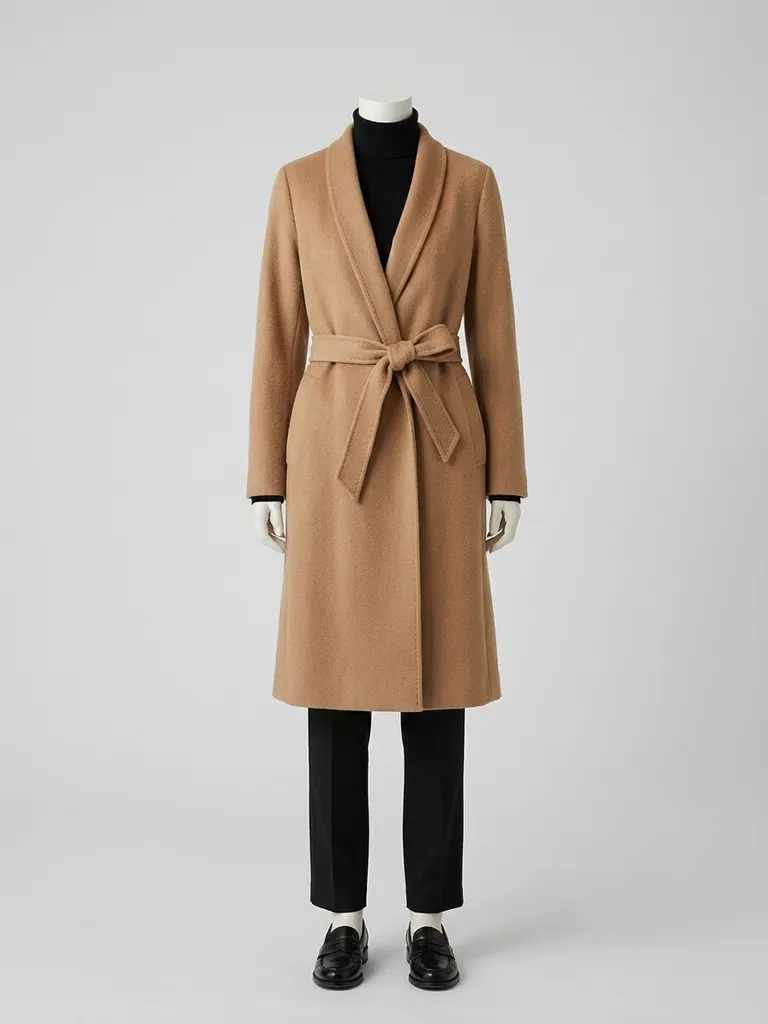
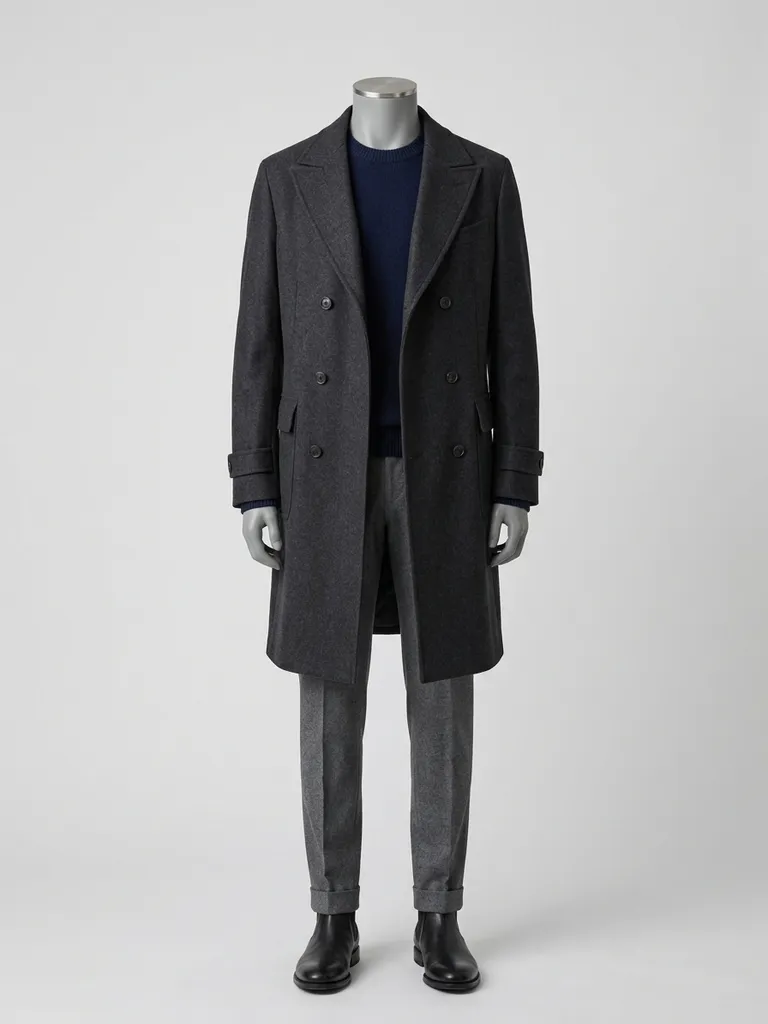
Screenshot coats from any online shop or snap one in store.
3
Compare on you
See each coat in 30–60 seconds and pick the right one for the season.
Why try it on with Outfitap
Find your length
Cropped, hip-length, knee-length or full-length – see what suits your height.
Camel, black or colour
Compare classic neutrals with bolder coats in red, green or blue.
Avoid bulky returns
Coats are expensive to ship back – decide before you order.
Check volume
See whether an oversized coat or a puffer overwhelms your frame.
Shop across stores
Compare coats from different brands on the same photo of you.
Private
Your photos are never stored after the preview.
Why try coats on virtually
A coat is the piece people see most during winter, so it’s worth getting right. But coats are hard to judge online: length looks different on every height, and oversized cuts can drown a smaller frame. A virtual try-on helps you see proportions and colour on yourself before the parcel arrives, saving you a bulky return. It also helps you decide between a classic neutral you’ll wear for years and a statement colour that brightens grey days. Save both previews and compare.
Coat styles to try
Try a classic beige trench, a camel wrap coat, a double-breasted navy peacoat, a long black wool overcoat, a cropped puffer, a longline quilted coat, a teddy coat and a tailored check coat. For mild weather, a mac or car coat is a good option. Use outfit photos that show the full length of the coat on a model, ideally buttoned or belted as you’d wear it. If you mostly wear trousers, try a knee-length coat; if you love dresses and skirts, a longer coat often balances the look.
Frequently asked questions
Yes. Upload a full-length photo and an image of the coat. Outfitap shows you wearing it in about a minute with your face, pose and background unchanged.
No. The preview shows style, colour and length, not the fabric weight or warmth. Check the material details on the product page. The preview is ideal for comparing styles and colours quickly – then read the product details or visit a store for the feel of the fabric.
Yes, it’s free to start. Every new account gets 2 complimentary try-ons after signing in with an email link – no card needed. After that, packs start at €1.99 for 10 try-ons, and credits never expire.
It previews proportions and style, not exact size. Use the shop’s size guide, especially for shoulder width and sleeve length. Where the preview really helps is narrowing down which styles you love, so you only order – or queue for the fitting room with – the ones worth it.
Use an outfit image where the coat is worn over a similar look, and the AI will try on the whole combination. The preview is ideal for comparing styles and colours quickly – then read the product details or visit a store for the feel of the fabric.
No. Your photos are processed in memory during generation and then discarded – they’re never stored or used to train AI. On the web, the finished result is kept for 24 hours so you can download it, then deleted.




Try it on free
Try on coats online with AI. Preview trench coats, wool coats and puffers on yourself before buying. Free to start, realistic results in a minute.