Garments
Leather jacket try-on: find the style that suits you
A leather jacket try-on lets you see any biker, bomber or leather blazer on yourself before you spend serious money. Upload a photo, add the jacket from any store and see the result in about a minute.

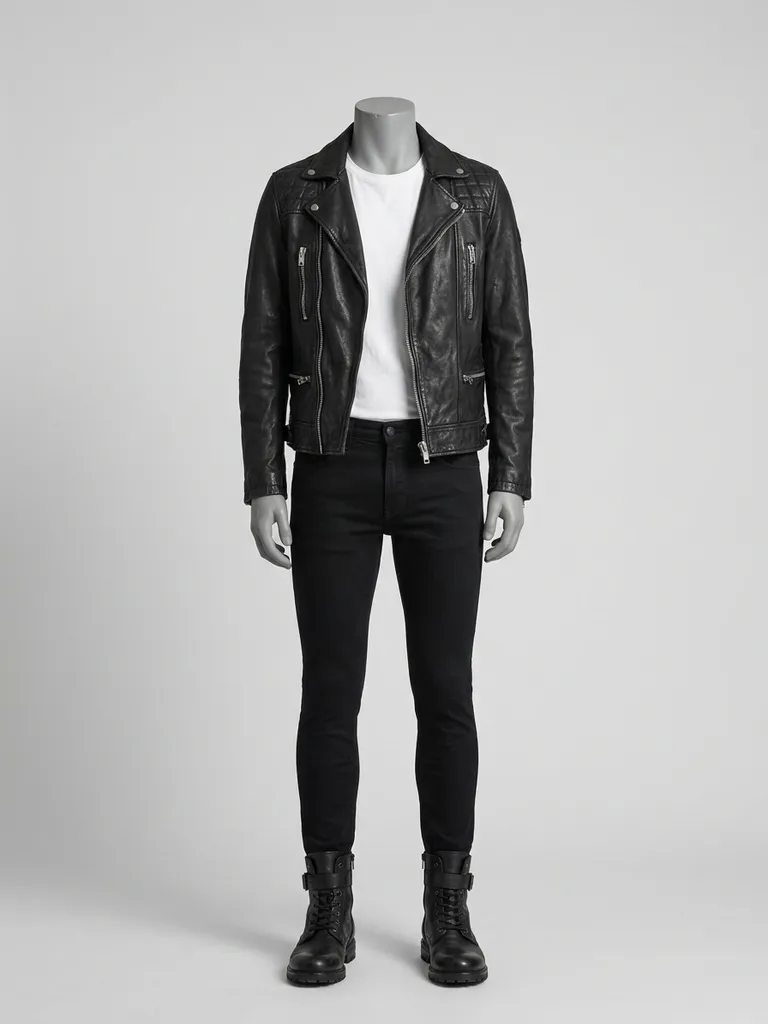
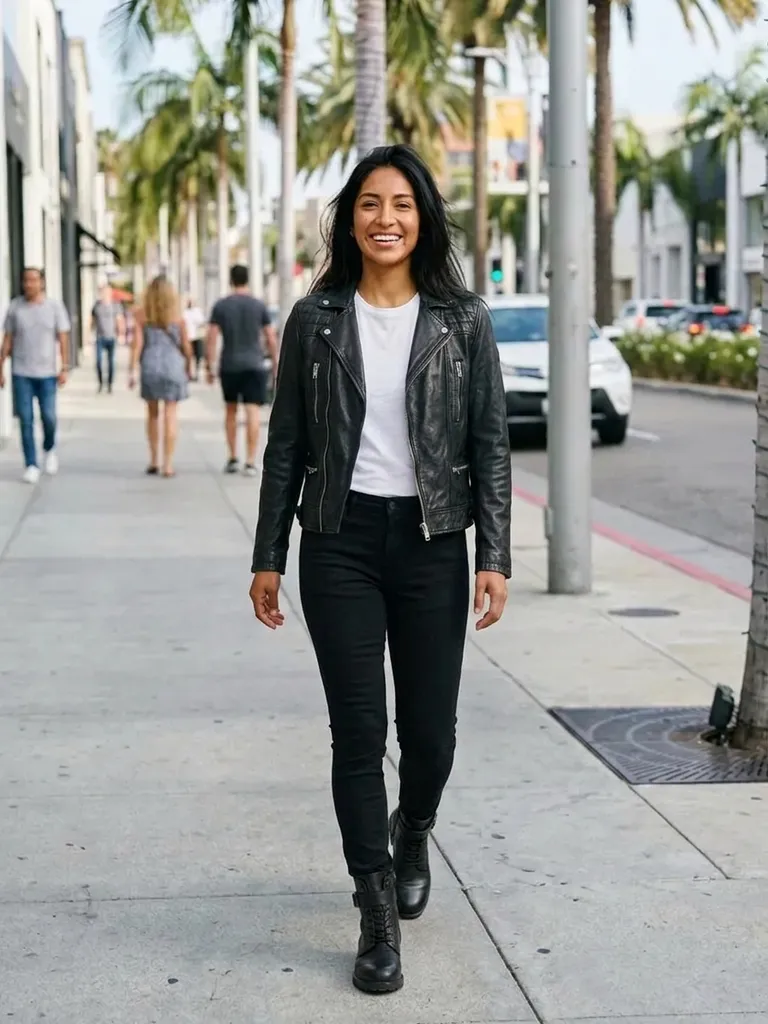

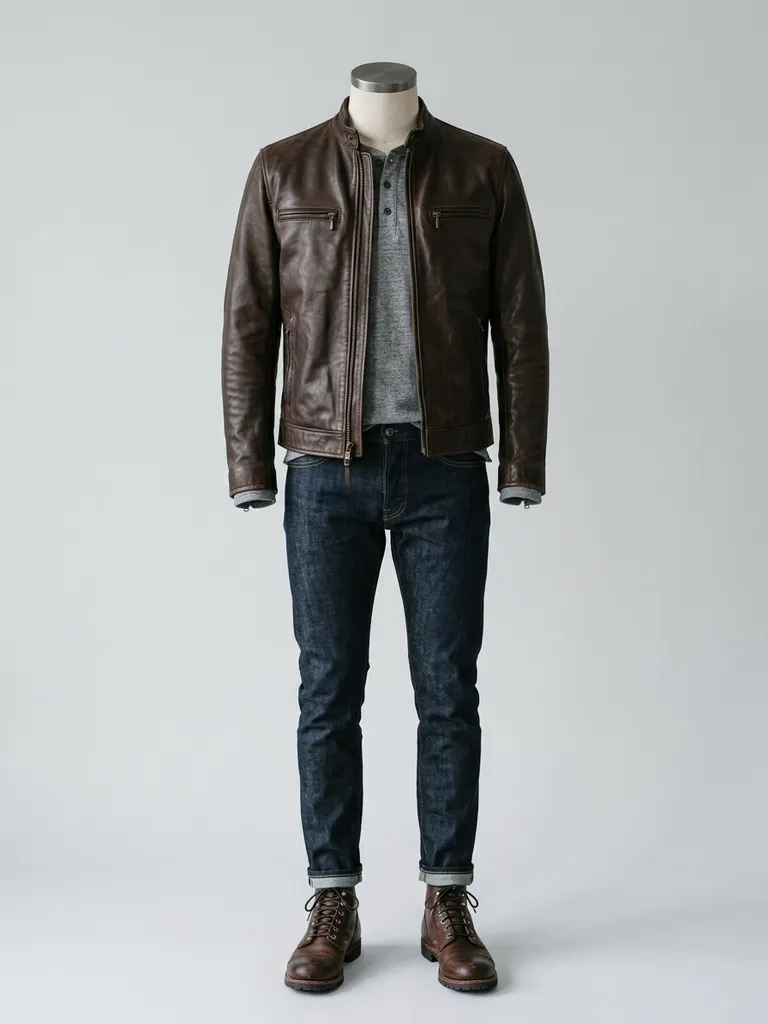

How it works
1
Upload your photo
Waist-up or full-length, facing the camera, in good light.
2
Pick a jacket
Screenshot a leather jacket from any store, resale site or vintage shop.
3
See it on you
In 30–60 seconds, see whether the cut and colour suit you.
Why try it on with Outfitap
Biker, bomber or blazer
Compare the classic leather jacket shapes on your own frame.
Black, brown or burgundy
See which leather colour works with your skin tone and hair.
Check cropped vs longline
Find the length that balances your proportions.
Shop vintage with confidence
Preview second-hand jackets before buying non-returnable pieces.
Plan the full outfit
Try the jacket over different looks from your wardrobe.
Private
Photos are processed in memory and never stored.
Why try leather jackets virtually
A good leather jacket is an investment, and the difference between the right and wrong cut is huge. Shoulder width, length and collar style change the whole look. Virtual try-on lets you compare styles from different shops, including vintage and resale finds that can’t be returned, before you hand over your money. It also helps you decide between black and brown, or between a biker and a cleaner bomber cut, without visiting several stores. Save the previews you like and compare them side by side.
Leather jacket styles to try
Try a classic black asymmetric biker, a brown suede trucker, a cropped moto jacket, an oversized leather blazer, a shearling-collar aviator, a bomber with ribbed cuffs and a longline leather trench. Faux leather and vegan leather work just as well. Use a photo where the jacket is worn by a model and the zip and collar are clearly visible. If you’re buying vintage, pick the clearest listing photo, ideally showing the jacket worn by a person, so the preview reflects the real cut and colour.
Frequently asked questions
Upload a photo of yourself and a picture of the jacket. Outfitap’s AI shows you wearing it in about a minute, keeping your face, pose and background unchanged.
It reproduces the colour, shine and general texture convincingly, but it can’t show how thick or stiff the leather really is. The preview is ideal for comparing styles and colours quickly – then read the product details or visit a store for the feel of the fabric.
Yes, it’s free to start. Every new account gets 2 complimentary try-ons after signing in with an email link – no card needed. After that, packs start at €1.99 for 10 try-ons, and credits never expire.
It previews style and proportions, not exact sizing. Check shoulder width and length measurements before ordering. Where the preview really helps is narrowing down which styles you love, so you only order – or queue for the fitting room with – the ones worth it.
The AI replaces the visible clothing with the outfit image. For a layered look, use an outfit photo that shows the jacket worn over a similar top.
No. Your photos are processed in memory during generation and then discarded – they’re never stored or used to train AI. On the web, the finished result is kept for 24 hours so you can download it, then deleted.





Try it on free
Try on leather jackets online with AI. Preview biker, bomber and blazer styles on yourself before you buy. Free to start, results in about a minute.