Occasions
Date night outfit try-on: pick the look before you get dressed
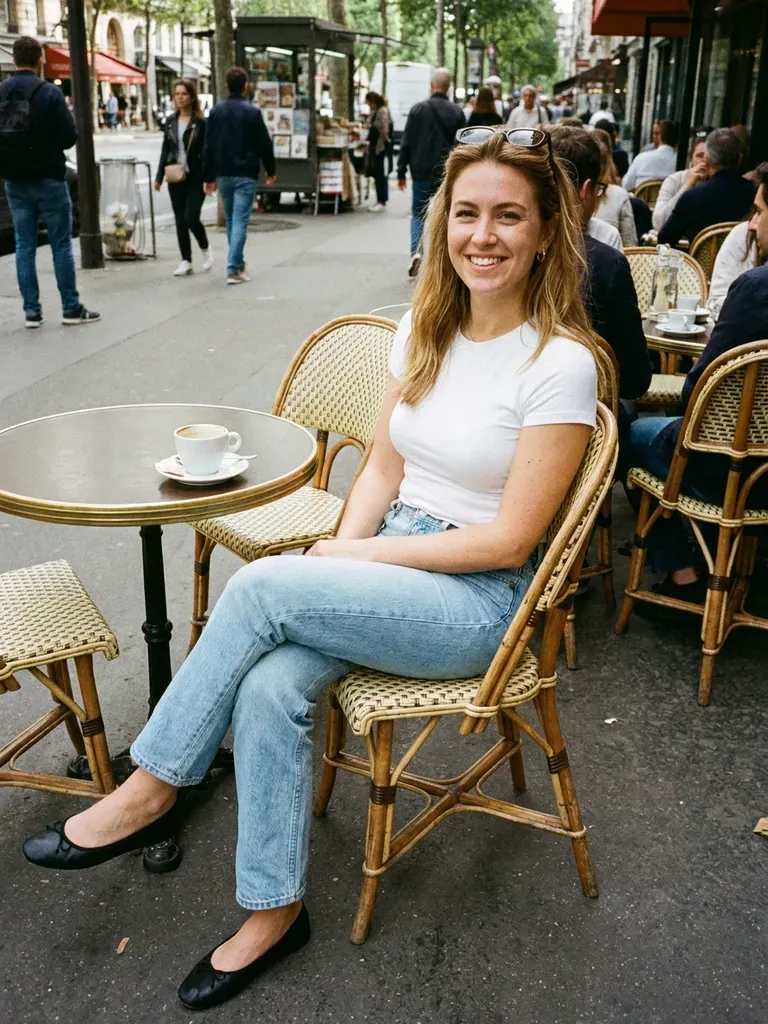
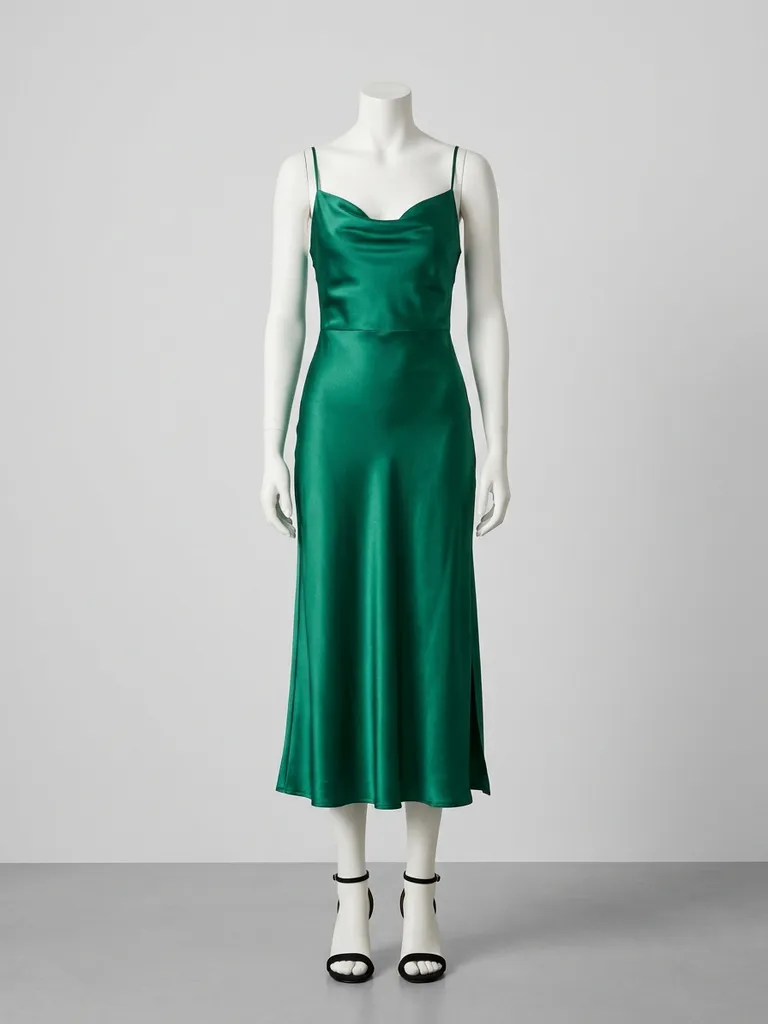
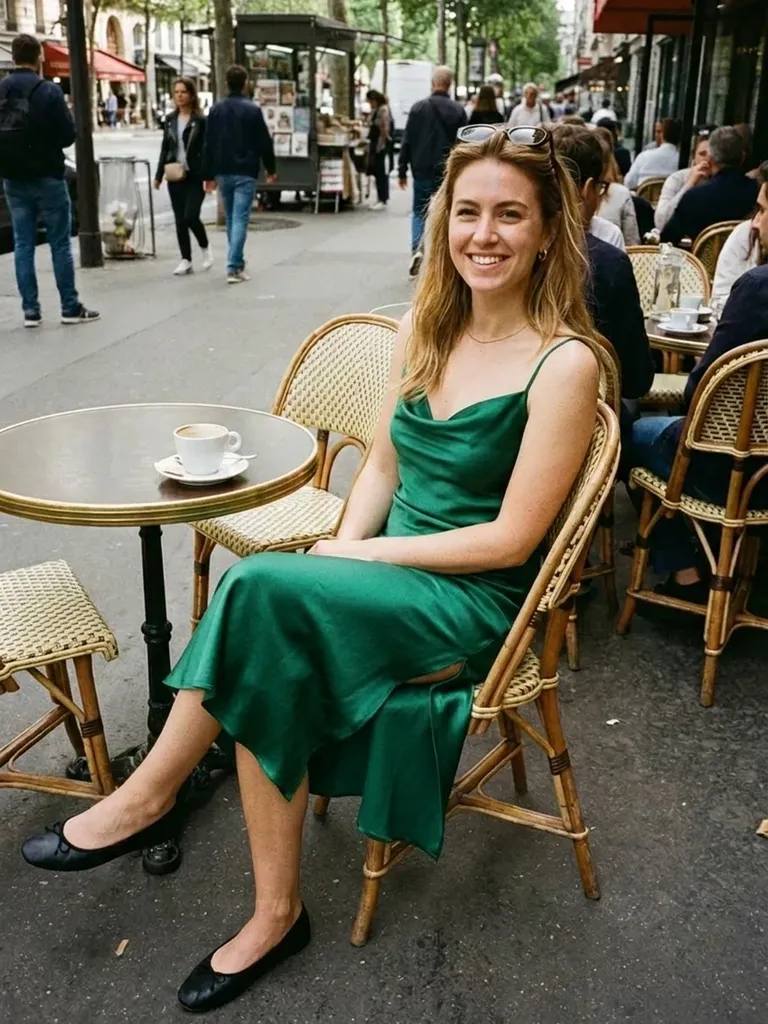
Date night outfit try-on lets you see how an outfit looks on you before you buy it or pull everything out of the wardrobe. Upload your photo, add any look and decide in minutes, not hours.
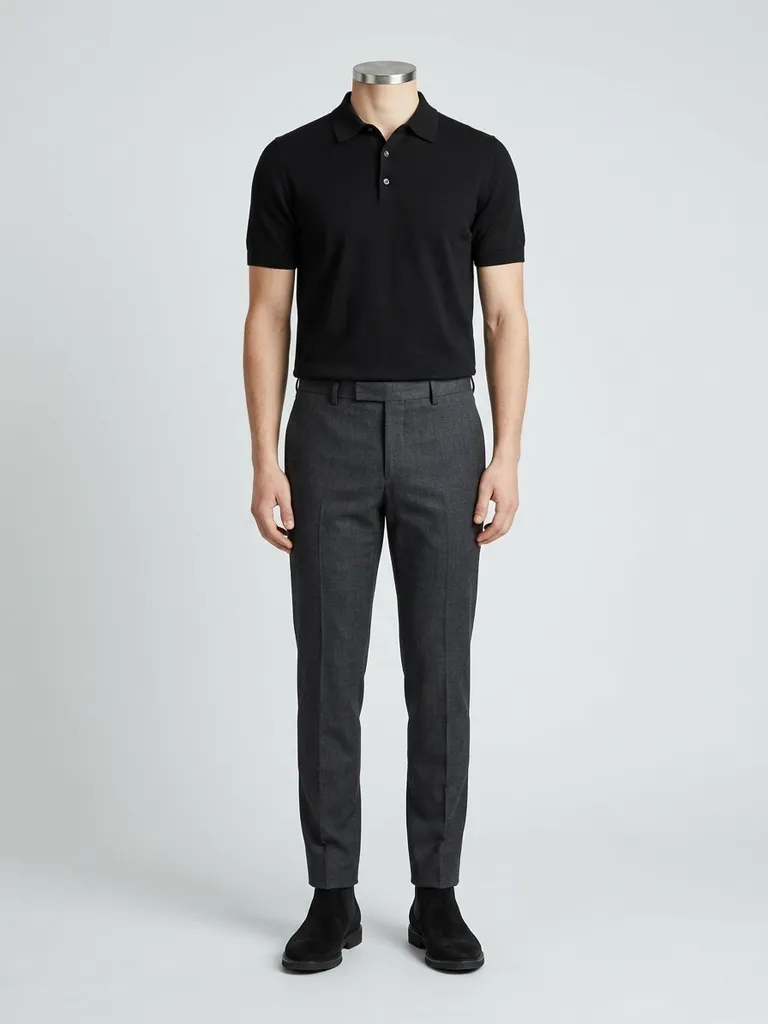
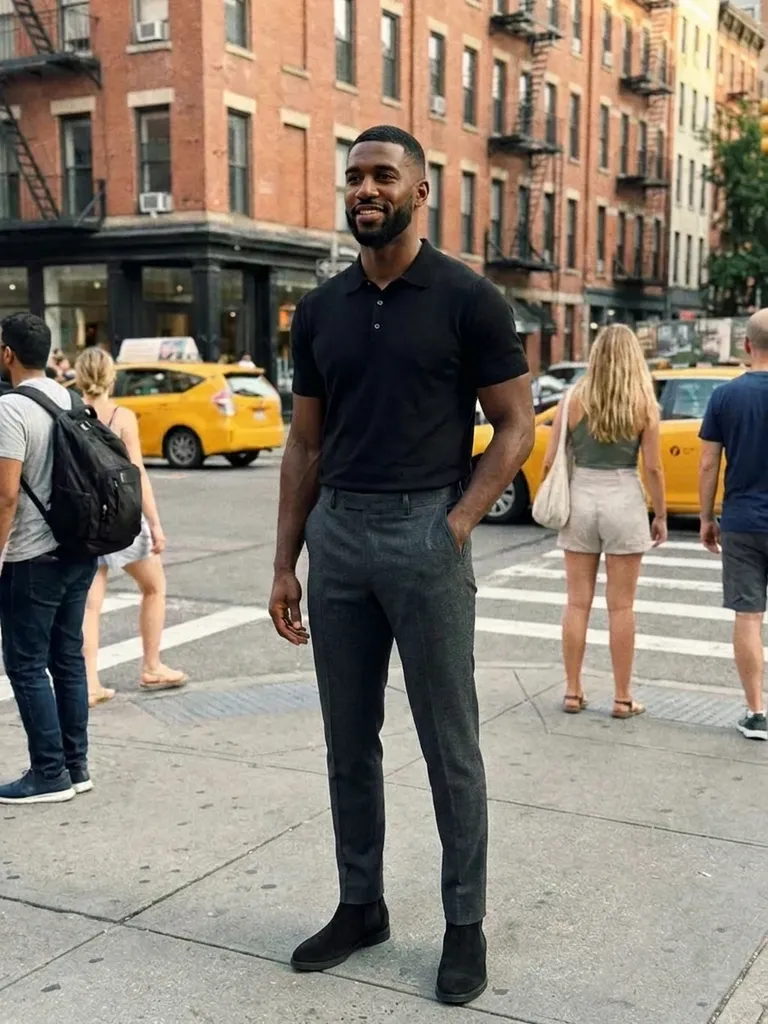
How it works
1
Upload a photo of you
Front-facing, full-length or at least waist-up, in good light.
2
Add outfit ideas
Screenshot looks from shops, Pinterest or influencer posts – or photograph pieces you already own.
3
Choose your winner
Compare previews side by side and walk out the door feeling confident.
Why try it on with Outfitap
Dress for the venue
Cocktail bar, cosy restaurant or rooftop – check the look fits the setting.
Try something new safely
Test that bold red dress or leather trousers before you wear them out.
Shop your wardrobe
Photograph clothes you already own and try new combinations on screen.
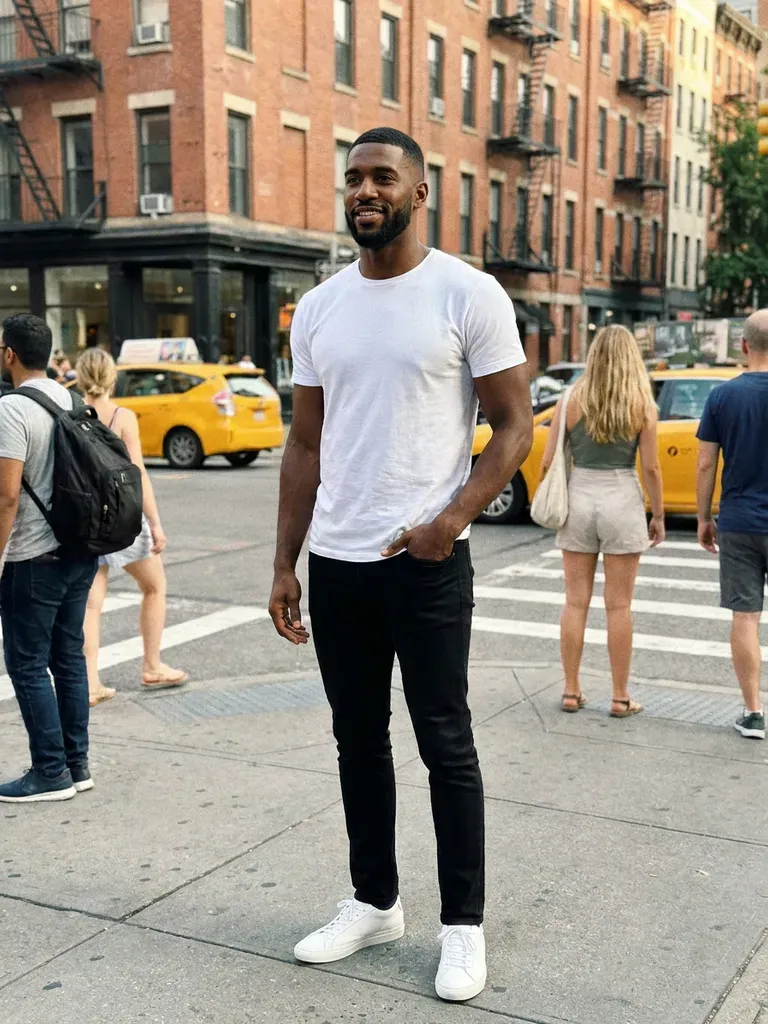
Works for any gender
Shirts, blazers, dresses and knitwear all work for any body.
Ask a friend’s opinion
Download the preview and send it for a second opinion in seconds.
Discreet and private
Your photos aren’t stored after the preview is generated.
Why try date night outfits on virtually
The hour before a date is not the time to discover that a new dress is too formal or a shirt colour washes you out. Trying looks virtually lets you plan earlier, whether you’re buying something new or restyling what you already own. You can test a few directions – relaxed, polished, a bit daring – and pick the one that feels most like you. It’s also a low-pressure way to try something bolder than usual and see whether you’d actually feel good wearing it out.
Date night outfit ideas to try
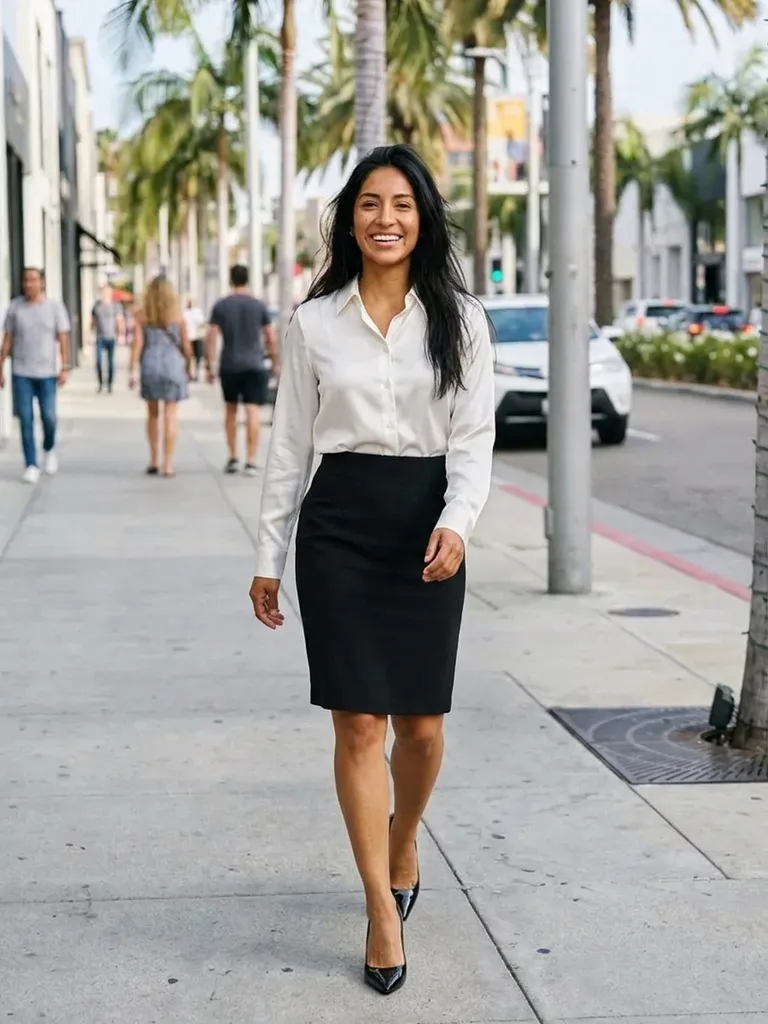
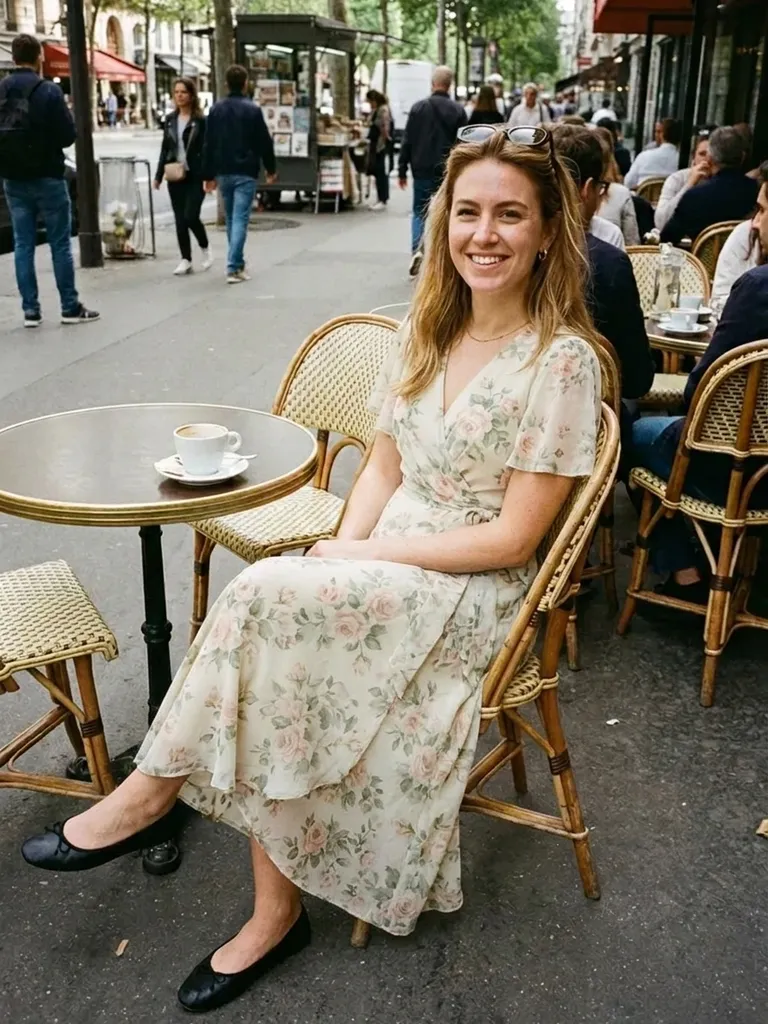
For a first date, try dark jeans with a silk camisole and blazer, a slip skirt with a fitted knit, or a crisp linen shirt with chinos. For dinner, a little black dress, a satin midi, or a dark suit without a tie. For a casual date, a knit polo, an overshirt or a simple wrap dress. Use one outfit photo per try-on for the clearest result. If you’re unsure, try the same top with two different bottoms and pick the version that feels most comfortable and still a little special.
Frequently asked questions
Upload a photo of yourself and an image of the outfit. The AI swaps your clothes in about 30–60 seconds and keeps your face, hair and background unchanged.
Yes. Lay the piece flat or hang it against a plain wall and take a clear photo. Flat-lays and hanger shots both work. Ideally, choose an image that shows one complete look clearly – on a model, a mannequin or laid flat – without collages, watermarks or text banners covering the clothes.
You can start for free: every new account gets 2 try-ons on sign-up. If you want to compare more options, credit packs start at €1.99 for 10 try-ons or €4.99 for 30, and they never expire.
It shows how the colour, cut and style look on you, not the exact size or fabric feel. Where the preview really helps is narrowing down which styles you love, so you only order – or queue for the fitting room with – the ones worth it.
Yes, if the outfit photo shows the full look on one model. For separate items, try them one at a time. Using the same photo of yourself for every option makes the previews easy to compare side by side before you decide.
No. Both photos are held in memory only for the 30–60 seconds it takes to generate your preview, then deleted. We never use them to train AI. Your result stays available for 24 hours so you can save it.
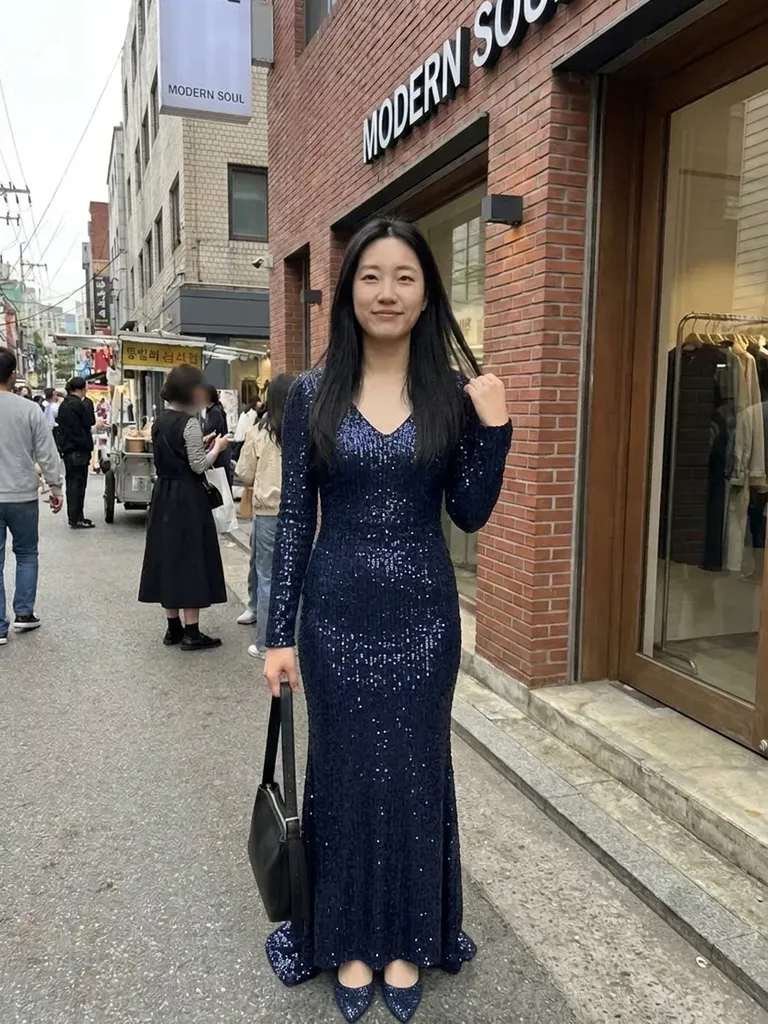
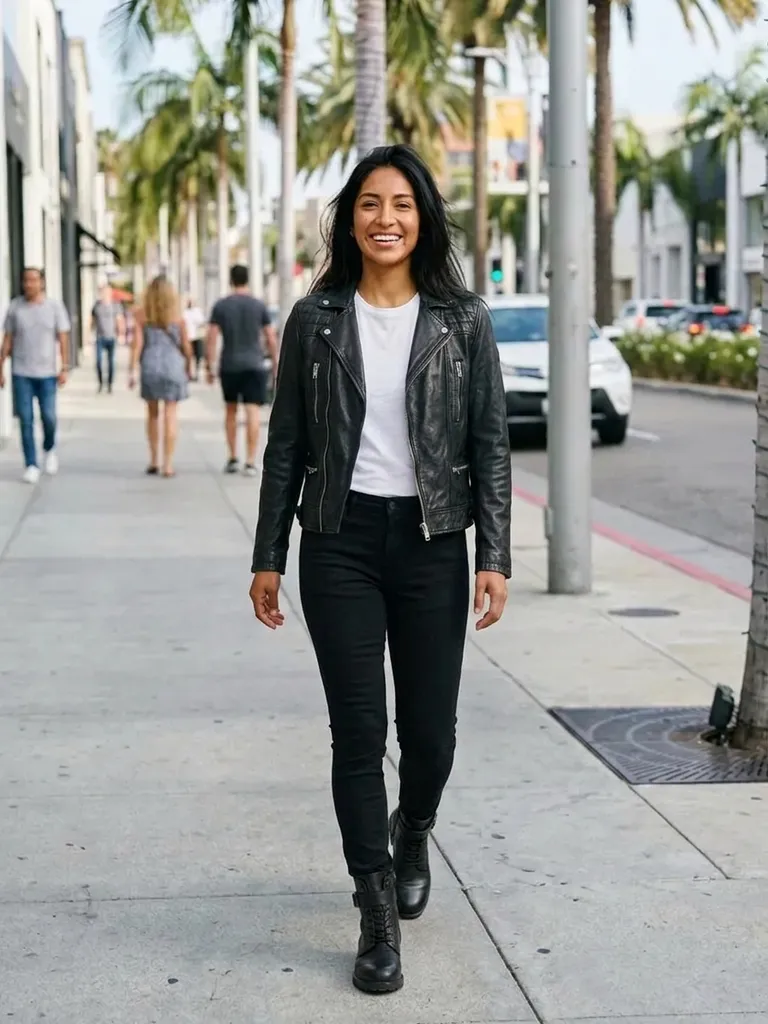
Try it on free
Try on date night outfits online with AI. See how clothes look on you before the date, from casual drinks to fancy dinners. Free to start.